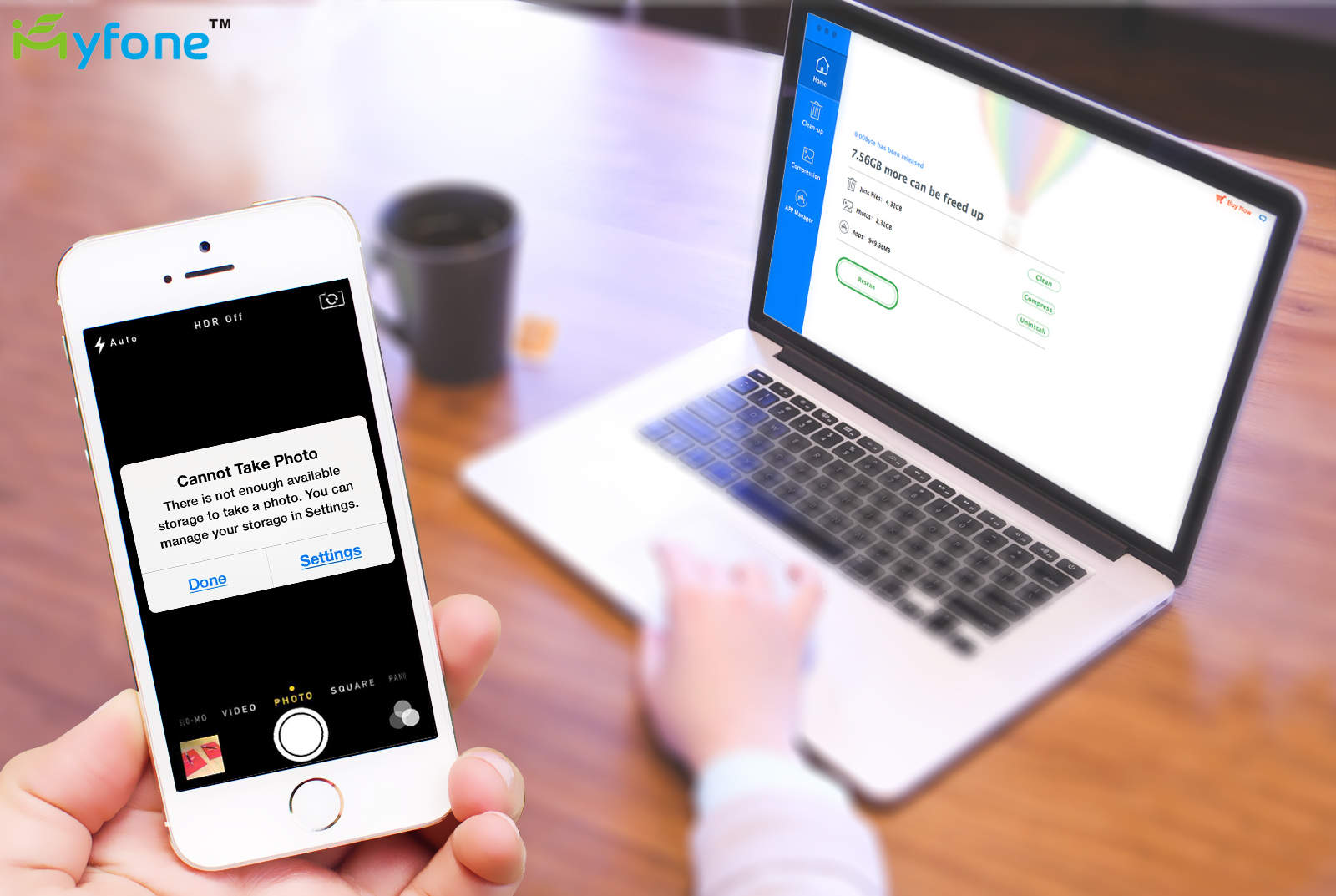
This post is brought to you by iMyfone Technology Co., maker of iMyfone Umate.
Sure our iPhones look sharp, but the sleek exterior hides an inner life that resembles the floor of a bachelor pad. Broken bits of uncompressed photos, unused files, app caches, cookies, backup logs and whatnot clog up the works (there’s probably a few empty pizza boxes in there, too).
Our phones’ messy private lives wouldn’t matter much to us if they didn’t affect our own. How often do you find yourself unable to download an update due to lack of storage space? Or experience slow performance even after deleting a bunch of unused apps, clearing out old playlists and photos?
The problem isn’t you. It’s that Apple’s options for managing the space on our iPhones don’t really give us control of what’s on our devices. How often have you used iTunes to back up and delete all the photos from your iPhone to save space, only to find that somehow images still eat up a huge chunk of your phone’s storage?
iMyfone Umate for Mac offers another option, giving users the power to effectively manage what stays on their phones and how. It’s intuitive, powerful, fast and gives users enough manual control to make sure their devices are tidy and smooth-running, carrying exactly the contents they choose.
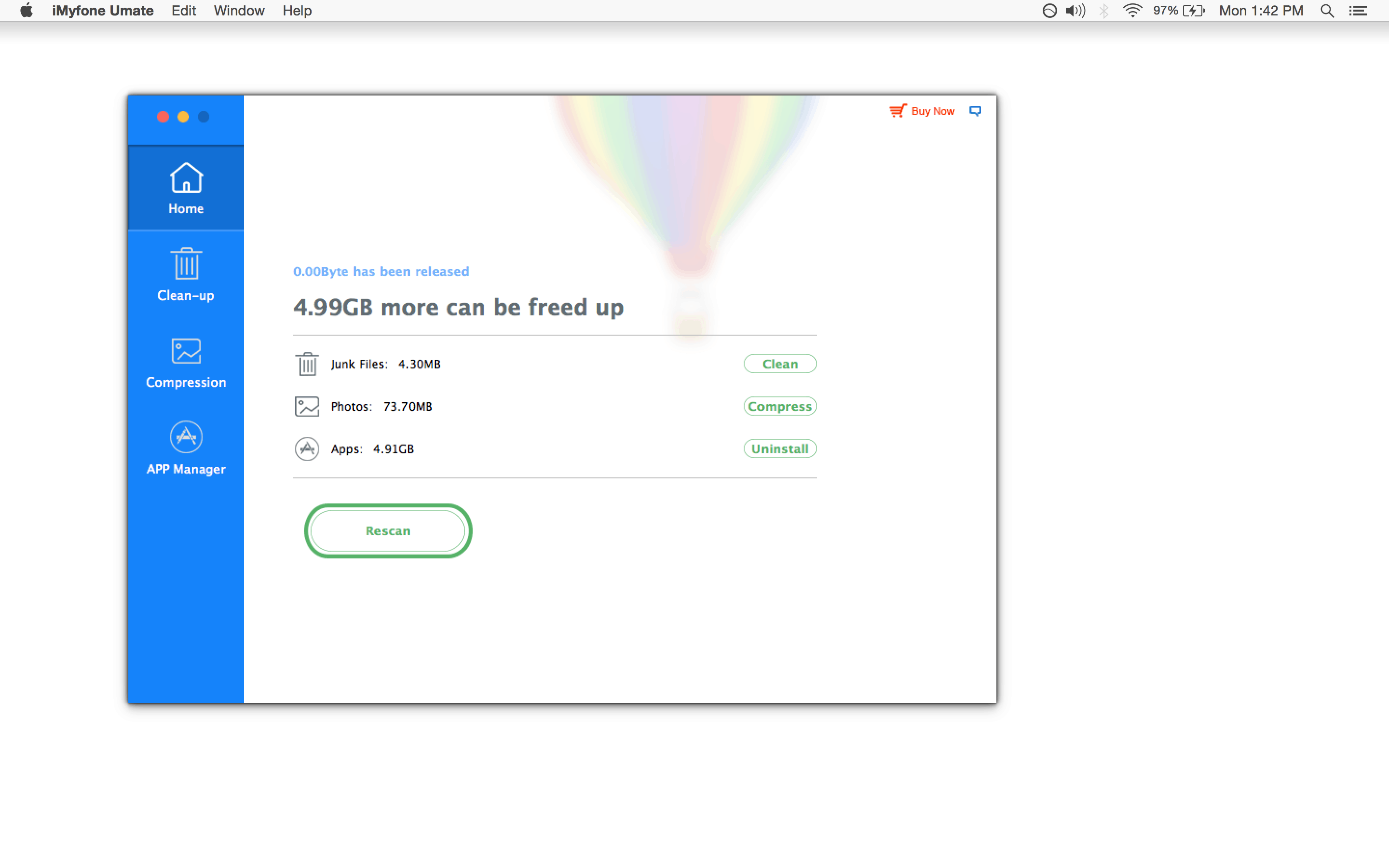
It’s easy to free up space on iPhone. The software combines more than 25 analyzation techniques and technologies that target and eliminate over 30 kinds of junk files. It also cleans up extraneous photo files used by various apps, and includes a powerful form of lossless compression for photos that can reduce their footprint by as much as 75 percent.
After you do this, and truly remove unused files and apps, you’ll be amazed at how much more space your phone has — and how much faster it runs.
iMyfone Umate shines in comparison to the usual, Apple-made method of managing mobile storage. Just plug your device in and let iMyfone scan to assess how much extra space can be cleared up. Then, with a single click, you can perform any of the above processes through an absolutely simple and uncluttered user interface. It really is that easy. Within minutes, Cult of Mac’s tester saved 5 gigabytes on a well-kept iPhone.
Screengrab: Cult of Mac
Everything that gets removed also gets automatically backed up to your computer, so there’s no risk of click regret. Many of us are tempted to expand our mobile storage by subscribing to iCloud or some other cloud-based storage system. iMyfone Umate is an easy alternative that, pound for pound, is also a lot more cost-effective.
The best way to get introduced is to give iMyfone Umate a try yourself. Download a free trial version for Mac or for Windows PC. It will offer a free scan that can tell you how much space iMyfone Umate can save, with the option to perform a few of the clean-up tasks right away.

Cult of Mac is your source for news on tech and culture as seen through an Apple lens.


8 responses to “How to free up iPhone space with iMyfone Umate”
I don’t know. not very impressive for me. A scan found about 17MB in junk and told me I could save space (71GB!) by deleting apps. But since I have 71GB in apps installed – the same amount its telling me I could save, its basically telling me that I could save space by deleting all my apps. I don’t really need an app to tell me that.
Having a clear image on how much space your apps are eating up is not a bad thing I guess. :) For users who like taking photos and have lots of junk on iPhone, iMyfone Umate can really make a big difference on releasing space.
I got my iPhone 6 last December. This tool scanned my phone and found 101MB in juck. But I think it’s accurate. Because my brother who is a software engineer told me that the amount of junk files depend on how many files in user’s storage directory and download directory. I checked it. It’s true. The photo compression and Apps management are so cool.
The same with Rafterman00… probably I got my iPhone 6s two months ago and there were not much cache files on my iPhone… It told me I could save 32MB by junk files clean-up… But I tried to compress my 1300+ photos and it saved me about 1.5gb… that was a huge number…
Tried the trial version, and the scan result of junk files for my iPhone 4S was 785MB! Why so big diffrence? Guess my iPhone was used for too long and used safari too frequently? It’s a pity that free trial version only support one-time junk clean-up.
“The software combines more than 25 analyzation techniques”
25 what?
Hell no, here’s PhoneClean AGAIN! Yes if I need some program which can BRICK my iPhone I definitely will choose PhoneClean. I downloaded phoneclean from the website and it nearly bricked my iPhone 6 plus! After searched on the Facebook and Twitter, I found I’m not the one victim. Screw you, Phoneclean.
Hell no! Here’s PhoneClean AGAIN! Yes if I need some program which can BRICK my iPhone I definitely will choose PhoneClean. I downloaded phoneclean from the website and it nearly bricked my iPhone 6 plus! After searched on the Facebook and Twitter, I found I’m not the one victim. Screw you, Phoneclean.