Updating AirTag firmware is easy. But it requires patience. Image: Apple/Cult of Mac
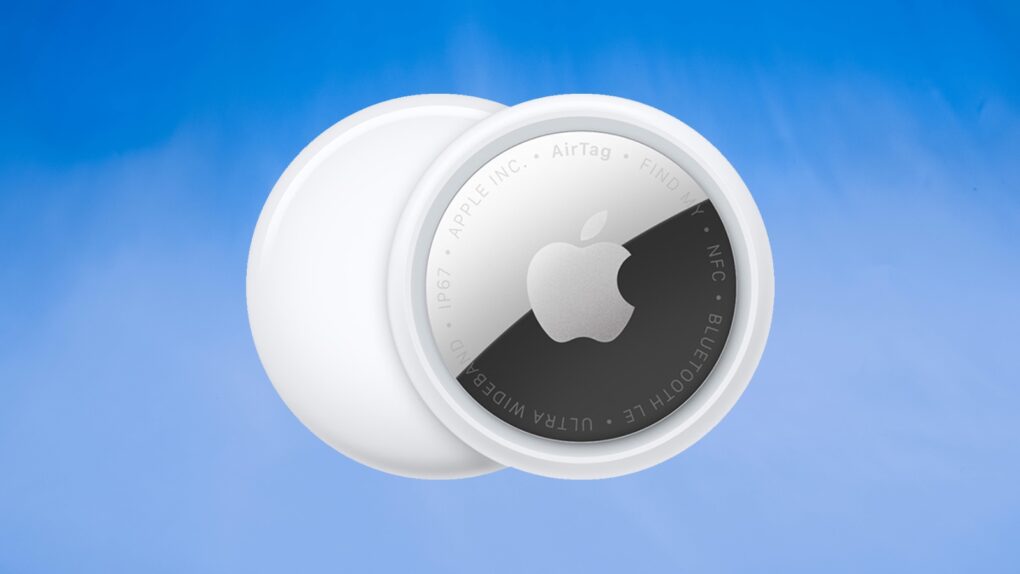
Apple is rolling out a firmware update for the AirTag 2 that makes it easier to locate one of the tracking tags if it’s being used to stalk someone.
You’ll probably want it, but it turns out that updating the AirTag’s software is both easy and hard. You don’t need to jump through hoops, but neither do you have much control.
★★★★★
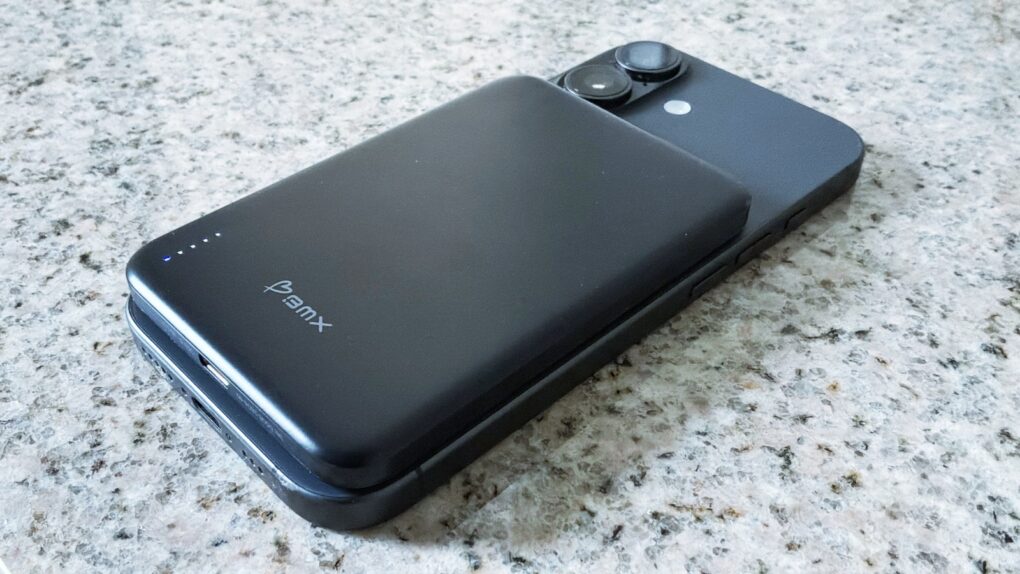
The BMX SolidSafe Air keeps my iPhone 17 going for an extra day. Photo: Ed Hardy/Cult of Mac
The BMX SolidSafe Air is the MagSafe power bank we’ve been waiting for. It’s a mere 0.27 inches (6.88mm) thin — slimmer than the iPhone 17 I tested it with.
The 5,000mAh iPhone accessory features a semi-solid-state cell design to reduce fire risk and a lightweight titanium build.
Here’s why it was such a pleasure to test out. This is the best MagSafe power bank I’ve ever used.
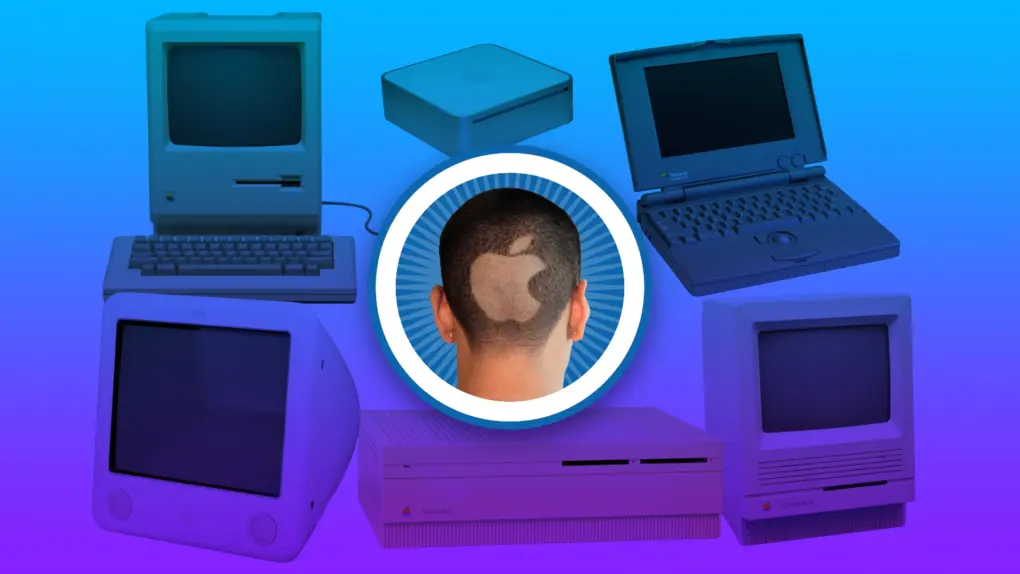
You always remember your first. Image: Apple/D. Griffin Jones/Cult of Mac
Apple started exactly fifty years ago, and most of the Cult of Mac staff have been Mac users almost since the beginning. We have 170+ years of experience!
Today’s milestone has us looking back on how we got started using Apple computers, from the original Macintosh to the first PowerBook to the early Mac mini.
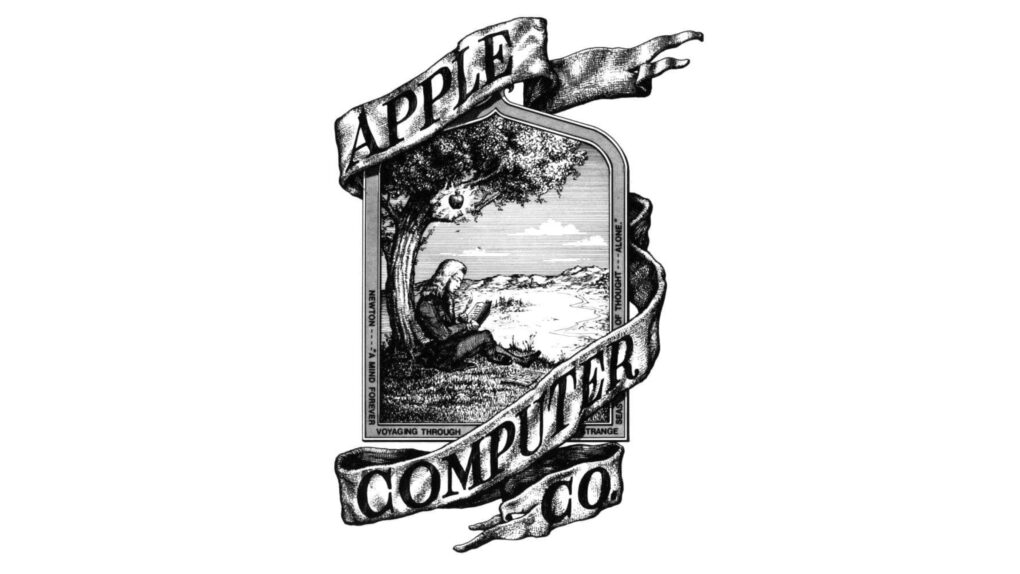
The original Apple logo, designed by Ron Wayne. Image: Apple
April 1, 1976: The Apple Computer Company is founded by Steve Jobs, Steve Wozniak and Ronald Wayne. The trio sets out to sell the $666 Apple-1 computer.
Apple will not officially become a corporation until January 3 the following year. By that time, Wayne is no longer a part of the business.
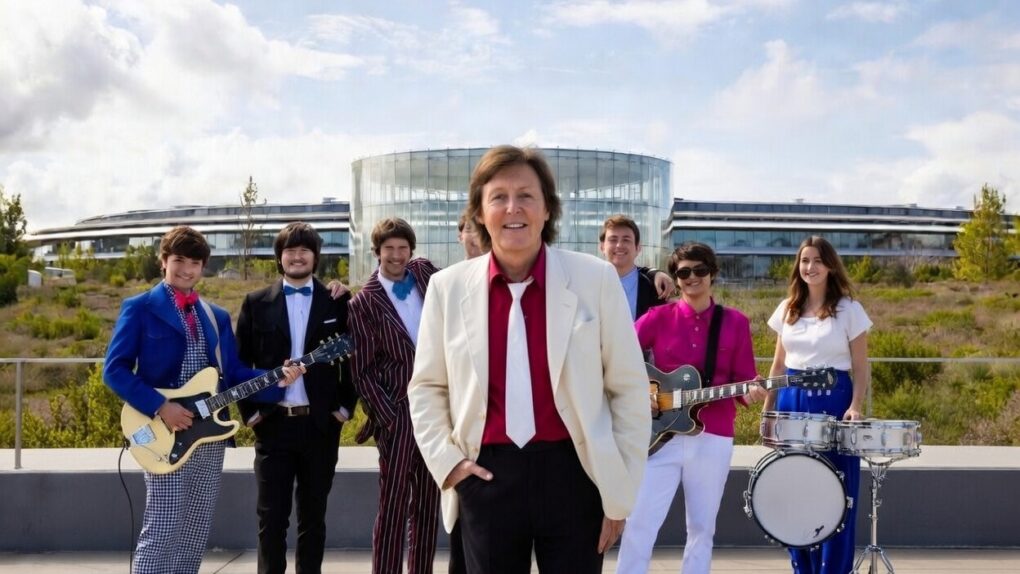
Paul McCartney plays Apple Park for the iPhone giant's 50th anniversary. Photo: @Diario_Beatles, X.com
Apple turned 50 on Wednesday, but the real party happened the night before. On Tuesday evening, Sir Paul McCartney took the rainbow stage at the heart of Apple Park and delivered a career-spanning performance for thousands of Apple employees.
It closed out weeks of global anniversary celebrations with one of the most storied voices in rock history — and a sky full of fireworks.
It’s a big birthday for the fruit company. Image: Apple/D. Griffin Jones/Cult of Mac
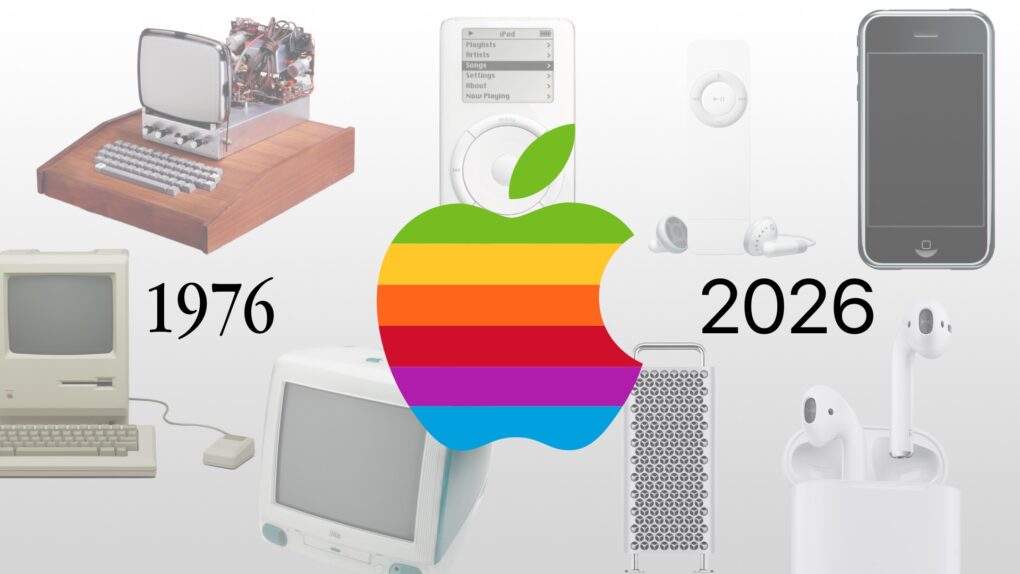
As Apple turns 50, it’s worth looking back on the company’s greatest accomplishments and lowest moments through history. If you don’t have time for David Pogue’s 600-page epic, Apple: The First 50 Years, maybe you can spare eight minutes to relive the single biggest piece of Apple news every year.
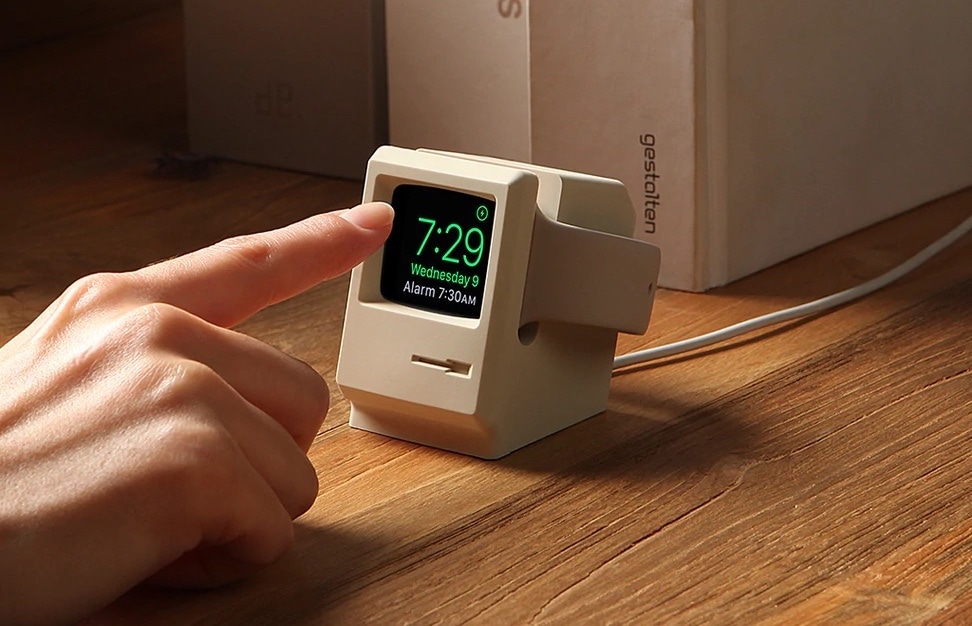
The Elago W3 Apple Watch Stand brings to mind a classic Mac. Photo: Elago
April 1 marks a milestone: Apple turns 50. Half a century after Steve Jobs, Steve Wozniak and Ronald Wayne signed the papers in a California garage, Apple has become one of the most valuable companies on Earth — and one of the most design-obsessed in history.
And lucky for gear fans, some of its brilliant products inspired other companies to make some great retro-futuristic Apple accessories.
Some of the most important products from Apple's first 50 years might surprise you. Image: Midjourney/Cult of Mac
Apple produced an amazing string of hit products over its 50 years, but to paraphrase Napoleon the pig: Some are more important than others.
Here are the most important products in Apple’s 50-year history. And no, this list is likely not what you were expecting. They’re not necessarily the biggest or the most well-known.
British Invasion performer. Will it be Sir Paul? Or maybe somebody from Herman's Hermits. AI image: Grok/Cult of Mac
Apple’s global 50th anniversary celebration is building to what might be its most memorable moment yet — and if the clues are right, it involves a Beatle performing at Apple Park this week. Or somebody else from the British Invasion that Steve Jobs loved.
The Beatles' clash with Apple ran for almost 30 years. Photo: Apple Corps
March 30, 2006: A court case begins that once again pits Apple Computer against Apple Corps, The Beatles’ record label and holding company.
The lawsuit caps a long-running legal battle between the two wealthy companies. It’s the final fight in an epic legal battle over music, technology and money.
At about the midway point of its 50-year journey so far, Apple replaced its famous rainbow logo for something a bit more austere. Photo: Lyle Kahney/Cult of Mac
Apple’s history is often distilled into the “Jobs and Woz” garage origin story and the slick modern era of design legend Jony Ive and current CEO Tim Cook. But a group of critical, often overlooked contributors actually forged the company’s 50-year arc. Here are 16 unsung heroes from Apple’s first 50 years — some of the most important “geniuses” and original thinkers behind Apple’s success.
“It doesn’t make sense to hire smart people and then tell them what to do,” Steve Jobs once said. “We hire smart people so they can tell us what to do.”
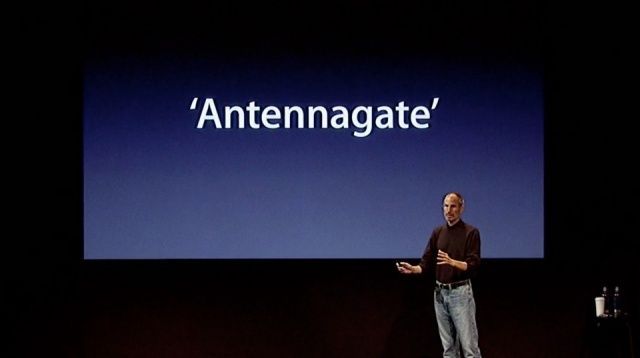
No, you weren't holding your iPhone wrong. Photo: Apple
March 29, 2012: A settlement ends the “Antennagate” controversy, as Apple gives affected iPhone 4 owners the chance to claim a whopping $15 payout. The settlement covers customers whose phones dropped calls due to its cutting-edge design, but were unable to return their handsets (or didn’t want a free bumper case from Apple to mitigate against the problem).
While it’s arguable whether a $15 payout was worth filing all the paperwork necessary to claim the cash, the Antennagate story — and the resulting class-action lawsuit — generated big headlines at the time.
M5 Pro and M5 Max > M4 Pro and Max. Image: ChatGPT/Cult of Mac
Apple’s latest M5 Pro and M5 Max chips will serve as the company’s flagship SoCs until the M5 Ultra lands on the Mac Studio in a few months.
Power-hungry Mac fans want to know: Compared to the M4 Pro and M4 Max, what improvements do the M5 Pro and its Max sibling bring? Our comparison shows exactly how these Apple processors stack up.
So many iconic Apple products came after rivals made unsuccessful versions. AI image: Apple/ChatGPT/Cult of Mac
Looking back over Apple’s first 50 years, it’s clear what the company’s greatest talent is: turning rivals’ niche products into mainstream hits.
Apple proves adept at releasing new products in categories that looked like failures because customers simply lacked interest. But then Apple figured out what its competitors were doing wrong and released its own versions that quickly became iconic.
Here are five examples of Apple turning other companies’ fiascos into triumphs.
★★★★★
Ugreen's latest Thunderbolt 5 dock delivers on almost every front. Photo: Rajesh Pandey/Cult of Mac
While most Thunderbolt docks focus on either an expansive port selection or providing great value for money, the Ugreen Maxidok 17-in-1 Thunderbolt 5 dock offers the best of both worlds — especially with launch discounts that slash 22% off the price.
Plus, it packs a hidden port that solves a common complaint among heavy-duty Mac users. After using it as the centerpiece of my work desk, here’s how it holds up.
iPad art lights up Sydney Opera House. Photo: Apple
All over the world, Apple enjoys spending its milestone 50th anniversary month in the company of the artists and fans who have made the last five decades extraordinary, the company said recently of its worldwide birthday parties.
The festivities began on March 13 when Grammy Award-winning artist Alicia Keys took to the iconic steps of Apple Grand Central in New York City. Celebrations also rolled in China and South Korea, then London and Sydney, Australia. We’ve added new photos, below.
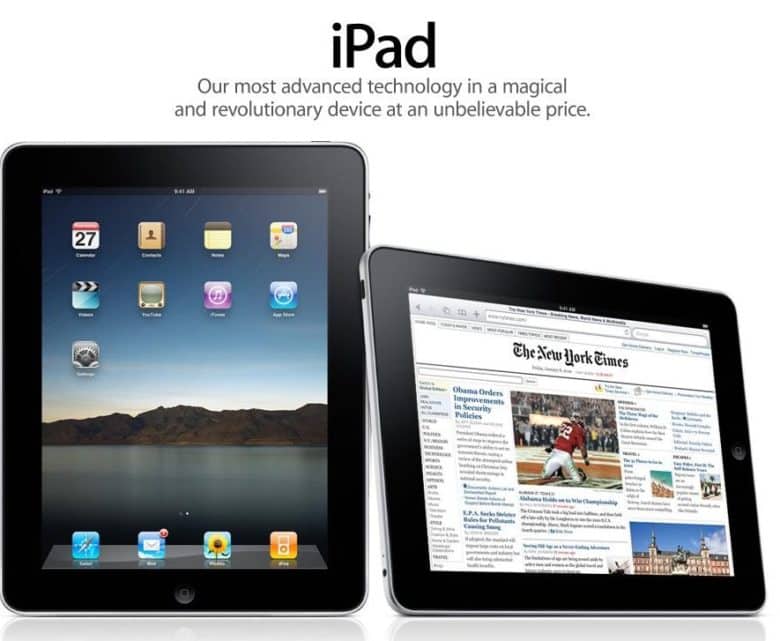
Would an iPad by any other name smell as sweet? Photo: Apple
March 26, 2010: Apple pays up to settle a trademark dispute with Japanese multinational Fujitsu over the name “iPad” in the United States.
It comes two months after Apple CEO Steve Jobs first showed off the iPad, and around a week before the tablet will land in stores. As it happens, it’s not the first time Apple battled over the name for one of its new products.
So ... crippled by envy much? This one has a high-end M2 Ultra Mac Pro, a Mac Studio, a Pro Display XDR and two Studio Displays. Photo: [email protected]
The Mac Pro, which Cupertino quietly discontinued Thursday, always occupied a rarefied tier in the Apple universe — a machine for serious professionals, well-heeled enthusiasts and the kind of person who actually needs 96GB of RAM.
Whether it’s the iconic cylindrical “trash can” from 2013, the stainless-steel-handled cheesegraters of the early 2000s, or the current M2 Ultra tower that started at $7,000 and climbed past $12,000 with upgrades, the Mac Pro commands attention wherever it appears. Feast your eyes on the top nine Mac Pro setups from Cult of Mac‘s archives.
A daring wine cellar bet means a very public deadline for the Newton MessagePad. Photo: Blake Patterson/Wikipedia CC
March 25, 1993: Apple executive Gaston Bastiaens bets a journalist that the eagerly anticipated Newton MessagePad will ship before summer ends. The prize? Bastiaens’ well-stocked personal wine cellar, worth thousands of dollars.
The bet takes place at the CeBit trade show in Hanover, Germany. Bastiaens’ outburst comes in response to a reporter’s needling. The gamble not only gives the Newton a release timetable, but also a price target: less than $1,000.
There's a big macOS update out for your Mac. Photo: Apple/D. Griffin Jones/Cult of Mac
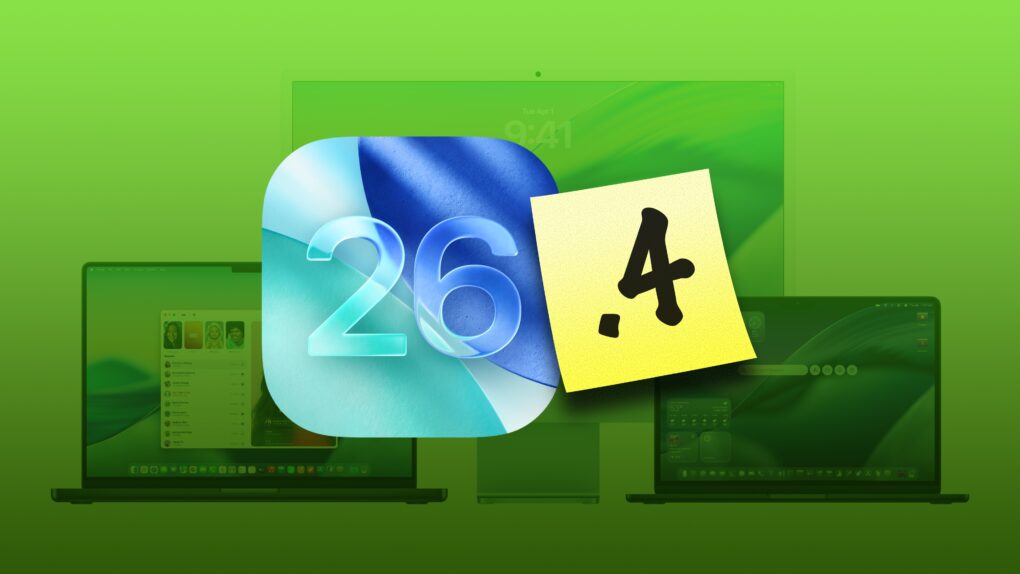
macOS Tahoe 26.4, which Apple released Tuesday, brings several noticeable improvements and changes to the Mac’s operating system. While not a massive overhaul, this is exactly the kind of point update Tahoe needs right now.
Let’s take a look at what’s new in macOS Tahoe 26.4.
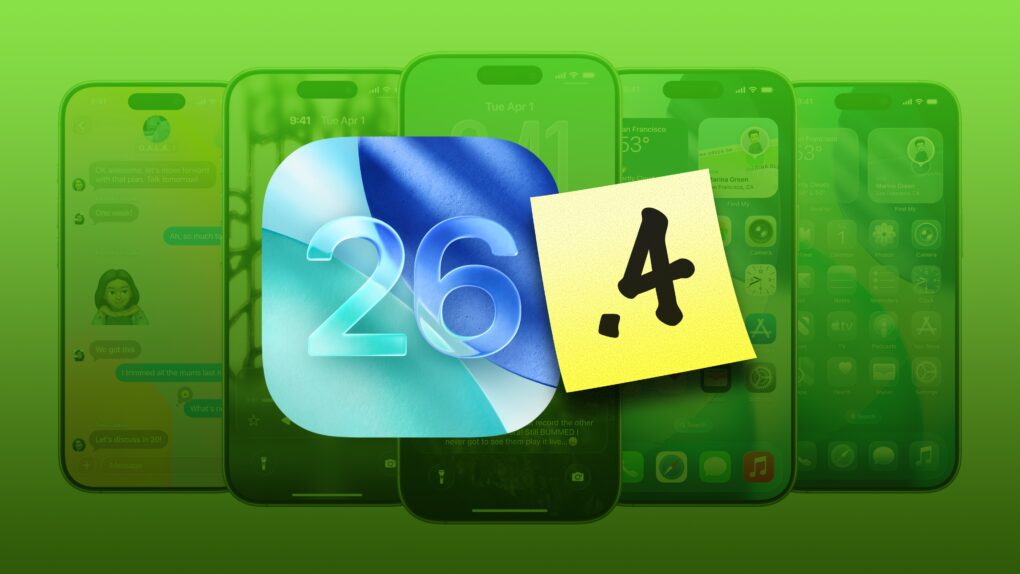
Check out all that’s new in iOS 26.4. Image: Apple/D. Griffin Jones/Cult of Mac
iOS 26.4, which Apple released Tuesday, brings a bunch of great new features to your iPhone.
It adds eight all-new emoji — a couple that I’ll definitely start using often (in addition to a few weird ones, as always). Apple Music also receives several excellent new features, like concert listings coming up in your area, in addition to a refined user interface. And the Apple Podcasts app gets a big video upgrade.
Those come in addition to tons of other interface tweaks and a fix for a typing bug that has been annoying iPhone users. Here are all the new features you can look forward to in iOS 26.4.
★★★★☆
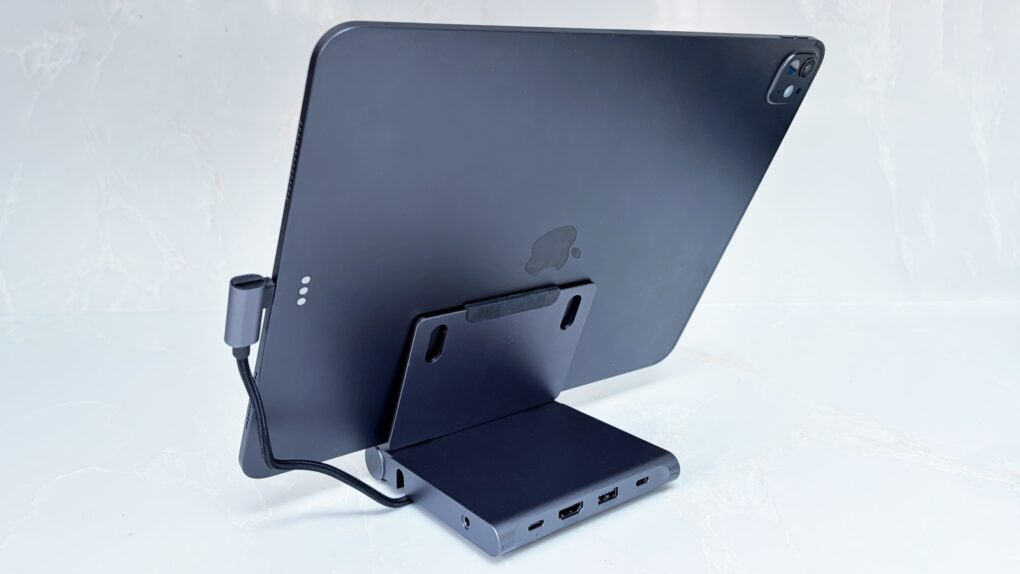
Don't settle for an iPad stand or travel hub. Not when Satechi combined them. Photo: Ed Hardy/Cult of Mac
Your iPad is fun and relaxing, but it can also be the heart of a compact workstation with the Satechi OntheGo Foldable Stand Hub. This holds up your tablet while simultaneously expanding its connectivity with five additional ports.
It’s so useful in the office, it’s easy to forget the accessory folds down so you can take it with you. Satechi says it’s made for creatives on the move.
I tested the stand+hub in my home office and when traveling. Here’s what I found.
Don't let hackers take over your iPhone. AI image: ChatGPT/Cult of Mac
Update: The sophisticated DarkSword hacking technique that came to light last week — capable of silently taking over iPhones the moment a user visits an infected website — just got worse for Apple users running older software, TechCrunch reported Monday.
Someone leaked versions of DarkSword on code-sharing site GitHub. That means DarkSword attacks likely will increase — especially since iOS expertise is not required to deploy the technique.
“This is bad. They are way too easy to repurpose,” iVerify co-founder Matthias Frielingsdorf told TechCrunch. “I don’t think that can be contained anymore. So we need to expect criminals and others to start deploying this.”
Apple spokesperson Sarah O’Rourke reminded people that “keeping software up to date is the single most important thing you can do to maintain the security of your Apple products.” So if you haven’t updated to the latest iOS for your device, do so now.
Get better dictation on your Mac with a lifetime subscription to Voibe. Photo: Cult of Mac Deals
The Voibe dictation app for Mac lets you talk instead of typing. It’s fast, efficient and works inside any Mac app. Plus, since it works offline, it’s totally private.
Whether you have a MacBook Neo, Air or Pro, this tips will give you the best battery life. Photo: Apple
Every MacBook boasts industry-leading battery life. But everything comes to an end. It may take a full day or more, but MacBooks do eventually run out of charge.
If you want to take your M5 Max MacBook Pro to the coffee shop to get work done, and you leave your power cable at home — even if you’re editing 8K ProRes video streams in Final Cut Pro — you still might be ordering breakfast, lunch and staying for dinner.
Of course, that low battery warning always comes at the most inopportune time. With that in mind, there are a few tricks to get even more unplugged time with your MacBook. Keep reading or watch our quick video.

 April 1, 1976: The Apple Computer Company is founded by
 March 30, 2006: A court case begins that once again pits Apple Computer against Apple Corps, The Beatles’ record label and holding company.
 March 29, 2012: A settlement ends the “Antennagate” controversy, as Apple gives affected iPhone 4 owners the chance to claim a whopping $15 payout. The settlement covers customers whose phones dropped calls due to its cutting-edge design, but were unable to return their handsets (or didn’t want a free bumper case from Apple to mitigate against the problem).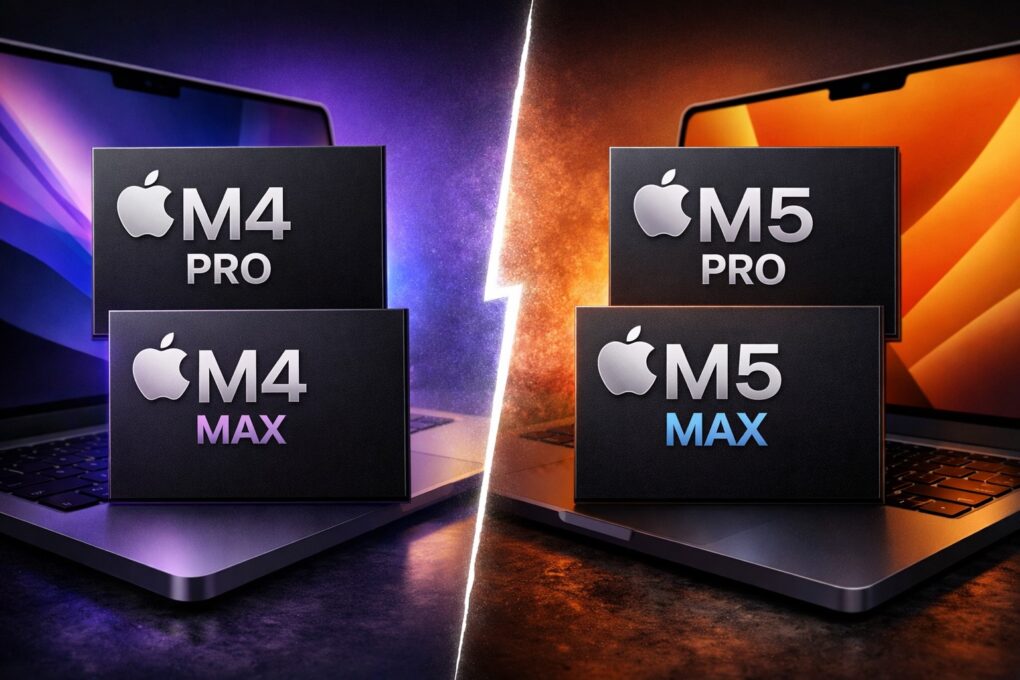


 March 26, 2010: Apple pays up to settle a trademark dispute with Japanese multinational Fujitsu over the name “iPad” in the United States.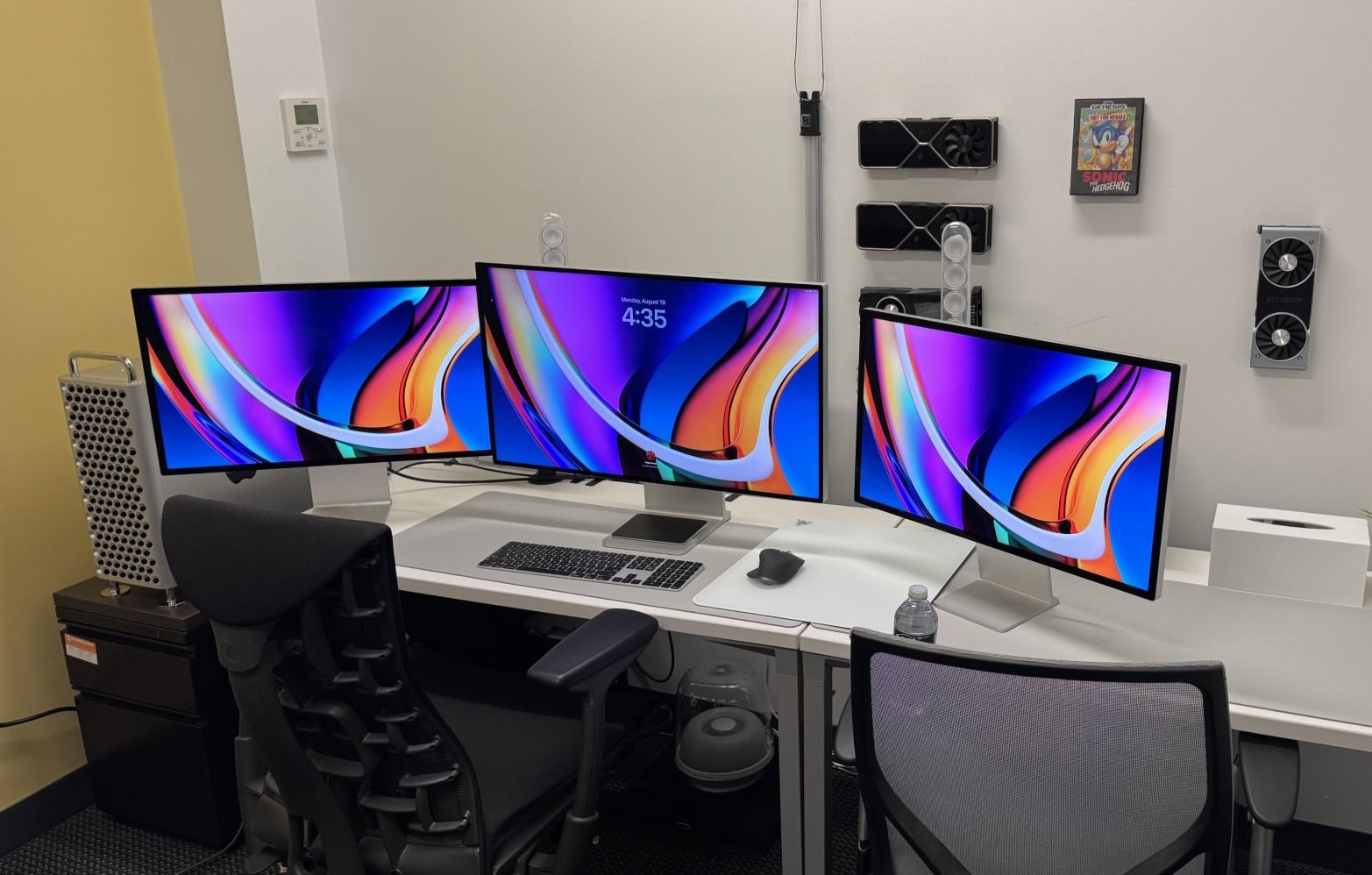

 March 25, 1993: Apple executive Gaston Bastiaens bets a journalist that the eagerly anticipated