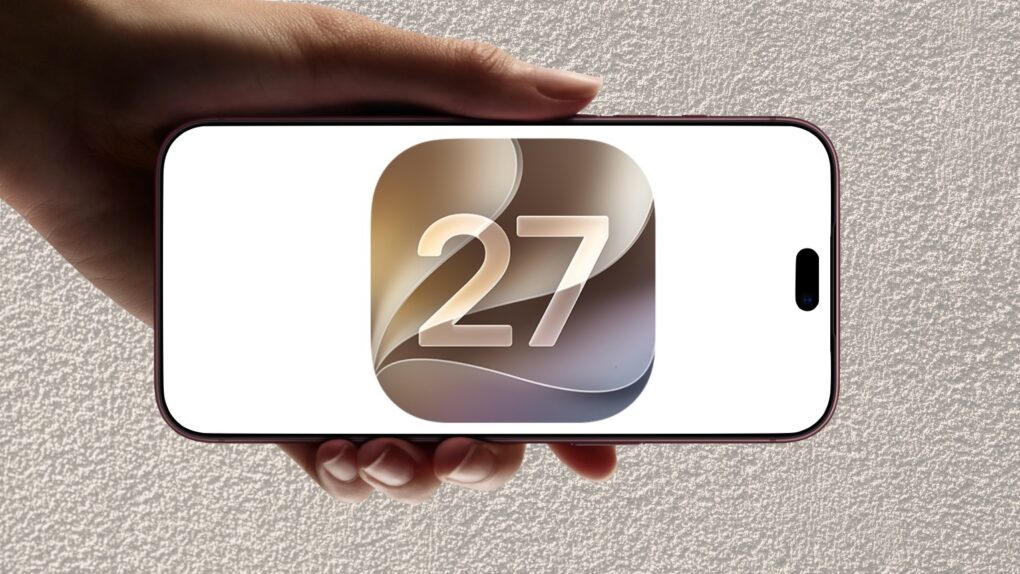
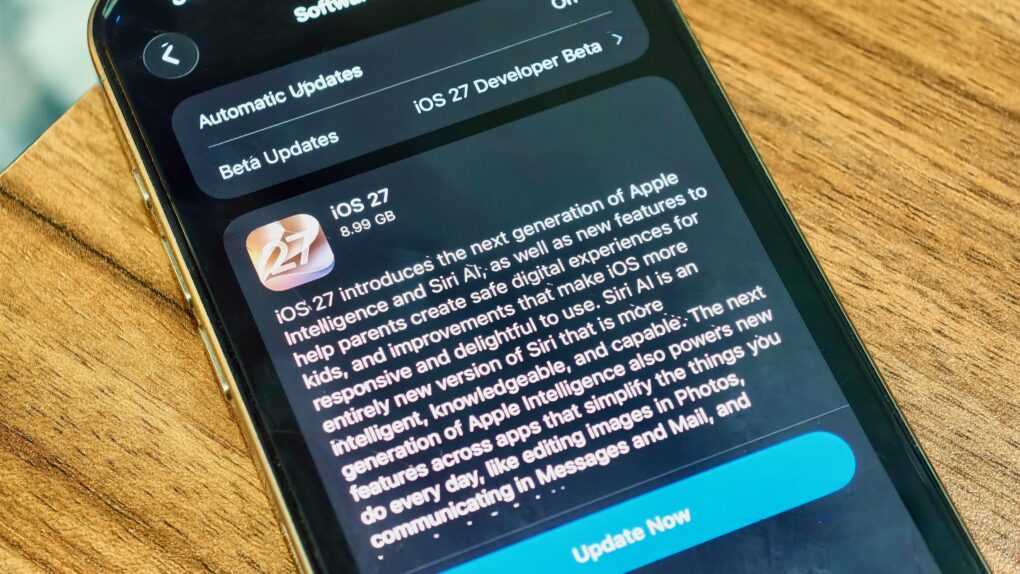
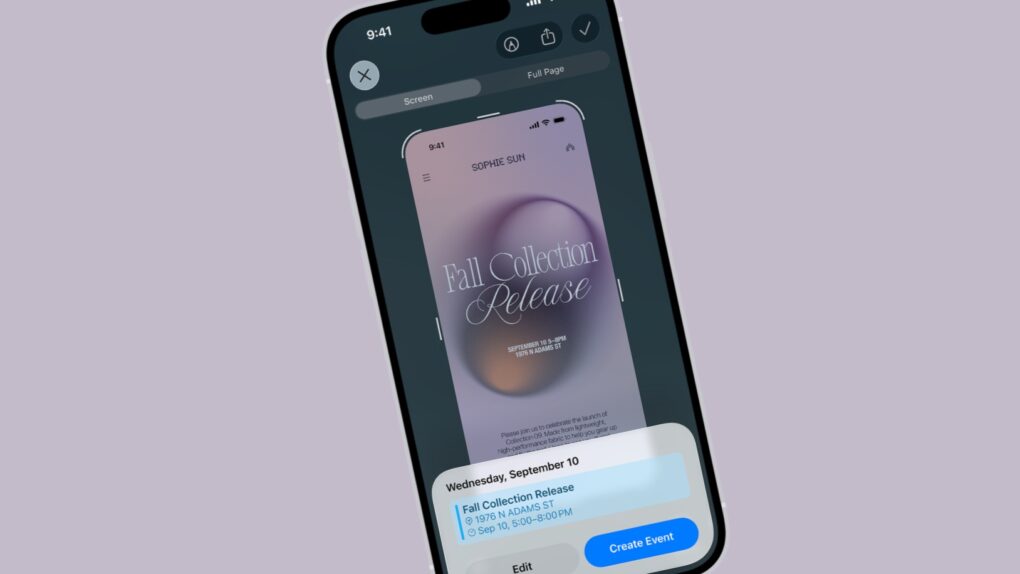
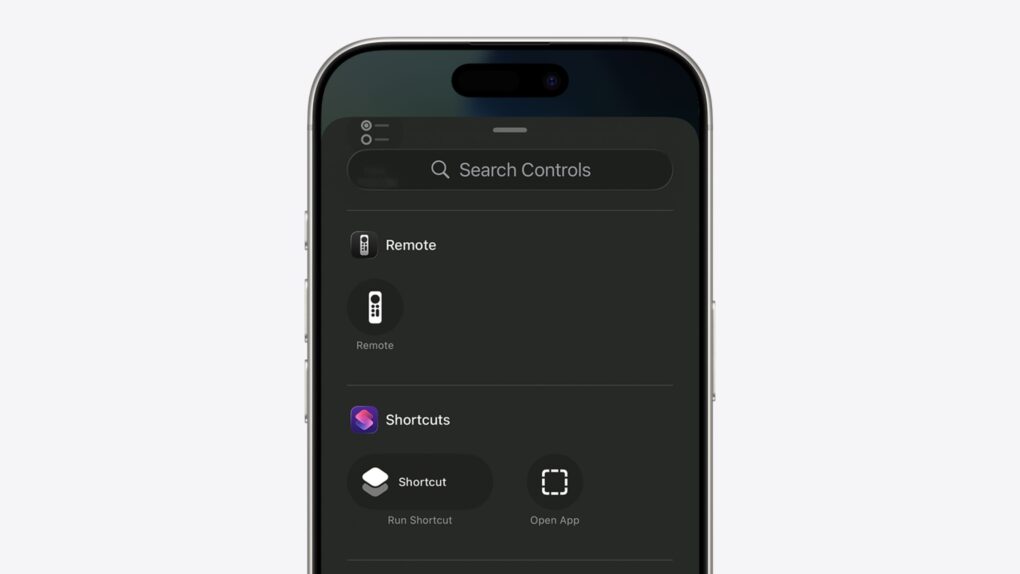
iOS 27 builds on the redesign and artificial intelligence features introduced in previous releases, bringing deeper integration of Apple Intelligence across the iPhone experience while refining the Liquid Glass interface that debuted a year earlier.
The software introduces faster on-device AI processing, smarter Siri interactions and expanded contextual features that can work across apps, messages and system services.
Apple also continues to emphasize privacy and security, with more AI tasks handled directly on supported devices rather than in the cloud, while the update delivers performance enhancements and new capabilities aimed at extending the usefulness of the company’s latest iPhone lineup.
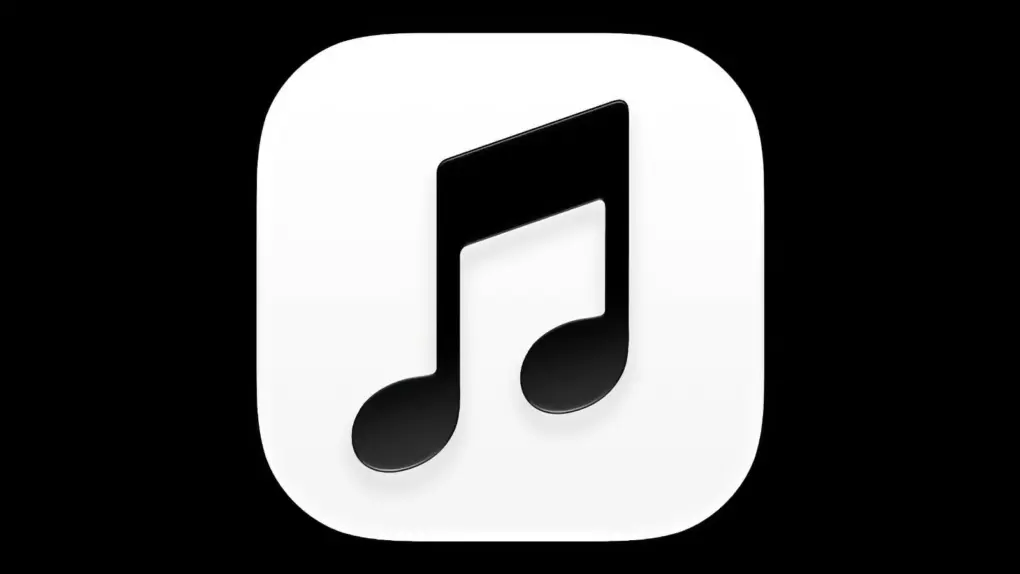
Black and white looks classy, but Apple Music users aren't happy with the new app icon in iOS 27.2 beta 4. Image: Apple
In iOS 27.2 beta 4, Apple changed the Apple Music app icon from white musical notes on a vibrant red background to similar black notes on a white background.
The reaction was immediate and overwhelmingly negative after the beta came out Tuesday. Apple Music fans slammed the change, with some calling it one of the company’s worst design choices ever.
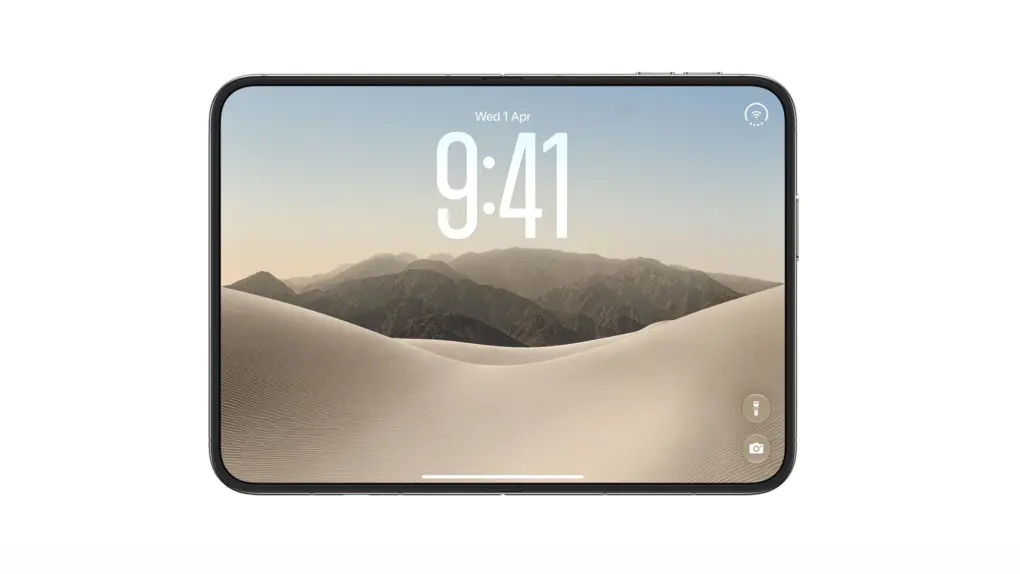
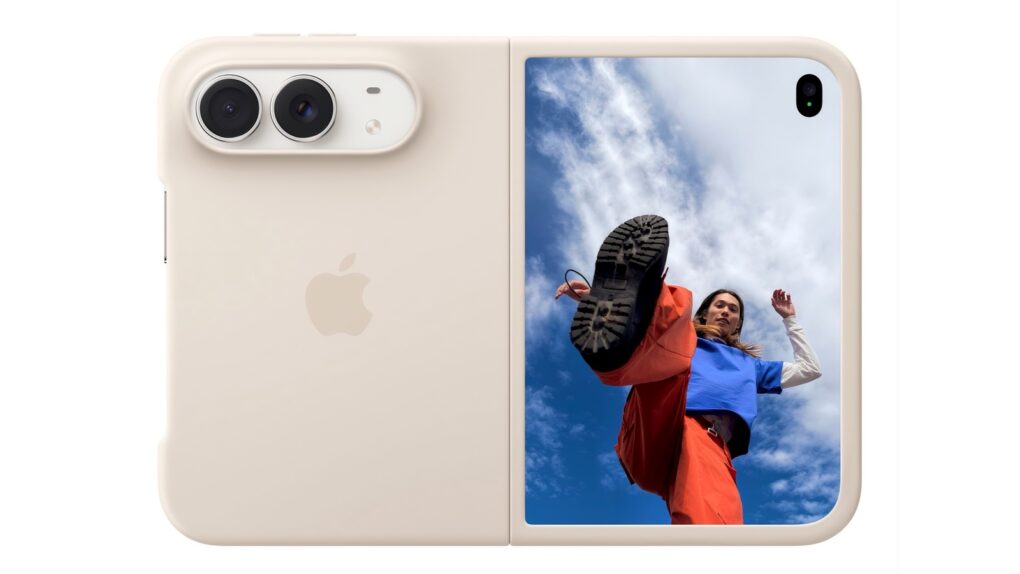
Apple's first foldable will greet you like never before. Photo: Apple
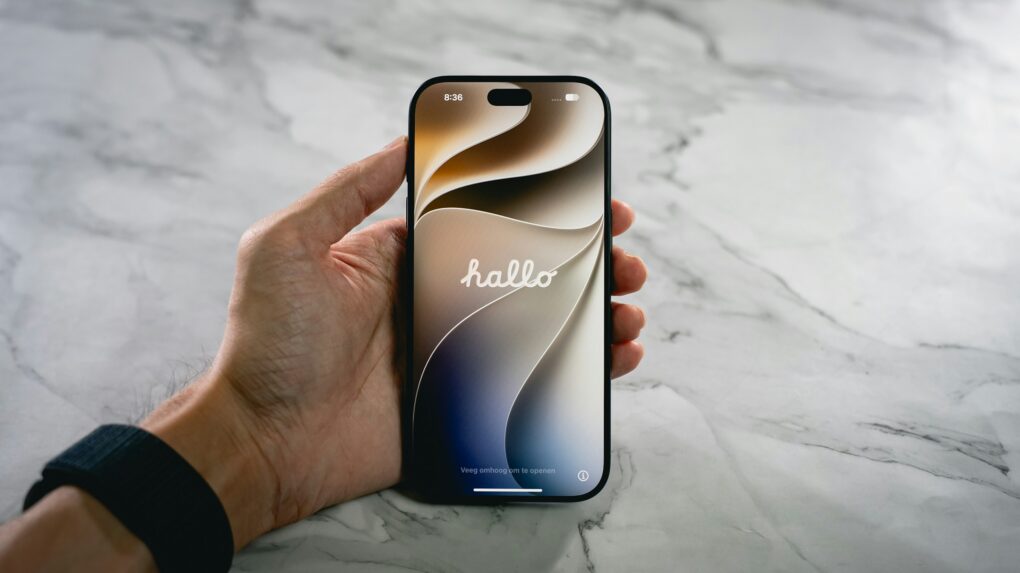
If you purchase the iPhone Duo from the Apple Store, Apple will have a little surprise for you. Apparently, Apple retail stores can customize the foldable’s boot screen with the buyer’s name.
So instead of just a “Hello,” users will see a “Hello, [insert name]” when they turn on the device for the first time.
The iOS 27 Safari ad block has left The Trade Desk unable to serve ads in Safari on updated iPhones. Photo: Cult of Mac
Apple’s aggressive push to stop advertisers from tracking iPhone users is reportedly blocking one of the world’s biggest programmatic advertising platforms from displaying any ads in Safari on iOS 27.
Ad-buying platform The Trade Desk thinks its ads are being blocked by mistake and has asked Apple to rectify the situation. The Trade Desk and others could simply be caught in the crossfire as Apple continues to crack down on advertising vendors that try to track users across websites. Either way, it shows how much control Apple has over the ads on your iPhone.
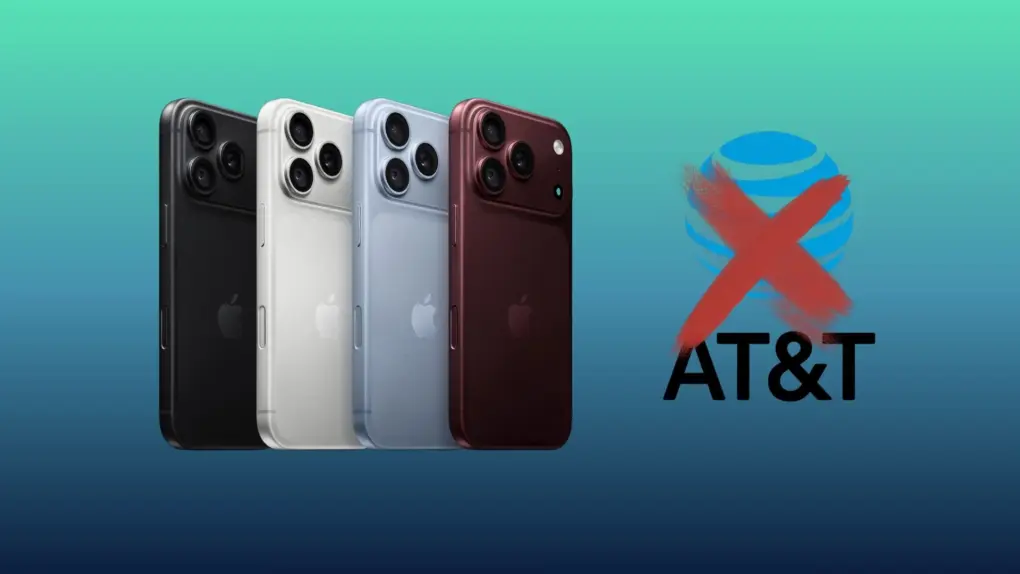
iPhone 18 Pro Max bug kills AT&T connection. Photo: Apple/AT&T/Rajesh Pandey
A “small number” of iPhone 18 Pro Max units on AT&T’s network lose cellular connectivity because of an iOS 27 bug. This is not an intermittent problem, as the devices fail to reconnect to the network even after a reboot.
Apple recommended on Friday that all iPhone 18 Pro Max users update to iOS 27.0.1 to prevent the issue from happening in the future. But if your unit is already affected, you’ll need a replacement.
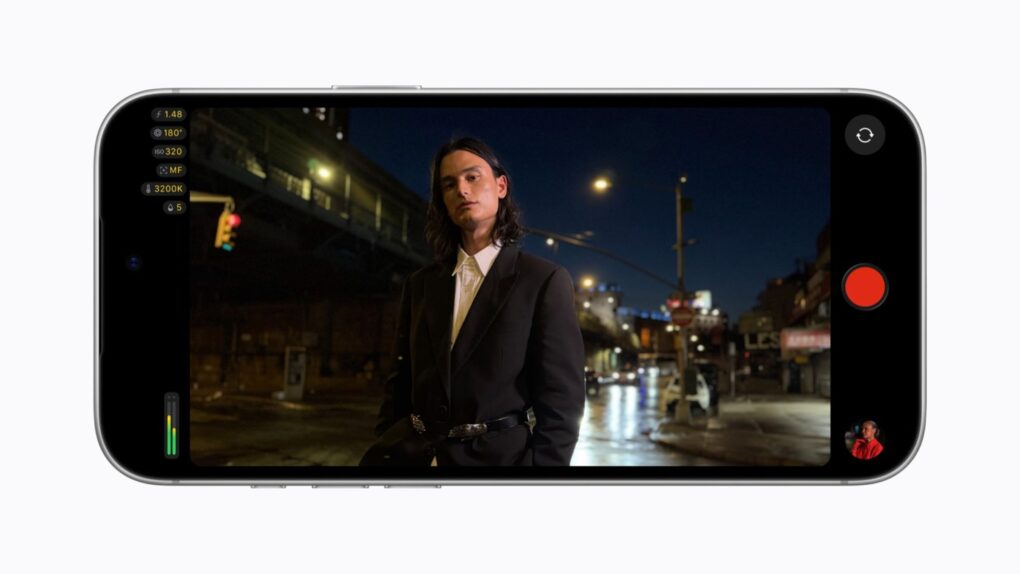
The Final Cut Camera update on iPhone 18 Pro adds aperture, shutter and ISO controls. Photo: Apple
Apple’s latest Final Cut Camera 2.4 update adds a cutting-edge feature: It gives video creators even greater control over the iPhone 18 Pro’s new variable-aperture camera.
The new version also brings a ground-up redesign of the app. And with iOS 27, it gets pro monitoring tools like RGB Parade and clean SDI output.
Google’s Firebase bug behind widespread iPhone app crashes has been fixed. Photo: Photoshoot4You/Pixabay
If your iPhone apps started glitching out last night, don’t blame Apple: A Google bug caused widespread iPhone app crashes Monday before the company rolled out a fix.
The crashes began shortly after Apple released iOS 27.0.1, but the problem stemmed from Google’s servers, not Apple’s update.
Apple just squashed some high-profile bugs in iOS 27. Image: Cult of Mac/Apple
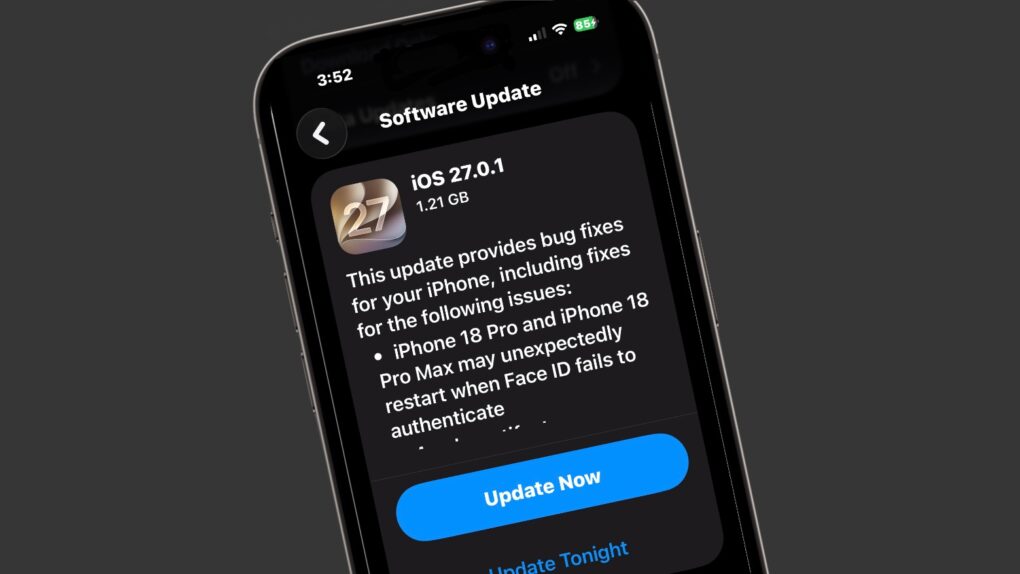
Apple released iOS 27.0.1 on Monday, a patch that fixes several bugs discovered after the company’s major iOS 27 update arrived earlier this month.
Several of these bugs made headlines, including one that could freeze the screen on any iPhone with merely a couple of finger swipes. So the update is recommended for all users.
Bug patches for macOS, iPadOS and watchOS also arrived Monday.
It's time to retire your iPhone 14 Pro. Photo: Apple/Rajesh Pandey/Cult of Mac
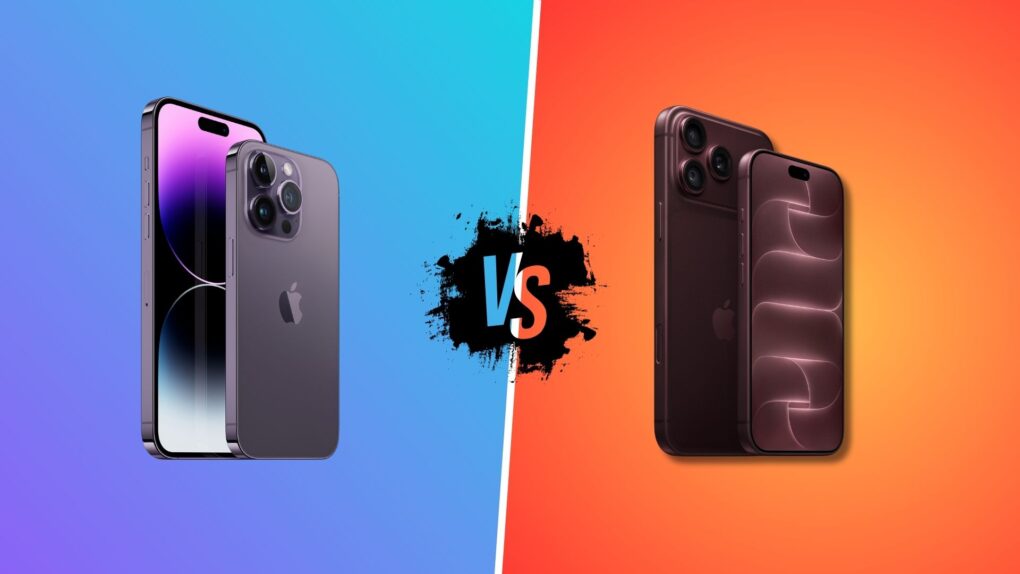
For a four-year-old device, the iPhone 14 Pro has aged well. But the iPhone 18 Pro offers some compelling everyday improvements that make it a worthwhile upgrade.
If you use an iPhone 14 Pro, it may just be time to upgrade. Here’s our iPhone 18 Pro vs. iPhone 14 Pro comparison to help you decide.
Face ID fails. iPhone 18 Pro reboots. Photo: Unsplash
Apple is preparing a software update to fix a bug that causes the iPhone 18 Pro and iPhone 18 Pro Max to restart unexpectedly. This typically happens after a failed Face ID scan, causing the phone to freeze and reboot.
The company plans to roll out the bug-fixing iOS 27 build early next week.
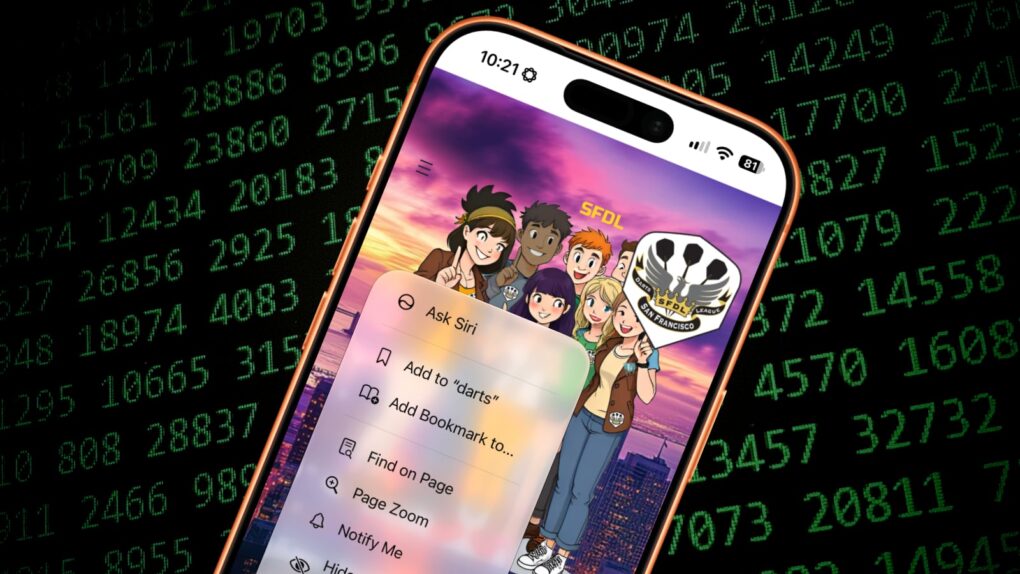
Keep on top of things with Safari's new Notify Me feature. Image: Cult of Mac
If you want to monitor a website for changes, you can do it for free with Apple’s Safari web browser. The new Notify Me feature in iOS 27 and macOS 27 makes it easy to watch a webpage for updates — and receive an alert if and when the content is altered.
Let’s say you want to make sure you never miss an update to your favorite band’s tour schedule. Safari’s new capability lets you watch the group’s website so you don’t need to check it yourself every day. Same goes for a city council website you’re monitoring, a local group you want to keep in touch with, etc. Or you could use it to track price drops on a product you want to buy.
Don’t rely on other people to send you an email update. Here’s how to use Safari’s Notify Me feature to monitor the websites that matter to you.
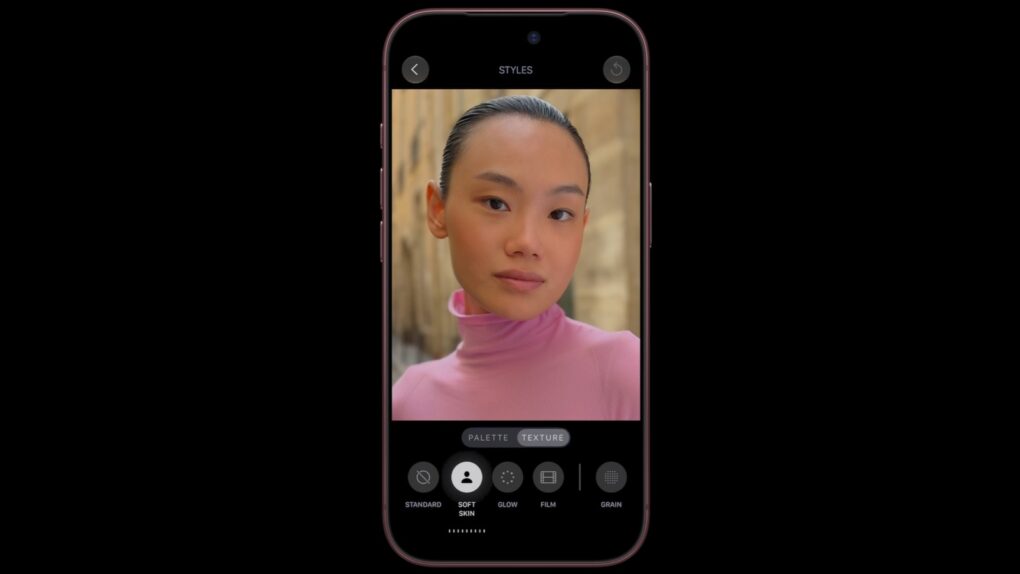
Sorry, you won't be using the Texture control on your iPhone 17 Pro. Image: Apple
Apple just walked back a promise it apparently made accidentally: The new Texture and Grain controls in Photographic Styles aren’t coming to your old iPhone, despite what you might have read last week. Apple locked them to the iPhone 18 Pro lineup and the iPhone Duo, full stop.
The mess is of Apple’s own making. The iPhone 18 Pro announcement said the feature would come to more iPhones down the line. But Apple has now quietly rewritten that language, and it isn’t saying why.
iOS 27 feels remarkably solid and adds some standout features. Image: Apple/Cult of Mac
This week on the Cult of Mac podcast: The iPhone 18 Pro is here, and the iPhone Duo is on the way, but Apple’s far from finished releasing new hardware this year.
There’s plenty of new stuff coming down the pike, and we’re especially excited about a pair of long-rumored additions to the Apple lineup.
There are several solid reasons to hang onto your iPhone 17 Pro rather than upgrading to iPhone 18 Pro. It’s kinda depressing, TBH.
And finally, the prospect of a user-repairable iPhone Duo seems incredibly slim.
Listen to this week’s episode of the Cult of Mac podcast in the Podcasts app or your favorite podcast app. (Be sure to subscribe and leave us a review if you like it!) Or watch the video version, embedded below.
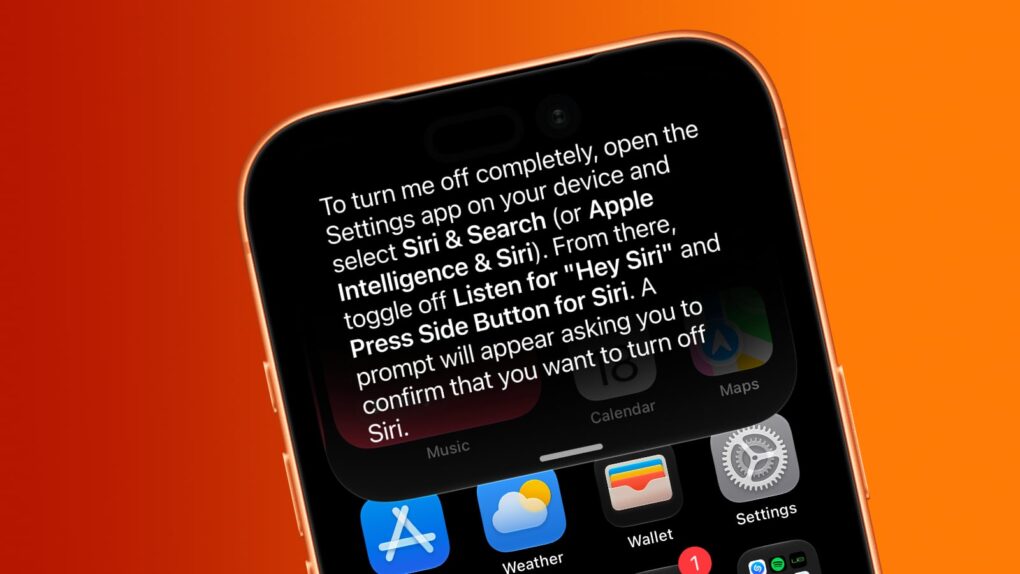
Want Siri AI gone from your iPhone? And other Apple Intelligence features, too? We can help. Image: Cult of Mac
Although Apple is thrilled about the new Siri AI integrated into iOS 27, maybe artificial intelligence isn’t your thing. Fortunately, you can opt out of Apple’s new voice assistant.
iOS 27 lets you turn Siri off completely. Alternatively, you can switch from the new AI-powered Siri back to Siri Classic.
And if you absolutely do not want artificial intelligence in your iPhone, you can disable it … though that process is far more complex than is ideal.
This iPhone is mostly locked up after getting hit with the iOS 27 freeze bug. Photo: Ed Hardy/Cult of Mac
Word of a new iOS 27 freeze bug is spreading fast across social media. It can lock up your iPhone’s home screen with nothing more than a few quick swipes.
The glitch has already turned into a prank between friends. It’s completely harmless, but can make your iPhone feel dead until you know the fix.
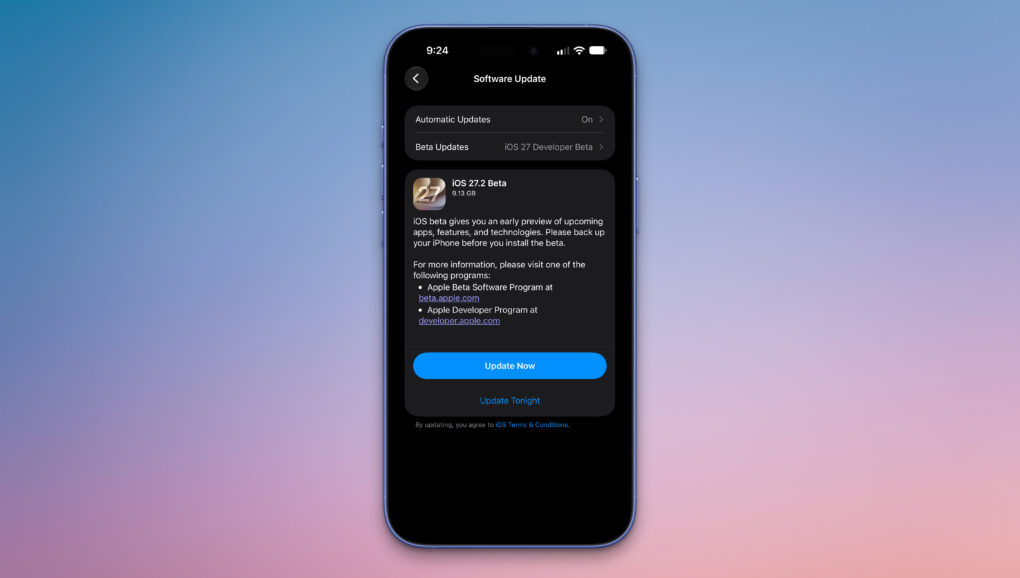
iOS 27.2 beta 1 is here with a redesigned Health app. Photo: Rajesh Pandey/Cult of Mac
Apple seeded the first iOS 27.2 beta to developers on Wednesday, giving them the chance to test several notable changes and improvements.
The company is skipping beta testing iOS 27.1, an unusual move but one with a good “Duo” reason behind it. Below is a rundown of all the new stuff in iOS 27.2 beta 1. (We will update the post as we discover more.)
Apple seeded iOS 27.2 beta 1 to developers, along with the initial betas of macOS 27.2, iPadOS 27.2 and more. Image: Apple/ChatGPT/Cult of Mac
Apple wasted no time moving beyond iOS 27 and macOS 27. Just two days after releasing its major new operating systems, the company began beta testing iOS 27.2 and macOS 27.2 with developers.
No, you didn’t somehow miss beta testing iOS 27.1 and macOS 27.1. Apple made the unusual move of not putting these through public beta testing, and for good reason.
iPhone 18 Pro arrives on Friday with a version of iOS 27 that Apple approved just last week. Image: Apple/Cult of Mac
Every September, Apple pulls off a logistical magic trick that most people are completely unaware of. You preorder an iPhone, open the sealed box on launch day, and hit the ground running. But have you ever wondered how that’s possible? Apple only finalized the release version of iOS 27 last week after already assembling millions of new iPhone 18 Pro and Pro Max units.
Here is how Apple does its final-week iOS update at an astronomical scale.
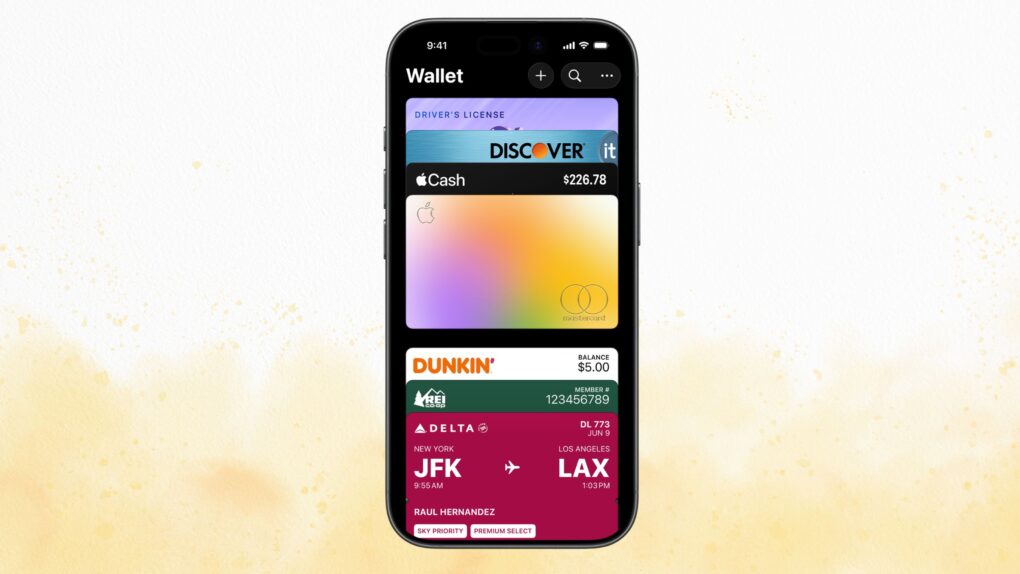
Apple Wallet gets much more clever in iOS 27. Photo: Apple/Cult of Mac
Apple Wallet in iOS 27 just got a glow-up. The app now splits restaurant bills, tracks Apple Card subscriptions and even builds custom passes. The best part? All of it happens without needing to leave the Apple Wallet app.
The update landed as part of Apple’s iOS 27 rollout. It pushes Wallet closer to becoming a true everyday hub, instead of it being just another simple card holder.
The wait is over! The final version of iOS 27 is out. Photo: Ed Hardy/Cult of Mac
Your iPhone’s next big software update just arrived. Apple released iOS 27 on Monday, fixing many of the annoyances that iOS 26 inadvertently introduced last year, while also tweaking Liquid Glass to improve readability.
Alongside iOS 27, Siri AI also launches in beta today, finally bringing Apple’s AI assistant on par with Google, ChatGPT and others.
The iPhone Duo Shift Left Edge setting adds an extra black border along the outer display’s edge. Photo: Apple
Apple’s new iPhone Duo reportedly comes with a new Shift Left Edge setting that lets users add a fake bezel to its outer display. The toggle is built for one job: helping the first folding iPhone play nicer with cases.
The setting lives inside iPhone Duo’s display options. Turn it on, and content will shift away from the left edge of the screen. That way, a case that extends over the display won’t cover anything important.
iOS 27, iPadOS 27, watchOS 27 and macOS Golden Gate are ready for public release. After previewing the updates at WWDC26 in June, Apple will release them on Monday, September 14.
But when exactly does iOS 27 land on your iPhone on September 14? Here’s when you can expect Apple’s latest updates to go live in your region. (Though you have the option to skip the wait and get iOS 27 now.)
iOS 27 will roll out to iPhones everywhere on September 14, but there’s no need to wait. You can install the final version this weekend and start exploring the new features whenever you have time.
Best of all, there’s nothing dodgy or risky involved. You’ll be downloading the same final release Apple will push to everyone else — just a few days ahead of schedule.
Visual Intelligence ads could soon appear when you point your iPhone’s camera at something you want to buy. Image: Apple
Visual Intelligence ads could be headed for your iPhone. Code buried in iOS 27 suggests Apple is exploring a new way to slip sponsored results into its camera-based search tool.
The change won’t have Apple selling the ad slots directly. Instead, search providers like Google may supply sponsored images. And these could sit right on top of the results Visual Intelligence already shows you.
An iPhone Edge Light might look like this concept. Photo: Apple/Cult of Mac
Apple’s Edge Light feature may soon make the jump from Mac to iPhone. Code in the iOS 27 release candidate suggests the glowing screen-border effect could be coming to the iPhone Duo. It could eventually make its way to other iPhone models, too.
The discovery comes from an analysis of Apple’s latest software beta. The code points to the Mac feature being adapted for iPhone, creating a soft ring of light around the edge of the display. The catch is that it’s still an early build, and some key settings aren’t finished yet.
The iOS 27 Apple TV Remote app adds a new app launcher button. Photo: Apple
The Apple TV Remote app receives a sneaky upgrade in iOS 27. Apple tucked away two new features inside the app’s redesigned interface, and they’re hiding in plain sight.
The changes first surfaced in the iOS 27 release candidate. One of them brings a full app launcher to the remote, while the other surfaces streaming recommendations on the remote screen.