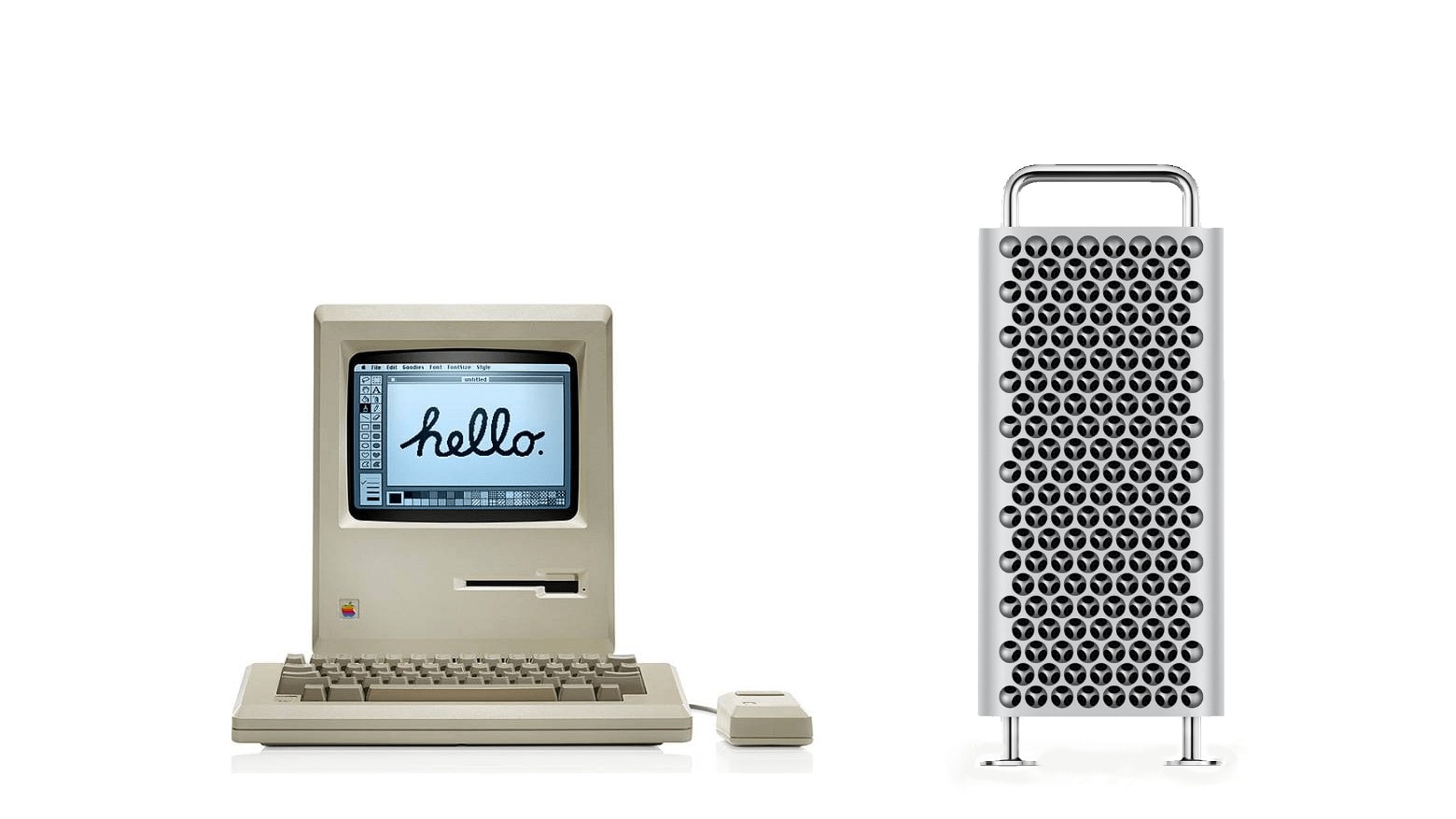
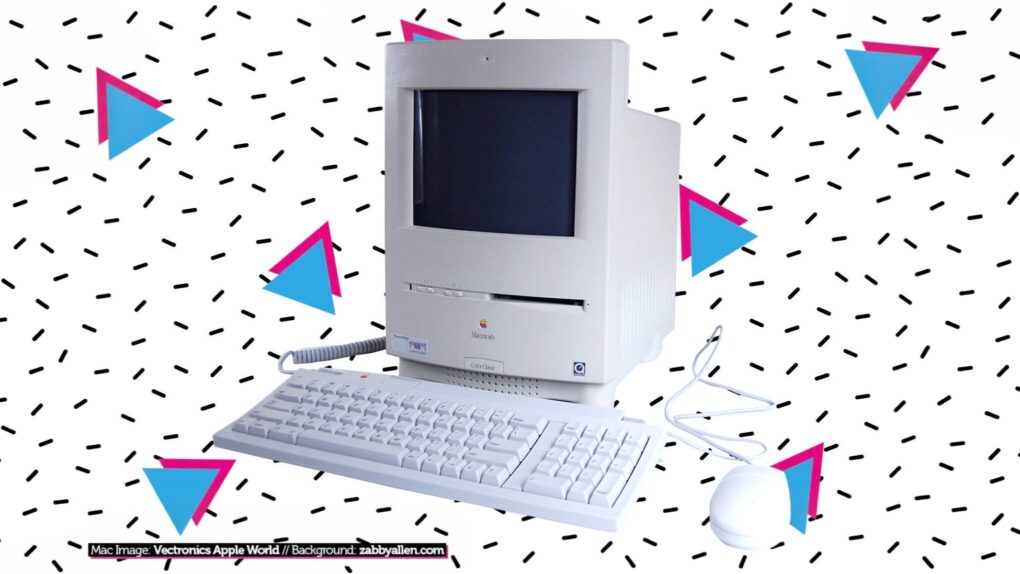
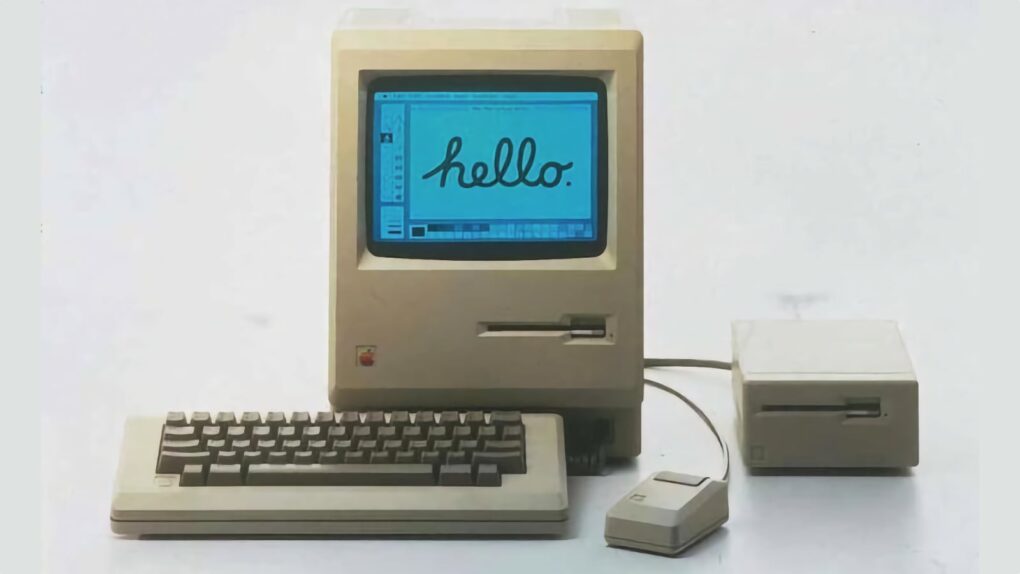
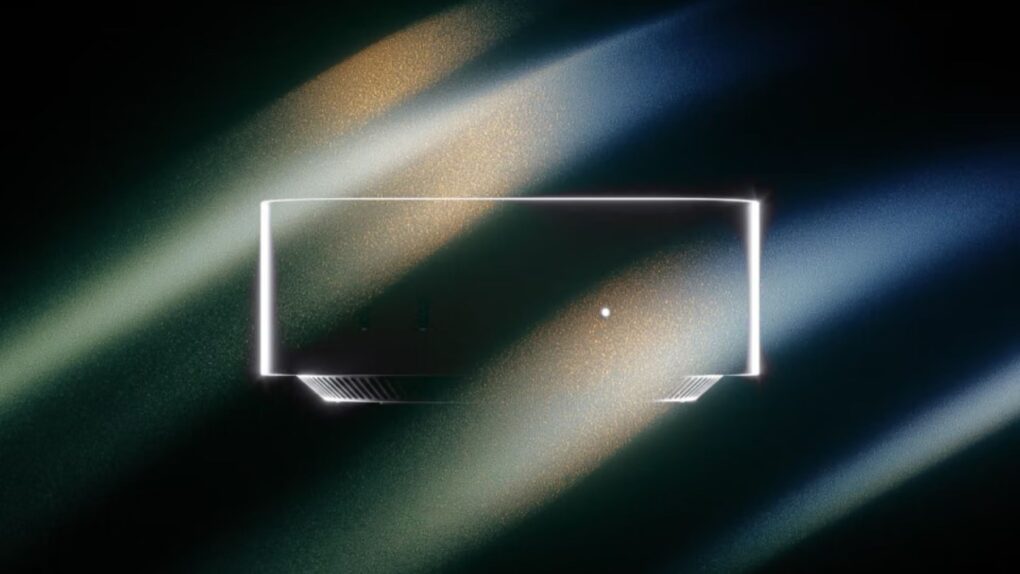
One of these two Macs cost a lot more than the other. Which one might surprise you.
Mac evolution: Becoming iconic
The history of Mac computers is marked by innovation, technological advancements and a profound impact on the computing industry.
From humble but hopeful beginnings in the 1970s, the Macintosh line of computers has pushed boundaries of design, user experience and technological prowess to become iconic and often imitated.
In early 1984 Apple’s vision of a user-friendly personal computer resulted in the launch of the original Macintosh. The Macintosh 128K, often referred to as the “Mac,” featured a graphical user interface and a mouse, setting a new standard for personal computing.
Technological milestones: 1990s and 2000s
PowerPC architecture
In the early 1990s, Apple transitioned to the PowerPC architecture, a collaboration between Apple, IBM and Motorola. This transition led to significant performance improvements, setting the stage for Apple’s expansion into new markets, including professional multimedia and design.
Mac OS X
The launch of Mac OS X in 2001 marked a pivotal moment in the history of Mac computers. The Unix-based operating system brought enhanced stability, performance, and a modern user interface to the Mac lineup, solidifying Apple’s position as a leader in software innovation.
The introduction of the unibody construction in MacBook Pro models showcased Apple’s commitment to design and engineering excellence. The unibody design not only improved durability but also set a new standard for aesthetic appeal and build quality in the industry.
Retina display
Apple’s focus on display technology culminated in the introduction of the Retina display in 2012. Offering exceptional pixel density and image quality, the Retina display redefined visual clarity and became a hallmark feature of Mac computers, setting them apart from the competition.
M1 chip
The launch of the M1 chip in 2020 marked a significant technological leap for Mac computers. As Apple’s first custom silicon for Mac, the M1 chip delivered exceptional performance, power efficiency, and integration, further solidifying Apple’s position as a pioneer in processor architecture.
What are the top features of Apple computers?
When it comes to computing devices, Apple has long been at the forefront of innovation and design. From sleek hardware to intuitive software, Apple computers are known for their exceptional performance and user experience. Let’s delve into some of the top features.
What sets macOS (operating system) apart?
One of the key features of Apple computers is the macOS operating system. Known for its stability, security and user-friendly interface, macOS provides a seamless computing experience. Features such as Siri integration, iCloud synchronization, and Continuity features (which allows seamless work across Apple devices) contribute to the overall appeal.
What makes Retina displays so great?
Apple’s Retina display technology is renowned for its stunning visual clarity and sharpness. Whether it’s the vibrant colors, high resolution, or wide viewing angles, the Retina display enhances the overall user experience, making it a standout feature of Apple computers.
Solid build quality and gorgeous design
Apple is synonymous with elegant and robust design. From the slim and lightweight MacBook Air to the powerful and stylish MacBook Pro, Apple’s attention to detail in design and build quality sets its computers apart.
Trackpad and keyboard
The trackpad and keyboard on Apple computers are designed to offer a superior user experience. The trackpad, equipped with multi-touch gestures, provides precise control and navigation, while the keyboard offers a comfortable typing experience. Features such as the Touch Bar on certain MacBook Pro models further enhance functionality and user interaction.
Performance and battery life
Whether it’s the speed and responsiveness of the latest M1 chip or the extended battery life that allows users to work uninterrupted for hours, Apple computers excel in delivering high performance and long-lasting battery power.
Integration with other Apple devices
Apple’s ecosystem is designed to work seamlessly across its range of products. Features like Handoff, AirDrop, and Universal Control allow for effortless sharing and continuity between Apple computers and other devices such as iPhones and iPads.
Security and privacy
Apple places a strong emphasis on security and privacy. With features like FileVault encryption, Gatekeeper app security, and the privacy-focused approach to user data, Apple computers provide a secure computing environment, giving users peace of mind.
Customer support and software ecosystem
Apple’s strong customer support and extensive software ecosystem contribute to the overall appeal of its computers. Whether it’s access to a wide range of productivity and creative apps through the App Store or the reliable customer service offered through AppleCare, users of Apple computers benefit.
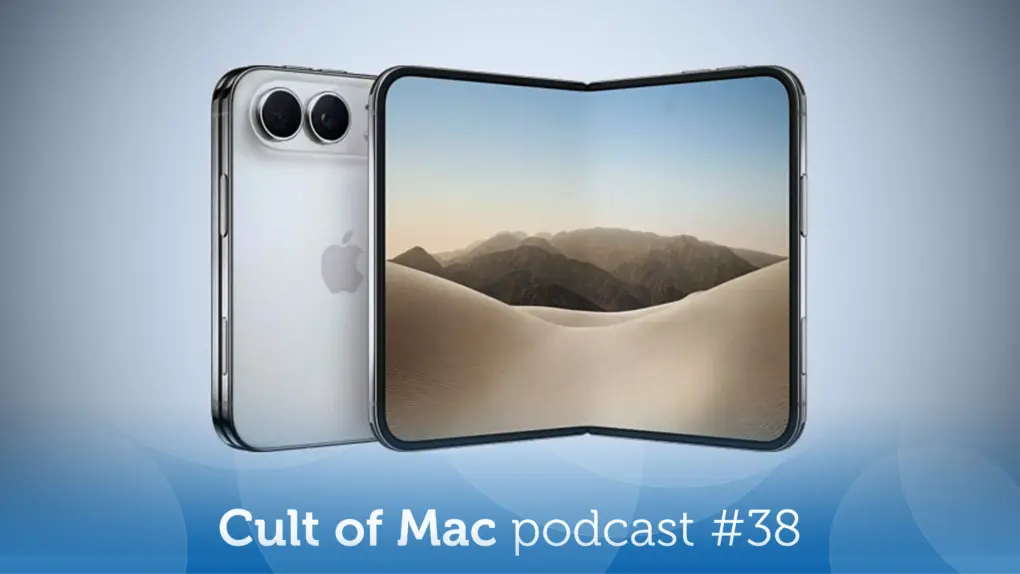
This week on the Cult of Mac podcast: The first iPhone Duo reviews are a mixed bag — both the verdicts on Apple’s first foldable and the reviews themselves.
We go over the predictable pros and cons, toss out our own opinions, and highlight some of our favorite reviews.
Also on the Cult of Mac podcast:
Speaking of great iPhone Duo reviews, Joanna Stern’s was brilliantly creative. She and a hardware expert deviced a device to fold the Duo automatically — more than 32,000 times!
Surprisingly, some iPhone Duo ship dates are moving in a positive direction, despite continued concerns about availability when the phone launches.
We’re less than a week away from seeing the first touchscreen MacBook. Let the last-minute speculation begin!
And finally, Leander and Graham give me a reason to feel bad about not owning an Apple Vision Pro: They watched Remnants, a spooky VR movie from horror master Ti West that arrived just in time for Halloween.
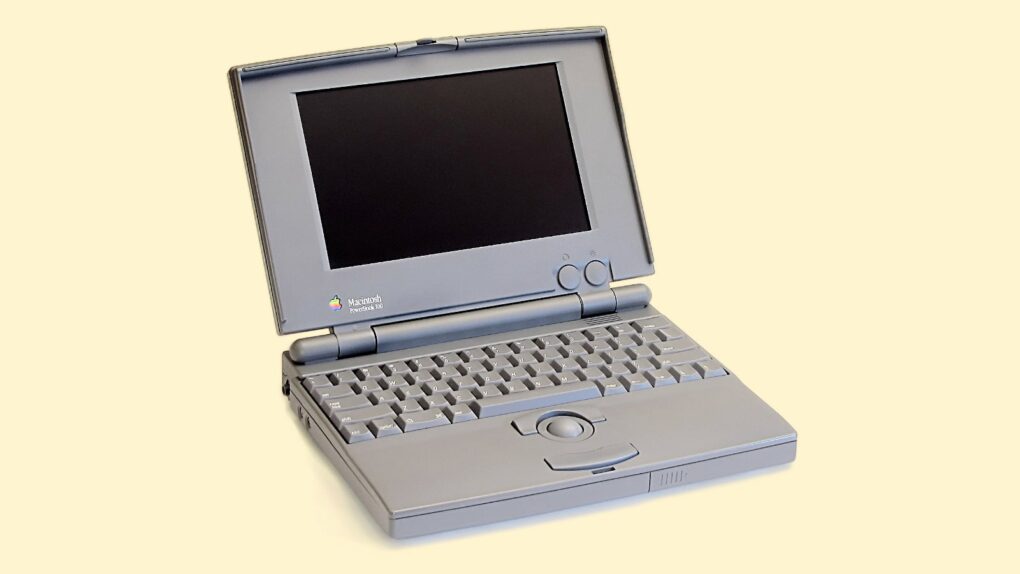
The entry-level PowerBook 100 fueled a laptop revolution. Photo: Danamania/Wikipedia CC/Modified by Cult of Mac
October 21, 1991: Apple launches the Macintosh PowerBook 100 series. The lightweight Mac laptops will quickly become one of the most important tech gadgets of all time.
These devices will almost single-handedly turn notebook computers into mainstream technology. Apple’s subsequent success in this category — whether it’s current MacBooks or even the rise of mobile devices like the iPhone — owes a huge debt to the PowerBook 100 series.
Get Apple's latest lightweight laptop at major savings. Photo: Apple
The M5 MacBook Air is the best mobile computer for most people, and a deal drops the 13-inch model by $150. The sale is on the base model with 16GB of RAM and 512GB SSD … if you pick one of the right colors.
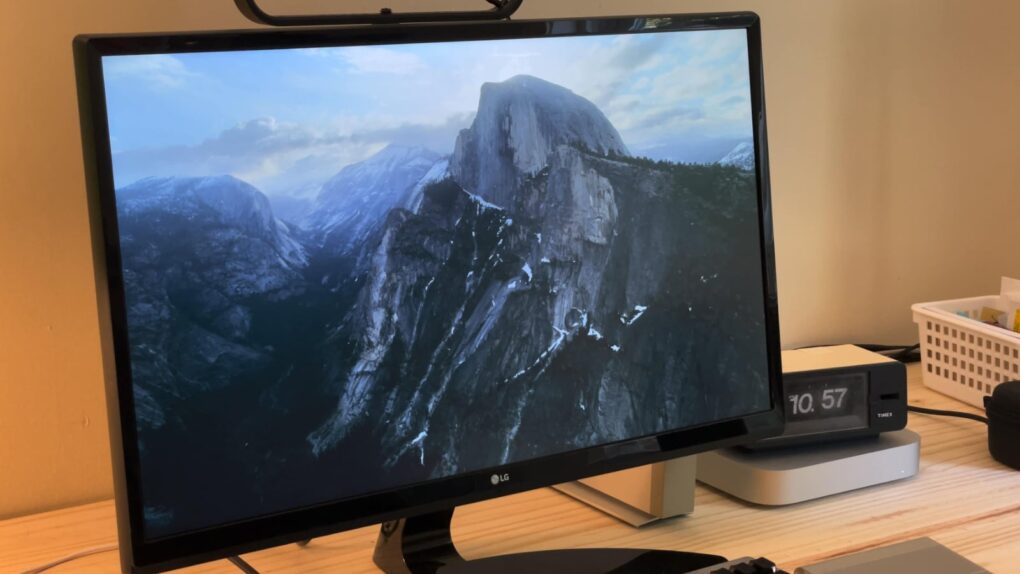
Screen savers fell out of fashion a long time ago, but Apple’s Aerials screen savers look so beautiful, they just might make you reconsider. In fact, with all the stunning visuals, these might just be the best Mac screen savers around.
The Aerials screen savers started on the Apple TV, showing gorgeous helicopter photography of the world’s greatest natural landscapes, underwater sights and cityscapes — even shots from space. Now, if you have a desktop display set up somewhere prominently in your house, you can get the same beautiful vistas on your computer with the Aerials screen savers for Mac.
Here’s where to find these beautiful Mac screen savers, plus some setup tips that will really help them shine.
Another "special Apple Experience" will happen next week. This time, we expect a touchscreen MacBook Pro to steal the show. Image: Apple
Apple sent invitations on Monday for a special event set for October 28, making official a product showcase that has been rumored for weeks.
While the company’s invitation didn’t reveal what’s on the agenda, it’s not difficult to guess. We can look forward to a redesigned MacBook Pro with a touchscreen, new Macs powered by the latest Apple M6 processor, and an upgraded iPad mini.
Why did the Mac IIvx fail to take the world by storm? Photo: Apple
October 19, 1992: Apple launches the Mac IIvx, the first Macintosh computer to ship with a metal case and, more importantly, an internal CD-ROM drive.
The last of the Macintosh II series, the Mac IIvx experiences one of the more notorious price adjustments in Apple history. Within five months of shipping, Apple slashes the computer’s launch price of $2,949 to $1,899. That’s one way to reward early adopters!
The Performa 6320CD Mac delivered great performance for the price, luring new users. Photo: Shrine of Apple
October 17, 1996: Apple launches its Performa 6360 Mac in North America, sold elsewhere as the Power Macintosh 6300/160.
An impressive multimedia Mac, the Performa 6360 comes bundled with a TV/video card. It also lets users make phone calls, listen to CDs, and watch television — all of which seemed amazingly futuristic at the time. As Macs went, it was pretty affordable, too.
Why HomeView is going to be great. Photo: Cult of Mac
This week on the Cult of Mac podcast: Apple’s new HomeView hub is a getting a lot of criticism, especially for its lack of a built-in app store. But the absence of an app store is a feature, not a bug.
The situation is reminiscent of the charging port on the bottom of the Apple Magic Mouse, which is famously misunderstood. The placement of the port was designed to force users to use it wirelessly, just like ditching the headphone jack on iPhone forced users to adopt wireless Bluetooth headphones.
Apple is pulling the same trick with HomeView: The absence of apps forces users to use Siri AI as the primary interface, instead of tapping away on the screen as though it were a mini iPad. It’s genius!
Also on the Cult of Mac podcast:
HomePod mini gets a big update.
Apple TV 4K gets a remote you can actually find down the back of the couch.
Who exactly is the Apple Home Collection for?
And Apple’s next event looks set for October 28 in LA.
Listen to this week’s episode of the Cult of Mac podcast in Apple’s Podcasts app or your favorite podcast app. Or watch the video version, embedded below. (Be sure to subscribe and leave us a review if you like it!)
Apple's got big plans for your smart home. Image: Cult of Mac
This week on the Cult of Mac podcast: Apple’s about to make a big push into the smart home arena. We already knew about the impending launch of an intriguing new smart home hub, but the revelation that Apple is working with at least two other companies to produce new devices takes things to a whole new level.
The big question remains: How will Apple differentiate its smart home platform from everything else on the market? There’s plenty to discuss.
Also on the Cult of Mac podcast:
Apple will unveil that smart home hub next Tuesday at a special “Apple Experience” for a small group of media and influencers. That likely means no traditional streaming keynote of Apple’s “Welcome Home” event.
The rumor mill already gave us a pretty thorough idea of what to expect from Apple’s about-to-launch home hub. It sounds like a nice enough device, but software special sauce might make it super-compelling.
While probably not coming next week, Apple’s also reportedly working on smart cameras you can put in your home. The catch is that they won’t record actual video. Instead, they’ll just gather data for Siri AI to use. Kind of a weird concept … we discuss the pros and cons.
The first touchscreen MacBook Pro is also rumored to arrive this month. Maybe we should call this wacky month of product launches “Oktoberbest.”
Listen to this week’s episode of the Cult of Mac podcast in Apple’s Podcasts app or your favorite podcast app. Or watch the video version, embedded below. (Be sure to subscribe and leave us a review if you like it!)
The Color Classic II never shipped in the U.S., which makes it hard to find today. Photo: Ste Smith/Cult of Mac
October 10, 1993: Apple ships its Macintosh Color Classic II, the last of the 9-inch compact Macs.
Also known as the Performa 275, the Color Classic II will eventually become something of a collector’s item, since Apple released it only in Canada, Asia and Europe.
OLED MacBook Pro might debut as soon as this month. Photo: Unsplash
Apple’s October launch plans might extend beyond its rumored October 13 event, with the first touchscreen OLED MacBook Pro potentially debuting later in the month.
This could make its rumored October 13 smart home event just the start of a much bigger launch spree.
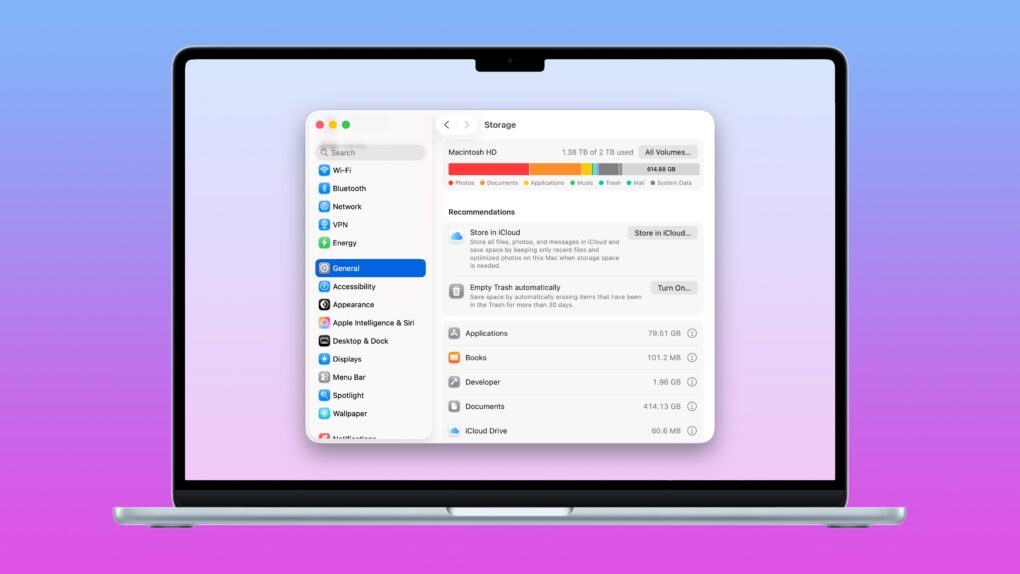
What to do when you run out of space on your Mac. Image: D. Griffin Jones/Cult of Mac
Death, taxes and running out of storage on your Mac — few things in life are as certain. If you’re experiencing the latter, before you go around deleting files, you should take stock of what’s filling up your computer. There are three easy ways to clear disk space on your Mac.
The Mac’s System Settings offers a built-in storage manager that lets you see which categories of files are filling up your drive. It makes clearing out useless junk fast and easy.
A pair of third-party apps can help out, too. Hyperspace removes duplicate data across your Mac’s hard drive, cleaning up your file system without deleting anything. And CleanMyMac can find the system files, junk and other cruft that can build up over time in places you don’t even think to check.
Whatever the reason you need more storage, read on to learn how to tidy up your Mac.
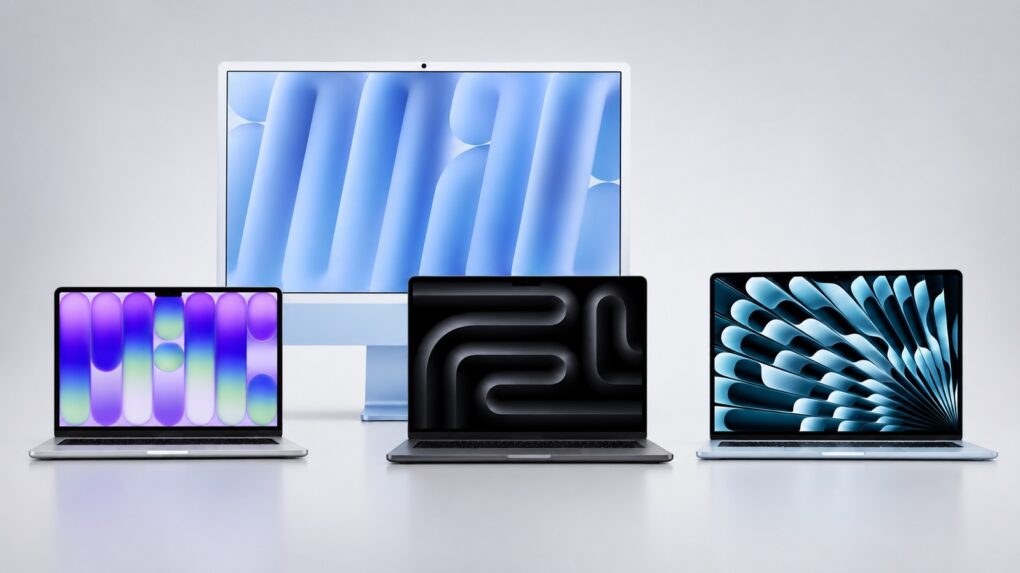
These are just some of the new Macs rumored for 2026 and 2027. Image: Apple/Cult of Mac
Plenty of new Macs are rumored to be waiting in the wings. Mostly, it’s about bringing the speedy new M6 processor to more models, but we can also look forward to the most radically redesigned MacBook in many years. And a better budget notebook, too.
Anyone on the market for a new Mac take note: Here’s every macOS notebook and desktop currently rumored to arrive by mid-2027.
The war over the Macintosh's soul started on this day in 1979. Photo: Apple
September 27, 1979: Years before the first Macintosh will ship, Steve Jobs and Jef Raskin clash for the first time over the direction of the R&D project to produce Apple’s revolutionary computer.
Raskin, the founder of the Macintosh project, envisioned an affordable machine that could put graphical computing within reach of ordinary people. Apple co-founder Jobs had a very different idea: Forget the price tag and build the best computer possible.
Try these new Mac features after you upgrade to Golden Gate. Photo: Apple/Rajesh Pandey/Cult of Mac
After upgrading your Mac to macOS 27 Golden Gate, you might easily overlook some of the new software’s useful additions, like recording your screen with audio, Liquid Glass customization and more.
While the new Mac software looks mostly the same as macOS 26 Tahoe, it adds plenty of new features and improvements that make it a worthy upgrade. Here are eight things you should do immediately after installing macOS Golden Gate.
The Macintosh Portable offered a (really heavy) glimpse of the future. Image: Rama/Wikipedia CC/Modified by Cult of Mac
September 20, 1989: Apple releases the Macintosh Portable, the first battery-powered Mac you could take on the road.
At a time when Tim Burton’s Batman movie is flying high in theaters, and Madonna is shocking audiences at the MTV Video Music Awards, this ahead-of-its-time product lays the groundwork for Apple’s looming laptop revolution.
Apple seeded iOS 27.2 beta 1 to developers, along with the initial betas of macOS 27.2, iPadOS 27.2 and more. Image: Apple/ChatGPT/Cult of Mac
Apple wasted no time moving beyond iOS 27 and macOS 27. Just two days after releasing its major new operating systems, the company began beta testing iOS 27.2 and macOS 27.2 with developers.
No, you didn’t somehow miss beta testing iOS 27.1 and macOS 27.1. Apple made the unusual move of not putting these through public beta testing, and for good reason.
Learn how to get around your Mac's keyboard and edit text faster. Photo: fauxels/Pexels CC
You want to get faster at typing? Sure, you can hold down the Backspace key or mash it really fast. But there’s a better and more precise way to backspace and delete text on the Mac, using the Option (⌥) and Command (⌘) keys. These Mac typing shortcuts can make editing text lightning-fast and seamless.
The "Fat Mac" solved one of the original Mac's biggest problems. Photo: Apple
September 10, 1984: Apple ships the Macintosh 512K, the first upgrade to the first-gen Macintosh 128K.
Coming less than eight months after the original Macintosh, the 512K Mac makes no sweeping changes to the computer’s form factor. Instead, the big upgrade is quadrupling the RAM. This leads Apple fans to refer to the computer as the “Fat Mac.”
Intel Mac support took another blow this week. Photo: Cottonbro Studio/Pexls
Apple just made it easier to be a Mac developer: This week, the company told Mac App Store developers that they can build applications for Apple silicon only — they can drop Intel Mac support in their software. The change applies to all macOS apps that require macOS 13 or later.
If you’re still running an Intel Mac, that’s the clearest signal from Apple that your machine is in the final stretch. Developers can now flip a single build setting and stop updating Intel-compatible versions. This means fewer updates reaching Intel hardware from now on.
Perplexity Hybrid Compute routes sensitive files to a local model that never leaves your Mac. Photo: Perplexity
Perplexity Hybrid Compute is now live on Mac. The feature splits a single AI task between the cloud and the local model, so all your sensitive files stay on the machine.
“In the newest release of the Perplexity for Mac app, users can now add a compact local model post-trained for Perplexity Computer and choose to run tasks on device on their Mac,” said Perplexity in a press release Tuesday.
Cloud models handle the research and heavy reasoning, while a compact, local AI model on your Mac handles any step that touches private data.
The iMac G5 looked like the world's biggest iPod. Photo: Matthew Pearce/Flickr CC
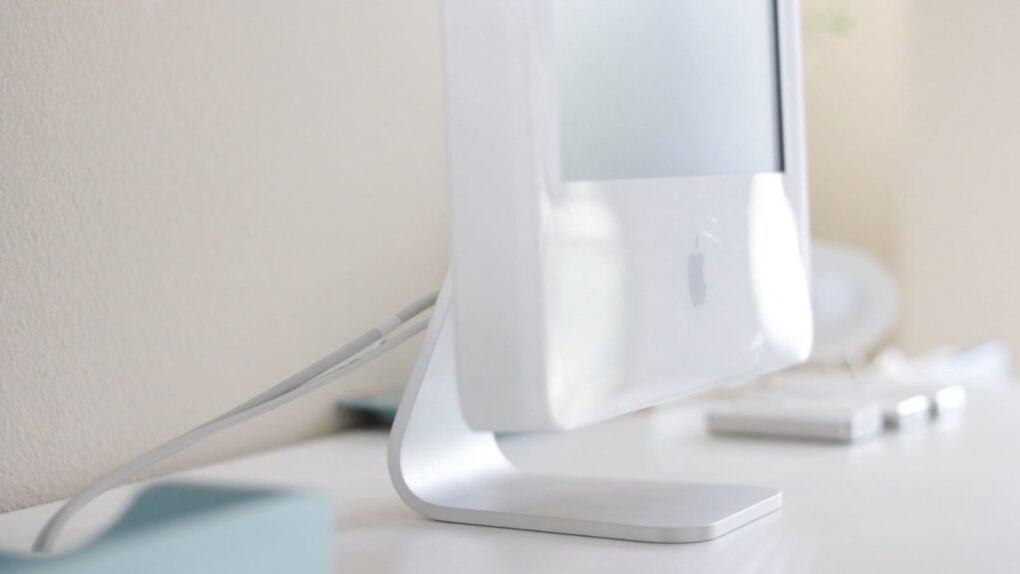
August 31, 2004: Apple launches the iMac G5, a distinctive, white plastic computer that looks a little like the world’s biggest iPod.
Housed in a 2-inch-thick enclosure reminiscent of Apple’s Cinema Displays, the new all-in-one machine bridges the gap between the pleasing plasticity of the iconic original iMac and the minimalist form factor of the ultra-slim aluminum Macs that will follow.
“Just like the iPod redefined portable digital music players, the new iMac G5 redefines what users expect from a consumer desktop,” says Phil Schiller, Apple’s senior vice president of worldwide product marketing, in a press release. “With the entire system, including a gorgeous 17- or 20-inch display, just two inches thin, a lot of people will be wondering ‘where did the computer go?’”
Apple's new M6 processor packs a 2nm punch, but the M5 Pro lives up to its name. Image: Cult of Mac
With the latest Mac mini, Apple launched its first 2nm chip: the M6. It stands out for several reasons, including enhanced single-core performance and dual Neural Engines for better AI performance.
But that does not automatically make it better than the M5 Pro, which trumps the M6 in some key areas.
Both are available in the new Mac mini, so it’s up to buyers to choose which is the better option for them. To help with the decision, here’s how the two stack up.
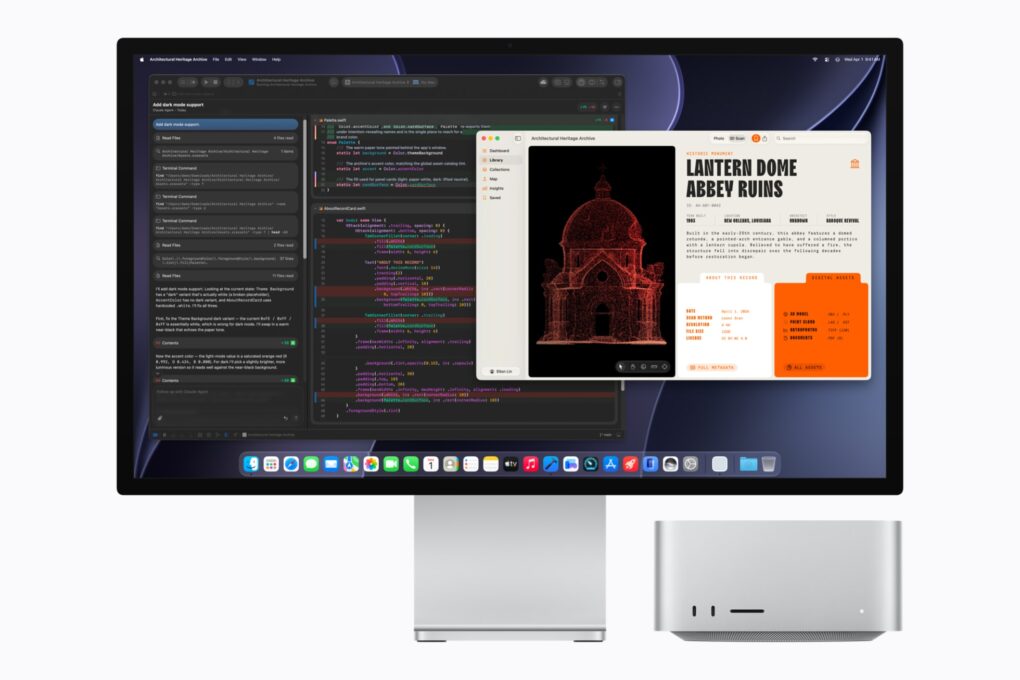
The M5 Ultra Mac Studio starts at $5,499 and targets developers running AI coding models locally. Photo: Apple
Apple pitches its new M5 Ultra Mac Studio as a way to end your AI subscription bill for good. But the math tells a different story.
“Mac Studio lets users run massive models entirely on device with complete privacy — without counting tokens or worrying about rising cloud costs,” Apple said in a press release announcing the computer’s surprise launch Tuesday.
While Apple’s marketing frames the Mac Studio as a way to run AI coding models locally instead of paying for an AI subscription every month, a pricing breakdown shows the payback stretching into years, not months.
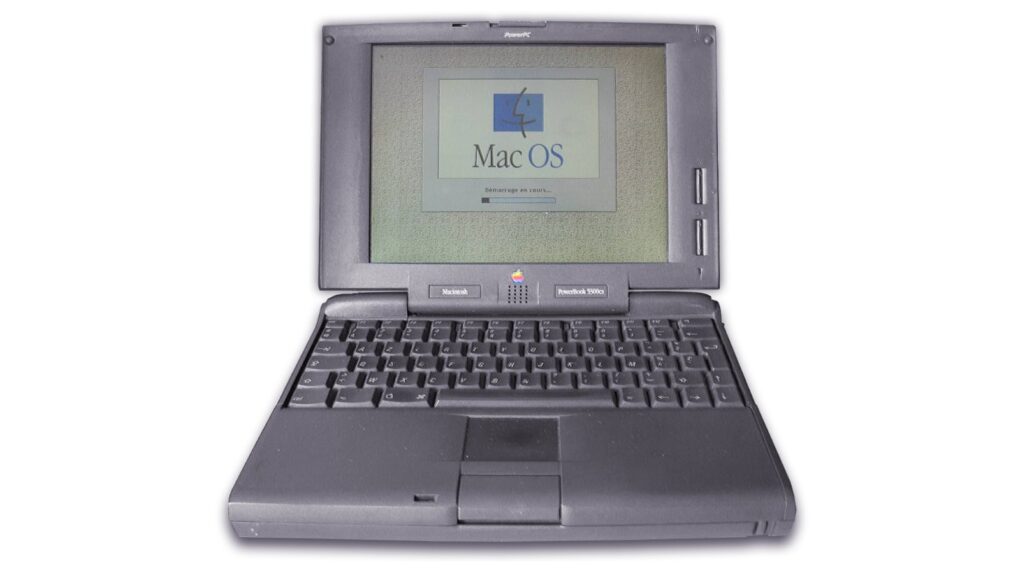
The top-spec PowerBook 5300 remains the priciest (and most famous) laptop in Apple history. Photo: Serged/Wikimedia
August 25, 1995: Apple releases the PowerBook 5300, the Mac laptop that will save the world from alien invaders in the 1996 blockbuster movie Independence Day.
The computer will make many more big-screen appearances, too. See some of the laptop’s most high-profile Hollywood cameos below.

 October 21, 1991: Apple launches the Macintosh PowerBook 100 series. The lightweight Mac laptops will quickly become one of the most important tech gadgets of all time.
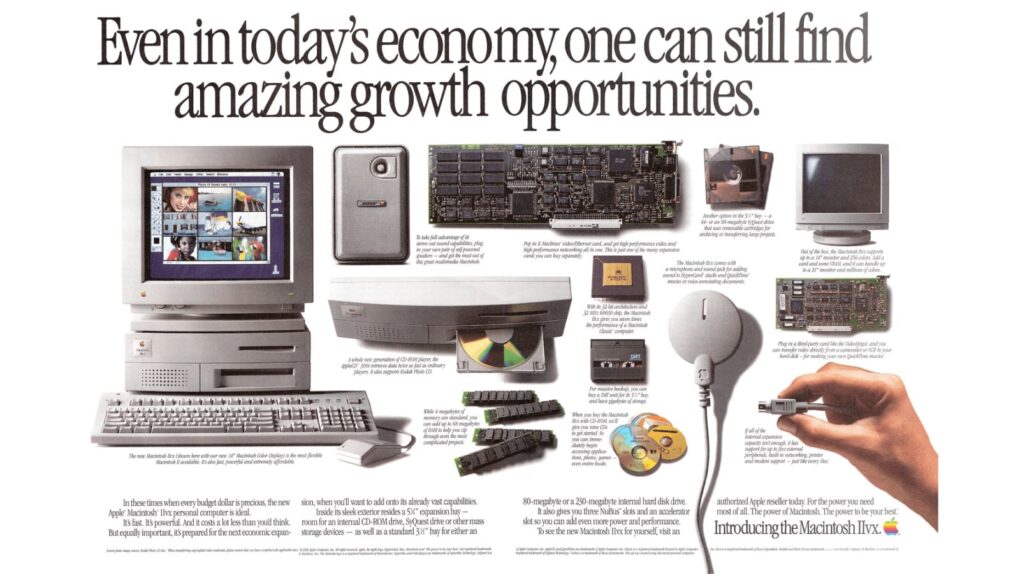
 October 19, 1992: Apple launches the Mac IIvx, the first Macintosh computer to ship with a metal case and, more importantly, an internal CD-ROM drive.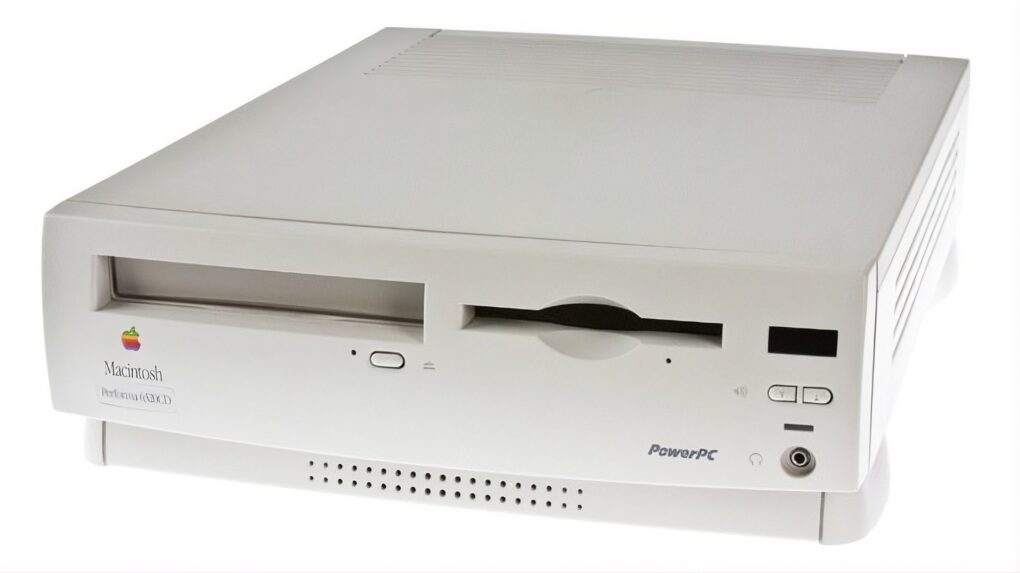
 October 17, 1996: Apple launches its Performa 6360 Mac in North America, sold elsewhere as the Power Macintosh 6300/160.
 October 10, 1993: Apple ships its Macintosh Color Classic II, the last of the 9-inch compact Macs.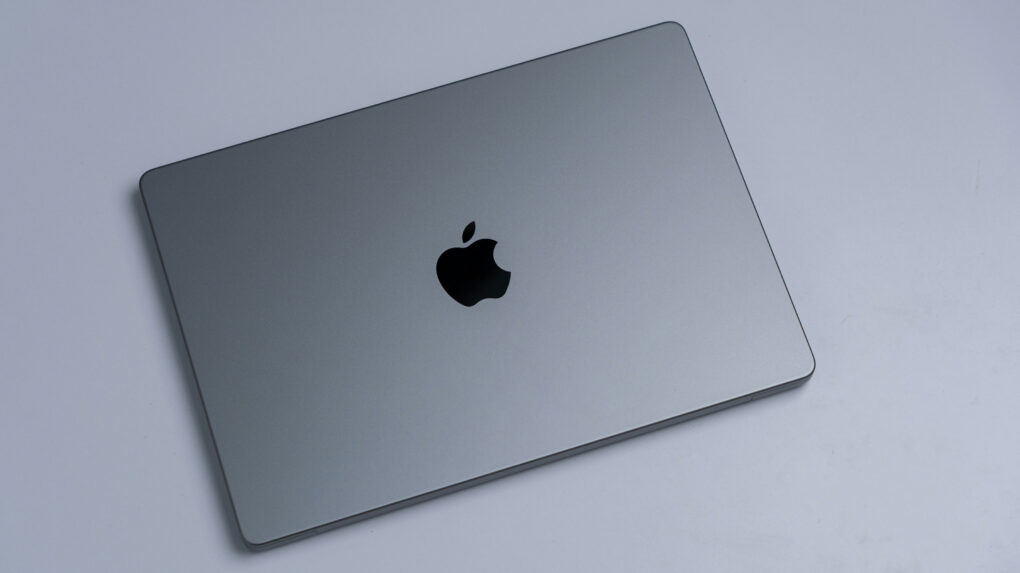
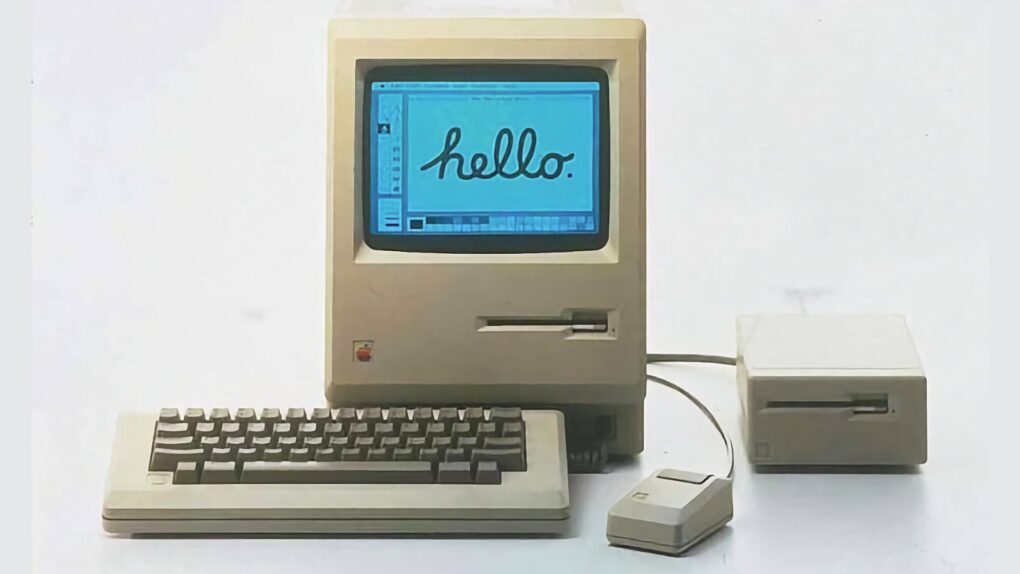
 September 27, 1979: Years before the first Macintosh will ship, Steve Jobs and Jef Raskin clash for the first time over the direction of the R&D project to produce Apple’s revolutionary computer.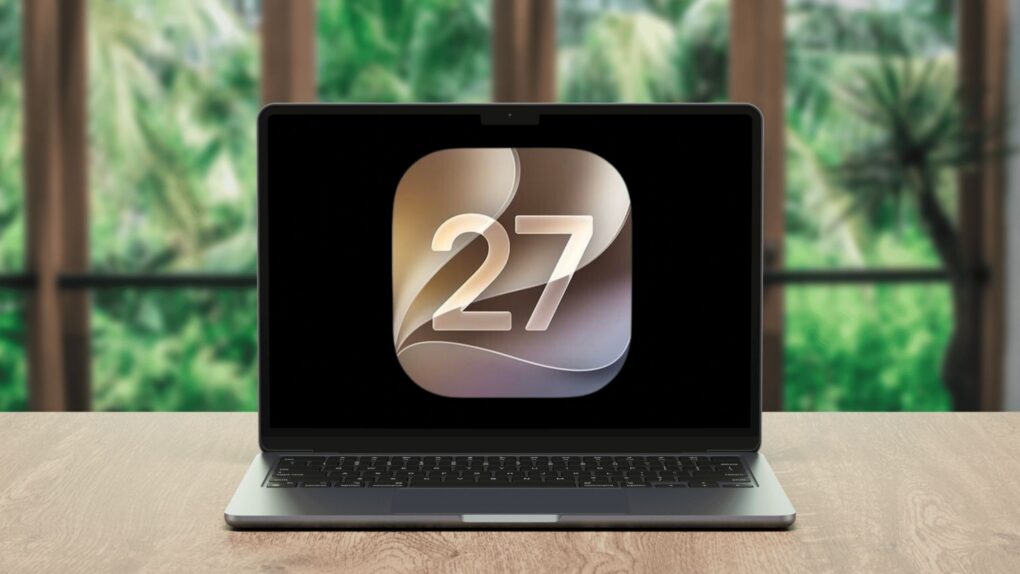
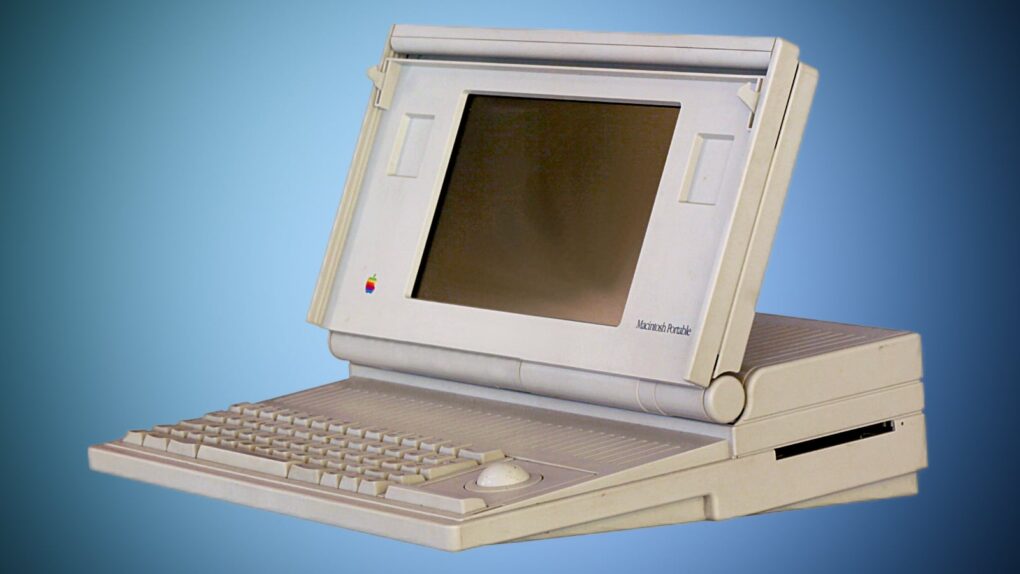
 September 20, 1989: Apple releases the Macintosh Portable, the first battery-powered Mac you could take on the road.

 September 10, 1984: Apple ships the Macintosh 512K, the first upgrade to the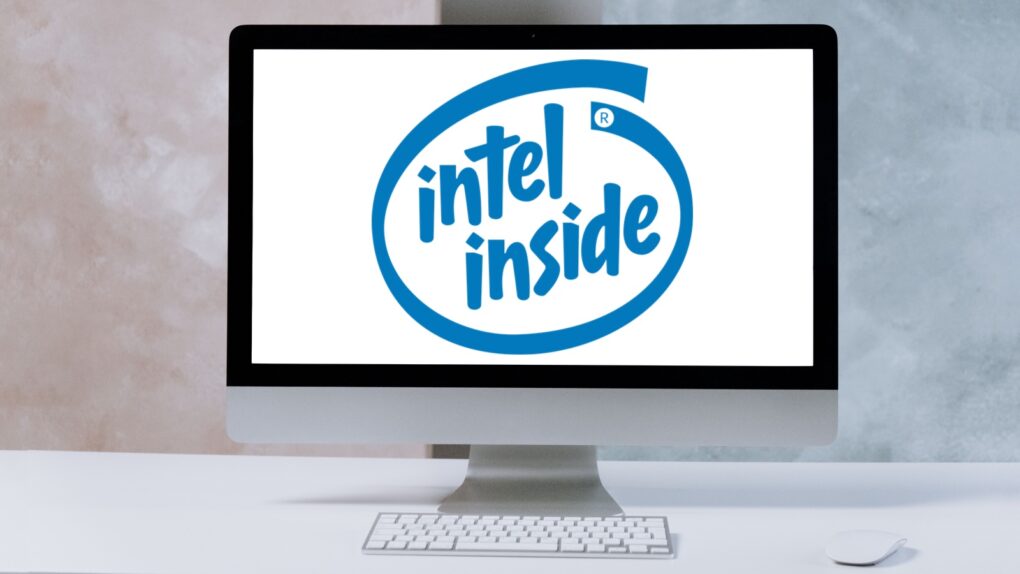
 August 31, 2004: Apple launches the iMac G5, a distinctive, white plastic computer that looks a little like the world’s biggest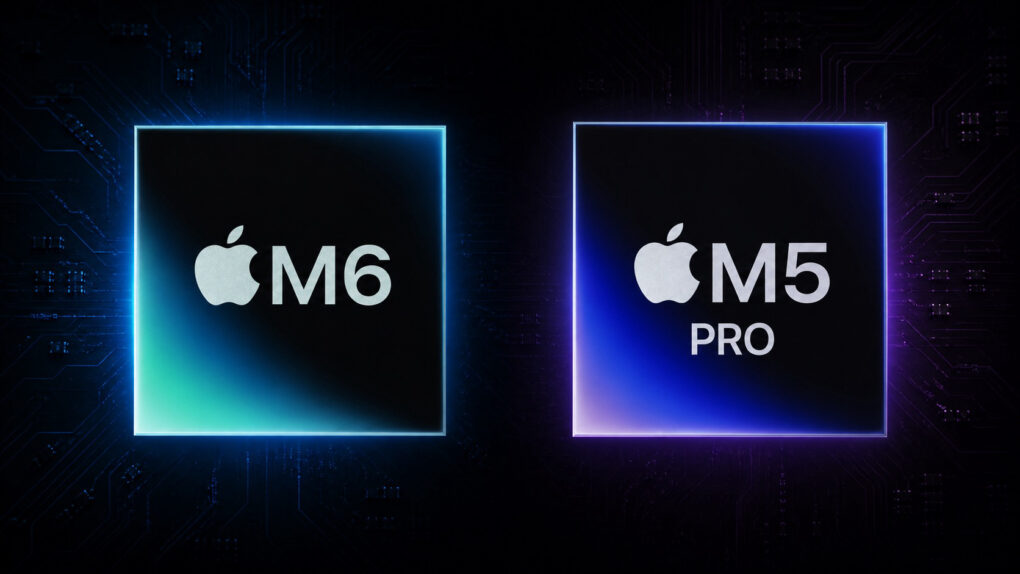
 August 25, 1995: Apple releases the PowerBook 5300, the Mac laptop that will save the world from alien invaders in the 1996 blockbuster movie Independence Day.