0:00
Hey what's up guys, Stephen from Cultimac here back with another great quick tips video
0:06
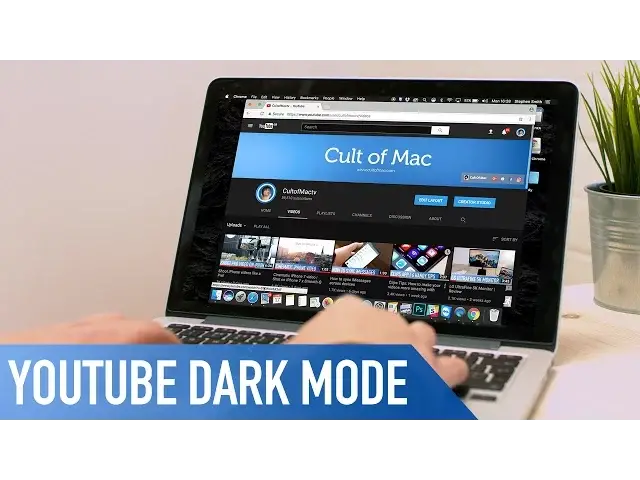
and in this one I am going to show you how to enable YouTube's secret dark mode
0:10
So let's get started. For this to work you need to be using the latest version of Google Chrome and to be
0:15
logged into an account. Head to Google Chrome and open up the developer window by pressing option command and I on
0:20
a Mac or if you're using a PC by hitting control shift and I
0:24
Once open click on the console tab, then enter the text you see on screen here, I'll leave
0:28
it in the description down below so you can copy and paste. Hit enter and then close the developer tab and refresh the page
0:35
YouTube's page layout should then look slightly different. Click on your profile icon in the upper right and you should now see a new options panel
0:41
Click on the dark mode button and toggle it on. And it's as simple as that
0:46
Well that's it for this quick tips video but if you found it useful go ahead and hit that like button down below and hit subscribe so you don't miss a single video from Cultimac
0:54
I'll catch you in the next one