0:00
Hey what is up guys, Stephen Culls of Mac here back with a super useful quick tips video
0:06
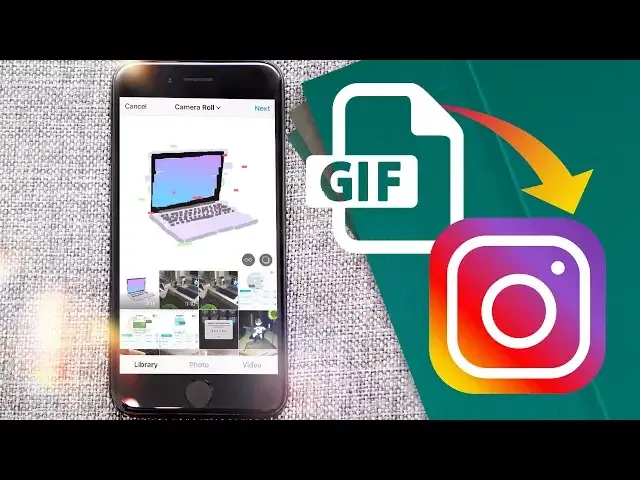
and in this one I'm going to show you how to upload GIFs to Instagram. So let's get started
0:11
For this you're going to need some apps to convert the GIF into a video. If you've already got a GIF saved on your phone that you want to upload, head over to
0:17
the App Store and download GIF Maker for Instagram. Once downloaded and installed, fire it up and choose the GIF from your library
0:23
Then choose your settings and simply hit convert at the bottom of the app and wait for it to be turned into a video file
0:28
After a few seconds it will finish and you can save the video to your camera roll. From there you can then upload it straight to Instagram
0:33
If you've not got a particular GIF saved but still want in on the action, check out the GIFy app
0:38
Here you can search for a relevant GIF you'd like to share and upload straight to Instagram. Once you've found the GIF that represents what you're trying to say, tap on the Instagram
0:44
icon underneath, it may be hidden, and then it will convert into a video and open up within Instagram
0:49
It's as simple as that. Well, that is it for this quick tips video. If you found it useful though, go ahead and give us a big thumbs up and make sure to hit
0:56
subscribe for more great tips like this. I'll catch you in the next one