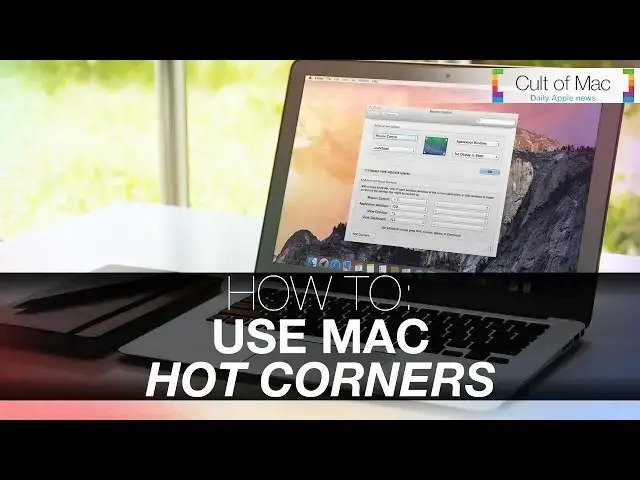
0:06
our Macs are extremely complex machines
0:08
but are uniquely designed for even the
0:10
most difficult projects to be a breeze
0:13
now while things like keyboard shortcuts
0:14
can make typing or making commands
0:16
faster than ever a little known feature
0:18
with your trackpad called hot Corners
0:20
can make doing everyday actions fast and
0:22
easy as well so here's how to use them
0:24
hot Corners make gestures made on your
0:26
trackpad perform specific actions while
0:28
on your Mac and can be found under the
0:30
mission control tab under system
0:32
preferences by flicking your finger
0:34
across the trackpad into each different
0:35
Corner a new action can be done what's
0:39
nice is that there's a pretty good array
0:40
of actions for users to select from put
0:42
your display to sleep start it your
0:44
screen saver even show your desktop and
0:46
more and I mean there's four different
0:47
Corners you can set up so you can pick
0:49
your favorites and set them up with just
0:51
a few short clicks once you've selected
0:53
your actions for your corner all you
0:54
have to do is click okay and you'll find
0:56
that when you flick your finger across
0:58
the trackpad into the designated Corner
1:00
the action you set up will take place
1:02
just like that now I use hot Corners all
1:05
the time because it's one of the most
1:07
convenient and quickest ways to put my
1:09
display to sleep most of the time your
1:10
hand is almost always on the trackpad
1:12
anyway so why not set up hot Corners to
1:14
help you do what you want faster than
1:16
before start using hot corners on your
1:18
Mac and you're sure to enjoy an even
1:20
better experience while on it and while
1:22
you're at it you can check out more cool
1:23
tips and how to use right here on
1:27
well there you go there's a look at how
1:29
you can start using hot corners while on
1:31
your Mac but I want to know do you use
1:33
hot corners or not be sure to let me
1:35
know on Twitter at just joshua1 123 or
1:38
go ahead and let me know in the comment
1:40
section below and if you like the video
1:42
go ahead and do me a favor and click
1:43
that like button and don't forget to
1:45
subscribe to see more awesome videos
1:47
posted like this 7 days a week this has