0:00
I'm going to give you my top three tips that'll help you edit text
0:03
delete a bunch of stuff at once, and undo and redo all on your iPhone
0:09
So let's say I'm composing a text message and I want to add like a quotation mark around here
0:16
but as you can see the cursor isn't very precise when you just randomly tap around
0:21
So you hold your finger on the spacebar and the keyboard becomes a trackpad
0:27
and you can just move it around exactly where you want really easily
0:34
Right there, there we go. Now, so we just want to take this out, you use two fingers
0:42
and you can select text all at once. It's kind of hard to get the hang of this
0:48
but you'll get used to it with some practice. For example, if I've selected all this and I
0:54
want to unselect it, I move backwards. Instead, it just keeps selecting more. It's kind of
0:59
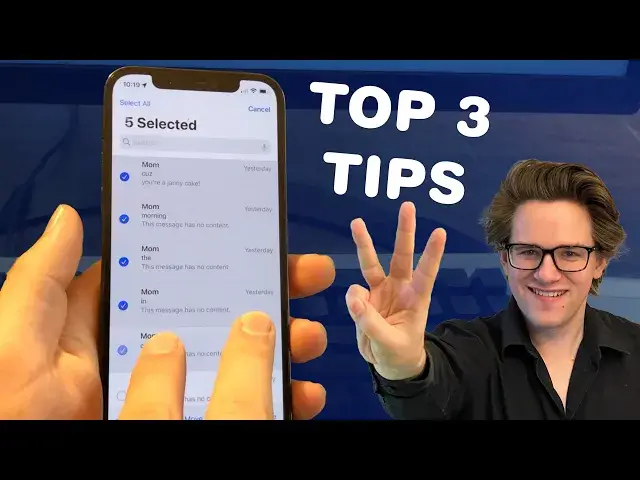
annoying, but you'll get the hang of it. Tip number two. I've got a bunch of these emails
1:05
from my mom. You know, she's a lovely lady, but I got a lot on my plate right now
1:11
You can take two fingers and select a bunch of stuff all at once. Let me show you that again
1:18
Two fingers, swipe down, you can select a bunch of stuff all at once. This works basically
1:25
anywhere you have a list that looks like this. So if you also open up some notes, you know, two fingers
1:31
swipe down, you can select a bunch of stuff all at once. And then, of course, you can
1:36
tap, unselect, reselect, whatever. I like that. Tip number three. Say you want to undo whatever it is
1:43
you just did. You take three fingers and you swipe to the left. It'll undo. And this works
1:49
in the opposite as well. You take three fingers, swipe to the right, and it'll redo. And you get
1:55
some interference with these gestures. Like, as you can see, when I tried doing that, it tapped to open up an email, but I really just wanted to undo and redo. I do the undo gesture
2:03
again and it brings up these little side menus here, but it does work. And there are more three
2:08
finger gestures too. If you select something and do a three finger pinch, it'll copy. And
2:15
you do a three finger reverse pinch and it'll paste. And if the gestures are kind of hard for
2:21
you to do, if you just tap with three fingers, it'll bring up a menu with all of these things
2:26
Undo, redo, paste. There you go. It's that simple. So those are my top three tips. You can find an
2:34
article version of this in the video description. I'm Dick Griffin-Jones with Cult of Mac