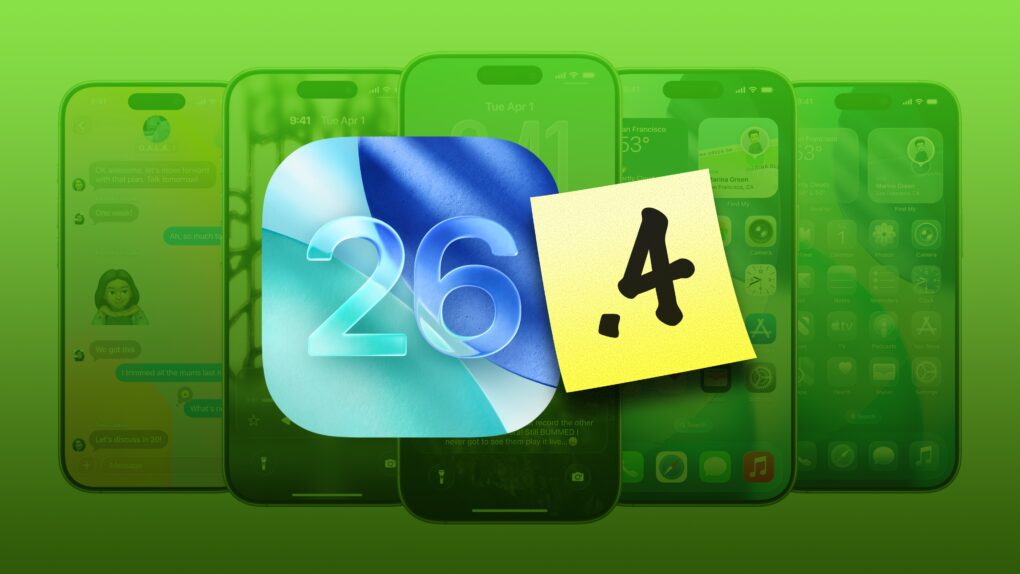
Here’s a snapshot of the new iOS 26 features for iPhone users.
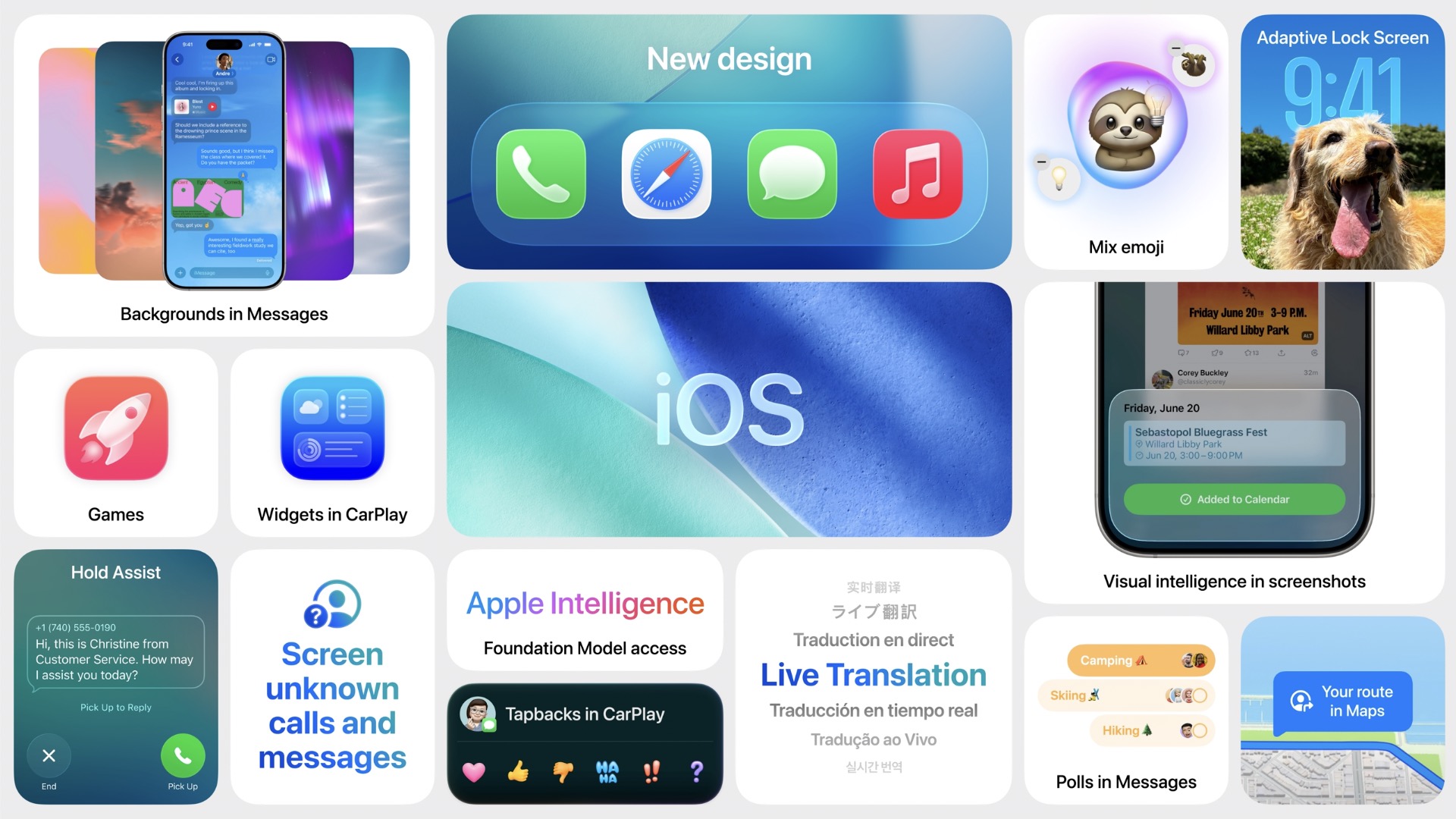
iOS 26 marks a major evolution of Apple’s mobile operating system, distinguished by its striking Liquid Glass design — a translucent, fluid aesthetic that brings expressive, glass-like refractions and dynamic controls to the Lock and Home screens, app icons, widgets, and more.
It features improved Apple Intelligence features such as live translation across Messages, FaceTime, and Phone, AI-powered visual search, Contextual Shortcuts, Genmoji enhancements, and screenshot-based ChatGPT interactions.
iOS 26 also refines communication apps with customizable chat backgrounds, polls, draft filtering, advanced call screening and Hold Assist, introduces a unified Games app, optimizes apps like Music, Maps, Wallet, and Clock, adds broader system-level enhancements like Qi 2.2 support for faster wireless charging, accessibility innovations such as Braille input and head tracking, smarter battery management, and seamless eSIM transfers.
All this combines into a more intuitive, personalized, and visually immersive iPhone experience.
If you're one of the unlucky few the charging problem vexes, here's your solution. Image: Cult of Mac
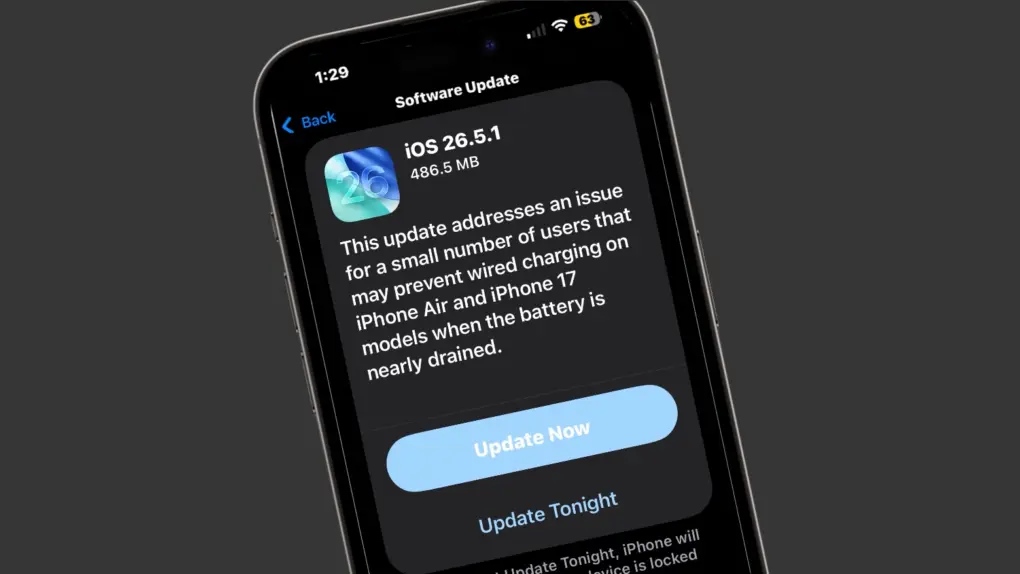
Apple made an update available for its iPhone operating system Monday with iOS 26.5.1. It addresses a wired charging problem some users with iPhone Series 17 or iPhone Air handsets face.
Apple said the problem affects a “small number of users.” But for the few users who face it, the problem probably feels pretty big. The same goes for a Mac glitch fixed by macOS 26.5.1, also released Monday.
Apple officially closed the downgrade window for iOS 26.4.2. Image: Cult of Mac
Apple stopped signing iOS 26.4.2, meaning iPhone users who updated to iOS 26.5 can no longer roll back to the previous version.
Whenever Apple rolls out an iOS update, it allows users to go back to the previous version if they run into bugs or other issues. But once the company considers the new release stable, it stops signing the older build.
The dazzling new wallpaper for iPhone. Image: D. Griffin Jones/Cult of Mac
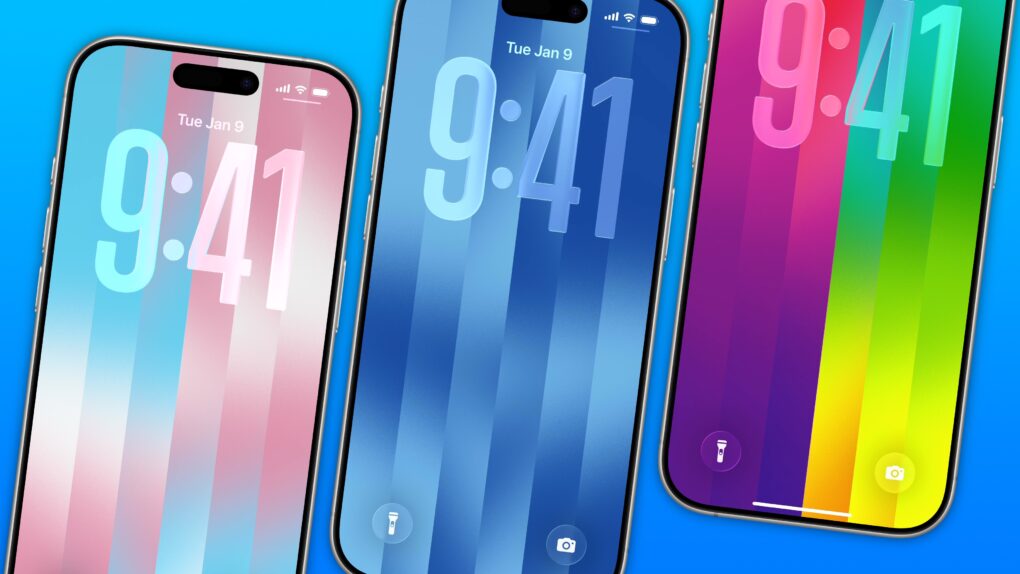
The colorful Pride Luminance wallpaper and watch face add beautiful color gradients to your iPhone and Apple Watch. You can download them both after updating to iOS 26.5 and watchOS 26.5.
Since they’re part of Apple’s annual Pride collection, they come with a bunch of preset styles for various pride flags. But you can customize the Lock Screen wallpaper and the Apple Watch face however you want. With a light and dark shade of the same color, the vertical stripes and gradients shimmer and animate when you swipe up to unlock your phone. Or you can go to the other extreme, picking up to 12 colors from the Luminance palette.
This is easily the best Pride wallpaper Apple has produced yet — in fact, it’s a great wallpaper, period. Check it out in our quick video or keep reading.
iOS 26.5 is a small-yet-big update for your iPhone. Photo: Rajesh Pandey/Cult of Mac
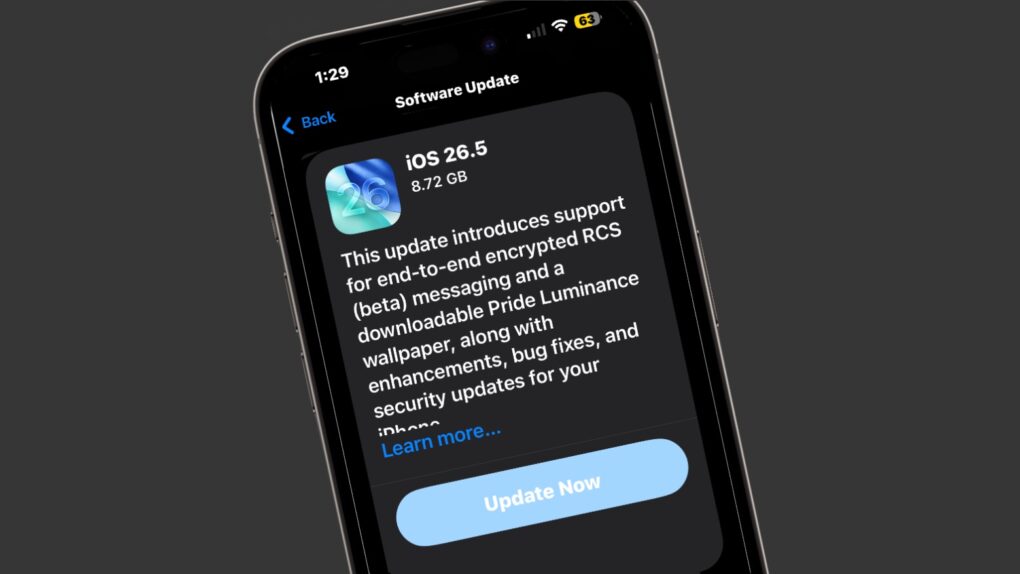
iOS 26.5 launched Monday, bringing several minor but important usability improvements to your iPhone. The update adds 11 new Pride-themed wallpapers, a suggested places section in Apple Maps, and a new payment option for yearly app subscriptions.
Here are all the new features you can look forward to trying in iOS 26.5.
Put a stop to the madness. Image: D. Griffin Jones/Cult of Mac
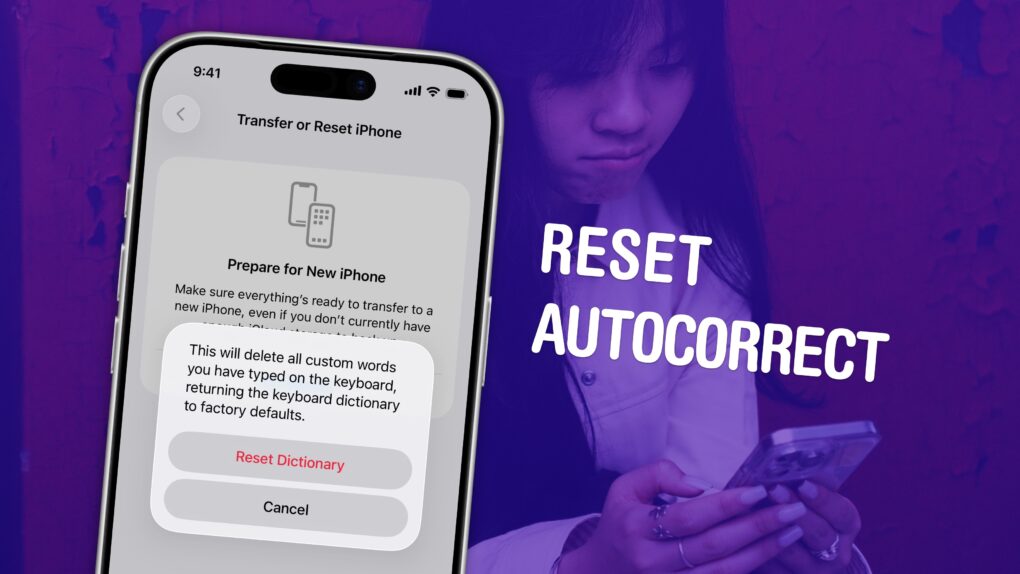
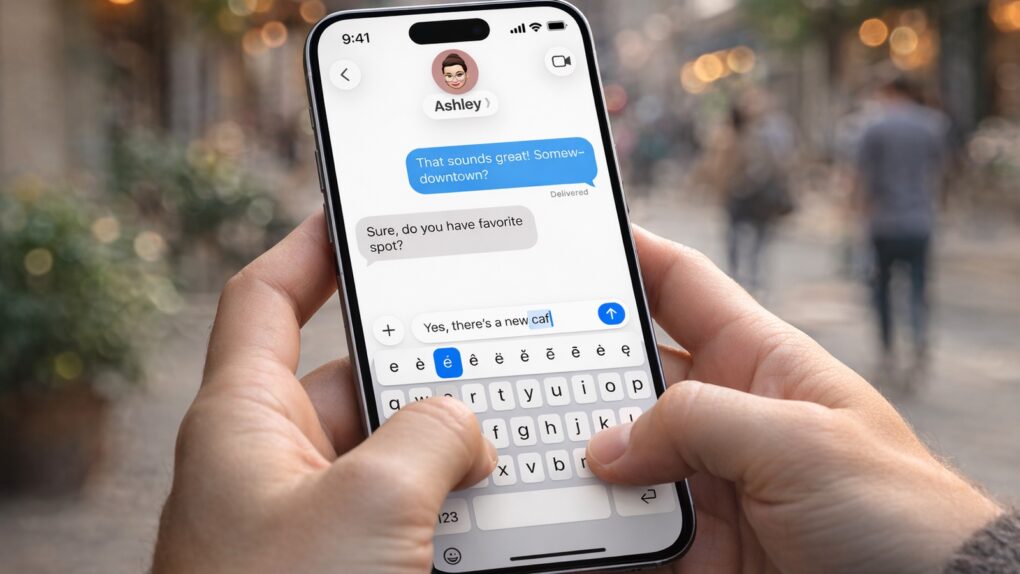
If you’ve noticed that the iPhone’s autocorrect has been especially bad over the last few months, you’re not alone. It appears that iOS 26.2 introduced a bug that made the keyboard much more frustrating to use. Luckily, the solution is simple. You can learn how to reset autocorrect on your iPhone really quickly.
First, you need to update to iOS 26.4, the release that fixed the iPhone’s autocorrect bug. Then, resetting your keyboard dictionary will get rid of any bad patterns it may have picked up since December.
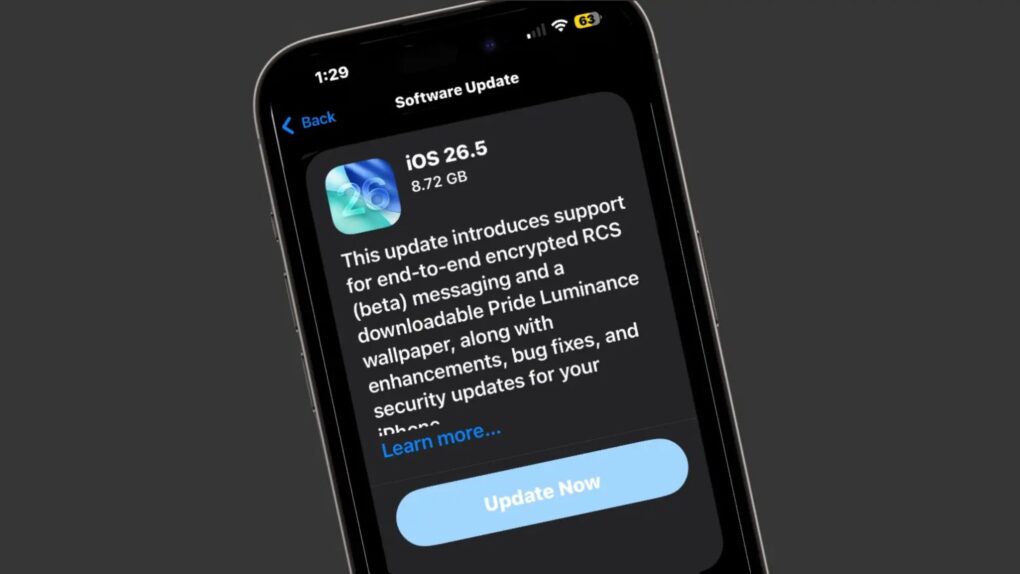
Apple on Monday seeded the iOS 26.5 Release Candidate to beta testers, signaling that eager iPhone users should circle May 11 on their calendars. The major new feature is fully secure, encrypted messages when using RCS… though this will remain in beta even after iOS 26.5 launches.
Monday also brought the macOS Tahoe 26.5 Release Candidate, as well as equivalents for iPad, Apple Watch, Apple TV and more.
The App Store just got a new way to pay for annual app subscriptions. Photo: Apple/Rajesh Pandey
Apple now allows developers to offer monthly subscriptions with a 12-month commitment. This means instead of paying the annual subscription fee upfront, users can pay it monthly.
This change makes it easier for users to subscribe to apps with high annual fees, lowering the barrier to entry.
Update your iPhone today to get rid of bugs. Screenshot: Cult of Mac
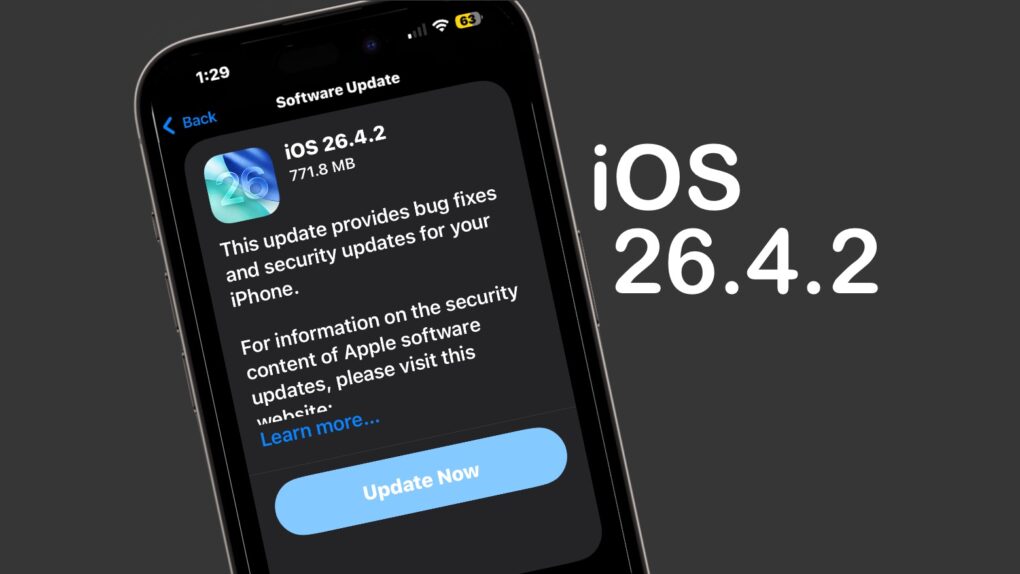
Apple on Wednesday released iOS 26.4.2 to fix a bug that allowed messages deleted by a user to remain on the iPhone.
“Notifications marked for deletion could be unexpectedly retained on the device,” Apple said in its security notes about the update. “A logging issue was addressed with improved data redaction.”
Beyond that, it seems like a minor update that focuses on various bug fixes and incremental performance improvements rather than new features. Tablet users got iPadOS 26.4.2 at the same time.
Plus, those not yet willing to make the jump to iOS 26 got their own update — iOS 18.7.8 also appeared on Wednesday, along with iPadOS 18.7.8.
Switch the buttons for whatever you want. Image: D. Griffin Jones/Cult of Mac
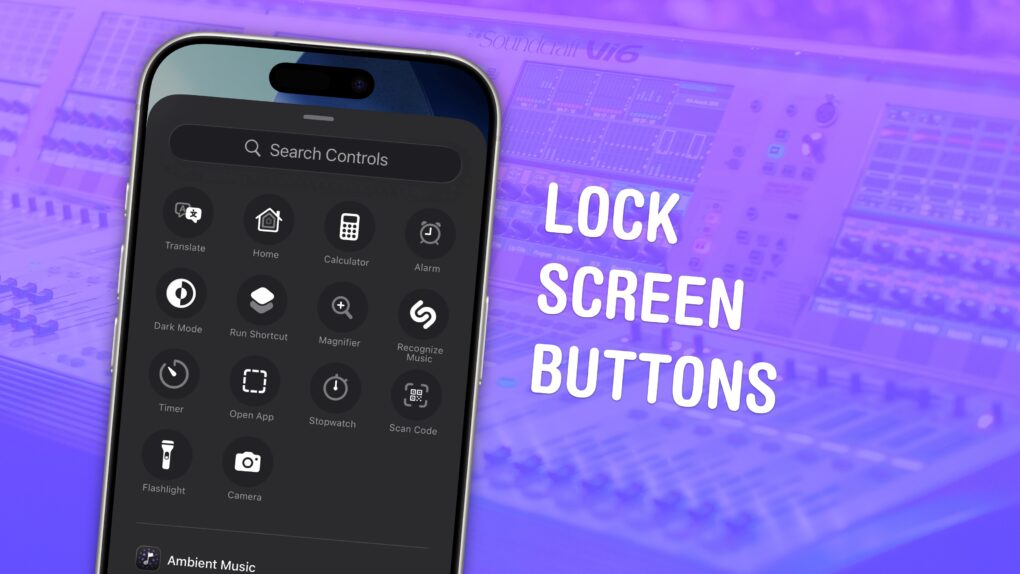
You can change out your iPhone Lock Screen buttons from the standard flashlight and camera icons to whatever you want. There’s a huge selection of buttons you can swap in their place. Just about any button you can put in Control Center is a button you can put on your iPhone’s Lock Screen.
Plus, you can assign different shortcut buttons on different Lock Screens, making them context-dependent (and tied to a Focus Mode if you like). Apple offers a standard selection, but your options will vary depending on what apps you’ve installed.
There's a new tool to amp down the look of Liquid Glass. Screenshot: Cult of Mac
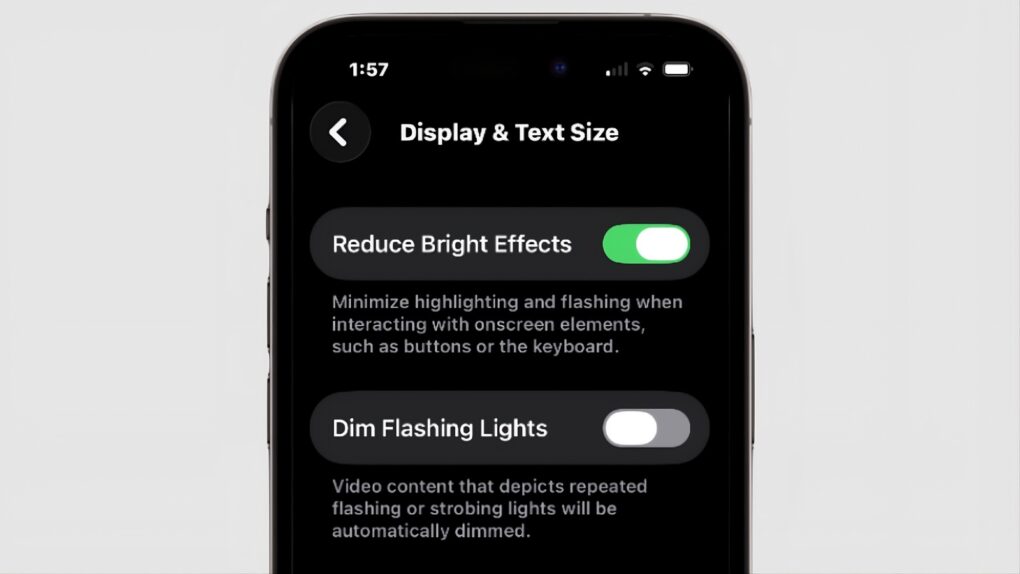
Those who aren’t fans of Apple’s Liquid Glass have a new way to disable some of its distracting features. “Reduce Bright Effects” appeared in iOS 26.4, as well as macOS and iPadOS. As the name suggests, it is intended to minimize highlighting and flashing when pushing on-screen buttons.
iOS 26.4.1 is a small but important update. Image: Rajesh Pandey/Cult of Mac
Apple rolled out iOS 26.4.1 for compatible iPhones on Wednesday. While it looks like a minor update on paper, it fixes a frustrating issue and quietly introduces a major security change.
The update resolves an iCloud syncing bug that Apple introduced in iOS 26.4. It also enables Stolen Device Protection by default for enterprise iPhones.
DarkSword looms over iPhones that haven't been updated. AI image: ChatGPT/Cult of Mac
Your iPhone is at serious risk of getting hacked if you haven’t updated it recently. Apple and security researchers warn that a sophisticated hacking tool known as DarkSword can compromise iPhones through malicious websites.
The fix is easy and available for every iOS device since 2015. Plus, it doesn’t require you to install iOS 26 or put Liquid Glass on your handset.
Still on iOS 18? Apple released a new security update you should install right now. Photo: D. Griffin Jones/Cult of Mac
Apple released an iOS 18 update on Wednesday to patch a major security vulnerability for iPhones that haven’t yet upgraded to iOS 26. The new version, iOS 18.7.7, is presumably intended to protect a range of iPhone models from the serious DarkSword hack.
This comes amid a recent push from Apple to address newly discovered vulnerabilities across older iOS releases. It has released multiple updates over the past few weeks.
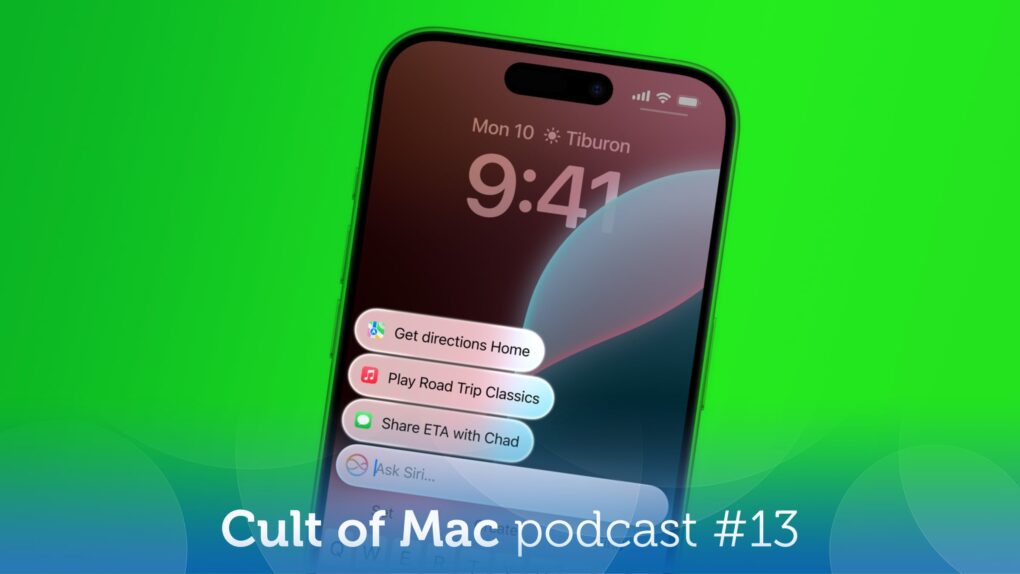
Will Apple finally deliver the smarter Siri we've been waiting for? Image: Cult of Mac
This week on the Cult of Mac podcast: New details emerge about a major upgrade that would transform Siri from a laughingstock to a legitimate AI assistant.
Now we know when WWDC26 will happen — and it’s time to get excited. This is when we should get our first glimpse of the new, AI-powered Siri.
Some of us are clearly not excited about Apple adding advertisements to the Maps app in the near future.
And finally, Griffin runs us through all the exciting new features in iOS 26.4.
Listen to this week’s episode of the Cult of Mac podcast in the Podcasts app or your favorite podcast app. (Be sure to subscribe and leave us a review if you like it!) Or watch the video version, embedded below.
Check out all that’s new in iOS 26.4. Image: Apple/D. Griffin Jones/Cult of Mac
iOS 26.4, which Apple released Tuesday, brings a bunch of great new features to your iPhone.
It adds eight all-new emoji — a couple that I’ll definitely start using often (in addition to a few weird ones, as always). Apple Music also receives several excellent new features, like concert listings coming up in your area, in addition to a refined user interface. And the Apple Podcasts app gets a big video upgrade.
Those come in addition to tons of other interface tweaks and a fix for a typing bug that has been annoying iPhone users. Here are all the new features you can look forward to in iOS 26.4.
An iPhone typing bug that frustrates users gets a fix. AI image: Apple/ChatGPT/Cult of Mac
Apple’s iOS 26.4 update includes a small line in its release notes that is drawing outsized attention. It promises “improved keyboard accuracy when typing quickly.”
While that might sound like a routine tweak, it appears to address a typing problem that has frustrated iPhone users for months.
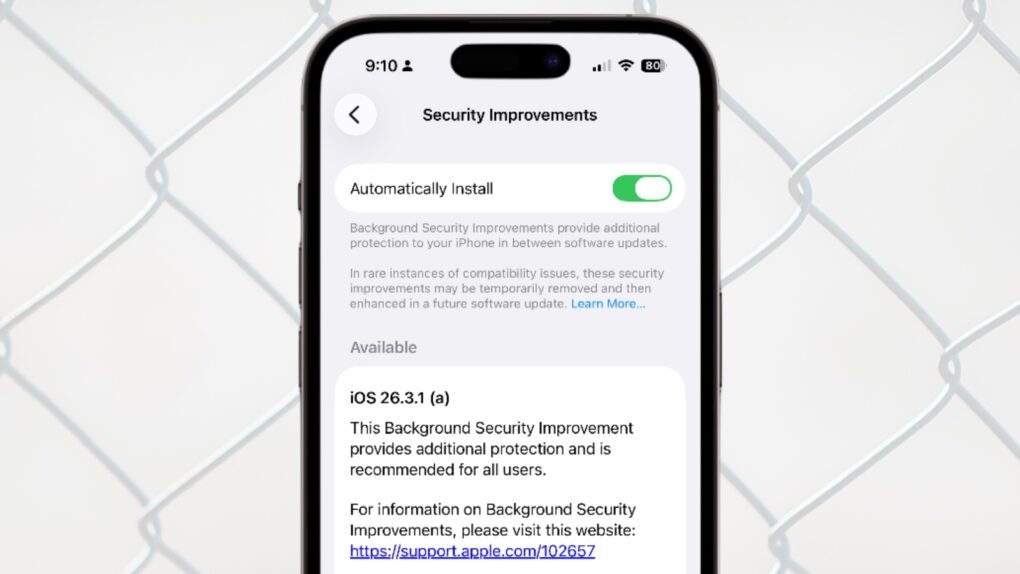
iOS 26.3.1 (a) is Apple's first ever Background Security Improvements patch for iPhone. Image: Apple/Cult of Mac
Apple updated iOS, macOS and iPadOS with a Background Security Improvements patch on Tuesday, the first time the company has used its new system for securing user devices. This patch fixes a flaw in WebKit that could have allowed malicious websites to access data from other websites.
Background Security Improvements are installed without requiring the iPhone, Mac or iPad user to do anything — or even be aware of the update.
Who knows the AirPods Max 2 release date? Not even Apple. Photo: Apple/Cult of Mac
When Apple unveiled AirPods Max 2 on Monday, the company was unable to specify a release date, simply telling customers its new high-end headphones will launch “early next month.” It’s very unusual for Apple to not reveal when its own product will reach customers. But it turns out the headphones are waiting for Apple software that’s still in development.
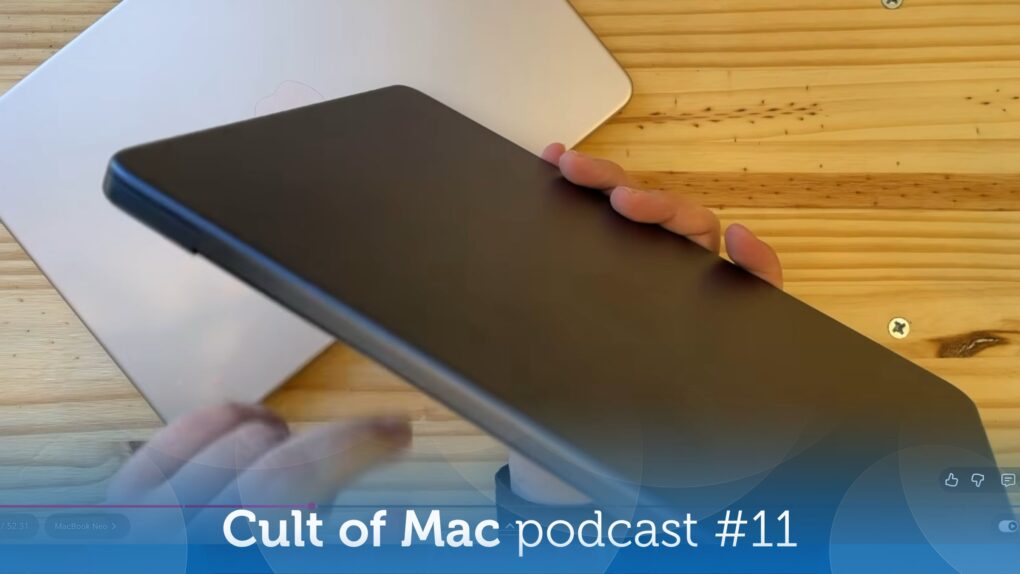
The MacBook Neo is even better than we imagined! Photo: Cult of Mac
This week on the Cult of Mac podcast: Griffin goes on a buying spree, snapping up a Studio Display XDR, an iPhone 17e and not one but twoMacBook Neos. He shares his hands-on experience with the latest Apple gear, and Leander’s got plenty of questions!
Also on the Cult of Mac podcast:
PC makers are freaking out over what the MacBook Neo means for the industry.
Next-gen MacBook Pros might come with a MacBook Ultra variant. Will they all come with touchscreens, or just the high-end model?
The latest iOS 26.4 beta gives us a look at Apple’s upcoming emoji. Why are they all facing to the left? (The Hairy Creature emoji definitely needs to be flipped so it matches the iconic Bigfoot sighting!)
Listen to this week’s episode of the Cult of Mac podcast in the Podcasts app or your favorite podcast app. (Be sure to subscribe and leave us a review if you like it!) Or watch the video live stream, embedded below.
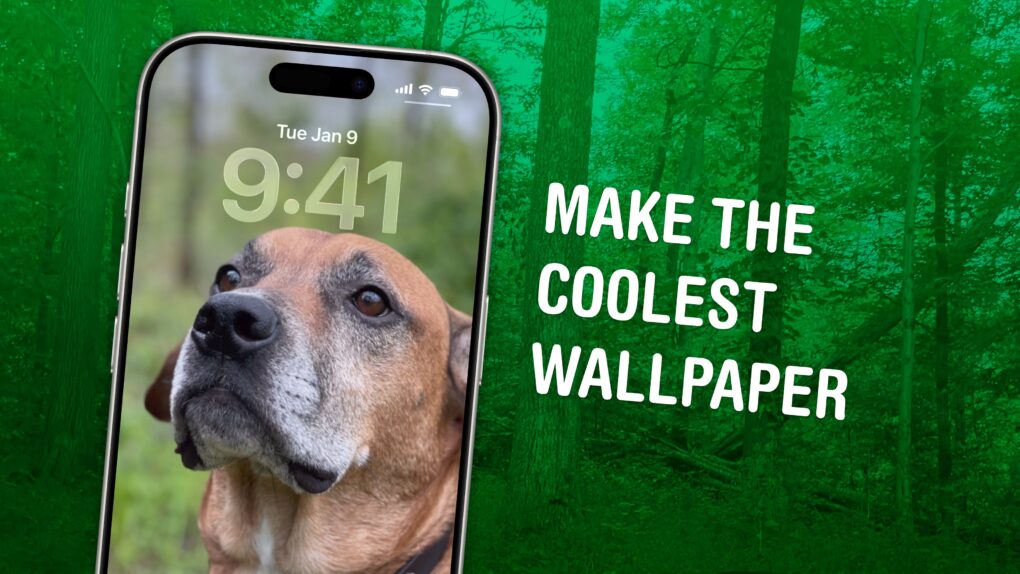
Not just of an old dog — a 3D old dog! Image: D. Griffin Jones/Cult of Mac
In iOS 26, the awesome new Spatial Scenes feature lets you convert an ordinary 2D photo to a 3D scene that moves in your hand. It doesn’t have to be a recent picture or one taken with a special camera, either. You can try out Apple’s new 3D effect on any decent photo, even if it’s from 20 years ago.
You can play with Spatial Scenes in the Photos app, converting images and seeing how the effect works. But the best part is that you can set one as your iPhone’s Lock Screen wallpaper, and see it every time you unlock your phone. It even works with the excellent Photo Shuffle feature, so you’ll keep getting new ones to gawk at.
Check out the GIFs below that show how Spatial Scenes work, or watch our hands-on demo video.
Another new iOS 26.4 beta is here... Photo: Rajesh Pandey/Cult of Mac
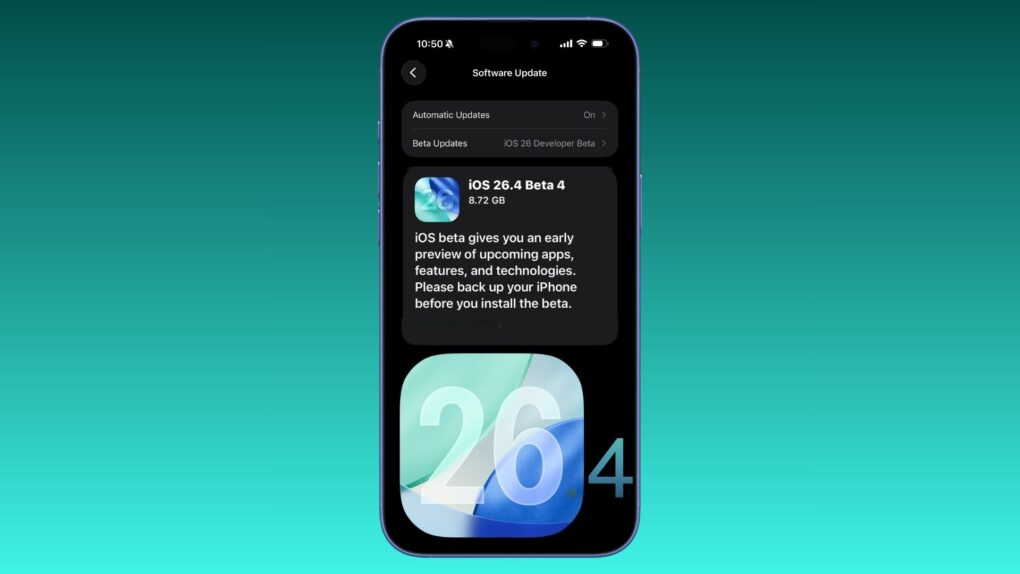
Apple revealed its versions of eight upcoming new emoji in iOS 26.4 beta 4, which it pushed to developers Monday. Standouts include Distorted Face — sure to become a hit when it arrives to the general public — and Hairy Creature, which looks an awful lot like Bigfoot.
See Apple’s versions of all the new emoji, and all the other changes in the beta, below.
Apple updates iOS with bug fixes and support for new displays AI image: Gemini/Cult of Mac
iOS 26.3.1 is ready to be installed on your iPhone starting Wednesday. Mac users got macOS Tahoe 26.3.1 at the same time. The new versions include bug fixes — which are always welcome. And iPad users can install iPadOS 26.3.1, too.
In addition, all three system software updates bring support for the Apple Studio Display monitors that just launched.
What will Apple reveal next week? Illustration: Midjourney/Cult of Mac
This week on the Cult of Mac podcast: Apple’s prepping to launch something Monday, but who knows what? We put our professional reputations on the line once again with predictions about what’s coming next week, including the “special Apple Experience” set for March 4.
Writer, developer and Accidental Tech Podcast host Casey Liss joins us for our fun Apple predictions game — and you can play along, too!
Also on the Cult of Mac podcast:
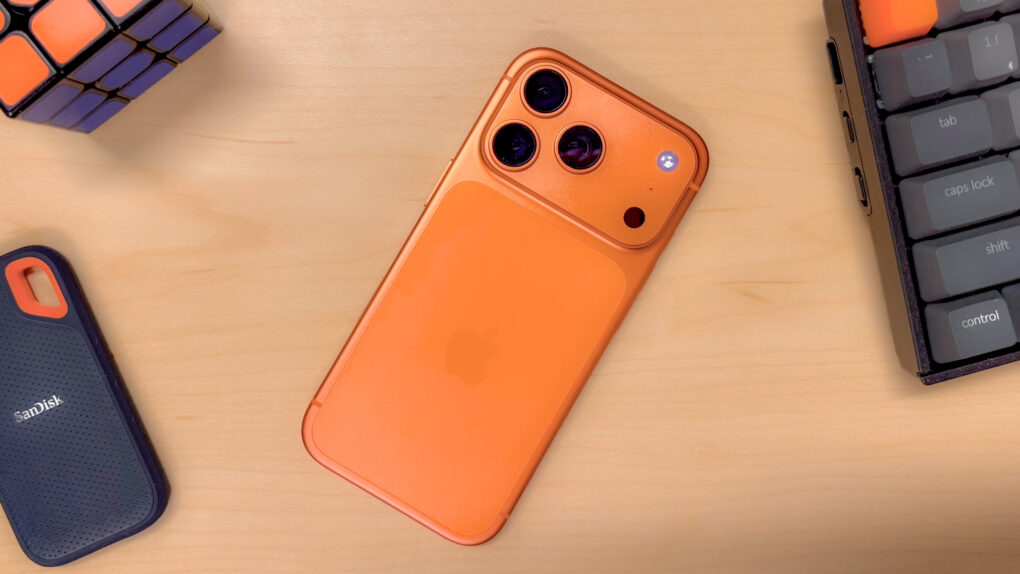
The cosmic orange iPhone 17 Pro became a big hit, so Apple might deliver more bold colors in this year’s model. Still, the reporting on this so far is a little weird.
Griffin goes over the new features in the latest iOS 26.4 beta.
Casey gives us an overview of Callsheet, his app for movie and TV fans that “aims to be a not-crappy version of the IMDb app.”
We discuss another ortholinear keyboard in yetanother interesting setup.
Listen to this week’s episode of the Cult of Mac podcast in the Podcasts app or your favorite podcast app. (Be sure to subscribe and leave us a review if you like it!) Or watch the video live stream, embedded below.
Apple's March 4 event sounds unusual (and clever). Image: Cult of Mac
This week on the Cult of Mac podcast: The “special Apple Experience” planned for March 4 doesn’t sound like a typical Apple event. What could it be? And what new hardware will we see?
It definitely doesn’t look like Apple CEO Tim Cook will be hitting us with his standard “good mooooorning” … we go over the possibilities.
Also on the Cult of Mac podcast:
Apple is ramping up its AI efforts with three interesting new products: smart glasses, a pendant/pin and AirPods with earcams. The devices all have one thing in common — and we should see at least one of them later this year!
We try to wrap our minds around the strangest MacBook Air setup we’ve ever seen.
And finally, Griffin gives us the scoop on an excellent, affordable iPhone game controller he reviewed.
Listen to this week’s episode of the Cult of Mac podcast in the Podcasts app or your favorite podcast app. (Be sure to subscribe and leave us a review if you like it!) Or watch the video live stream, embedded below.