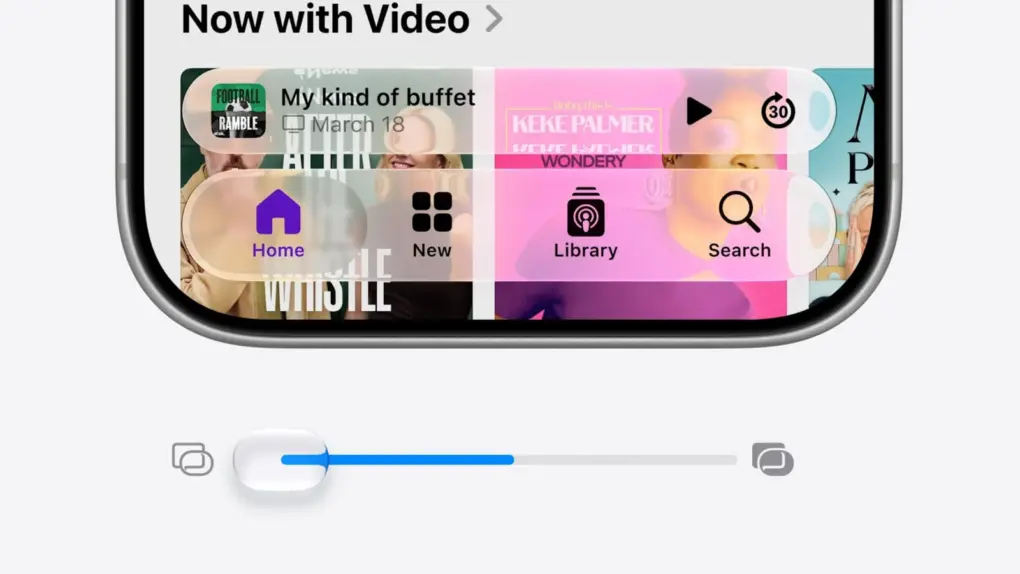
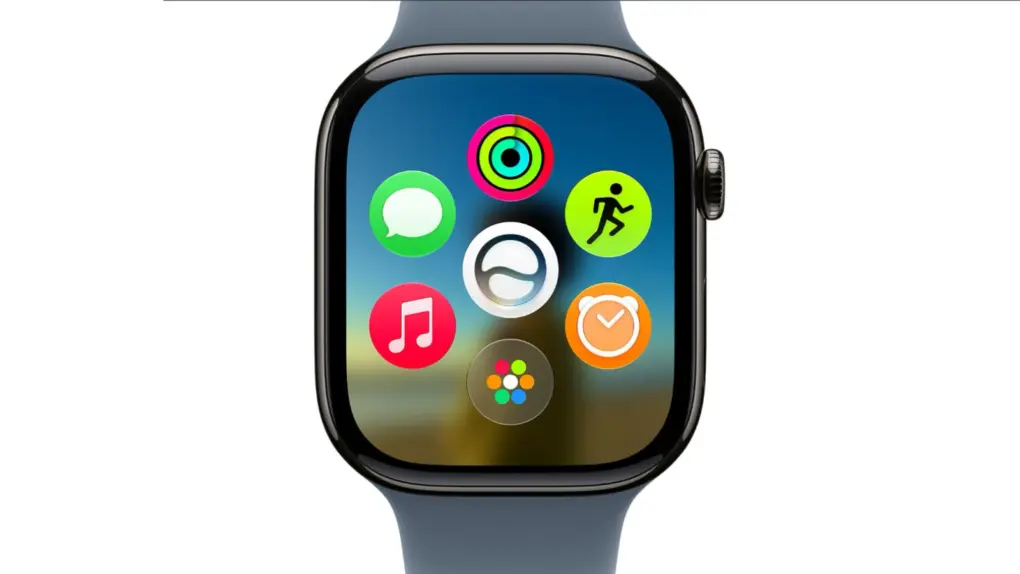
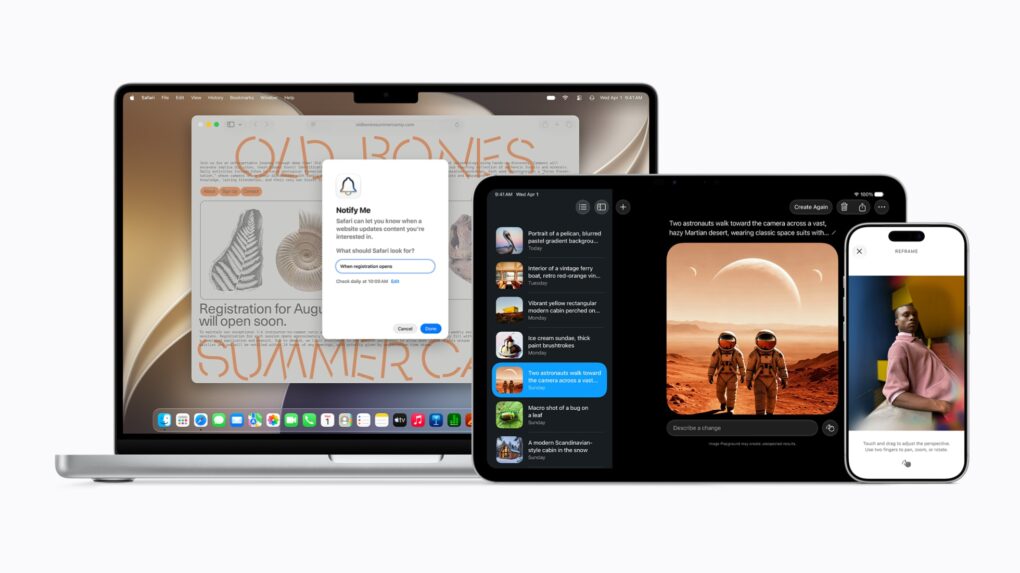
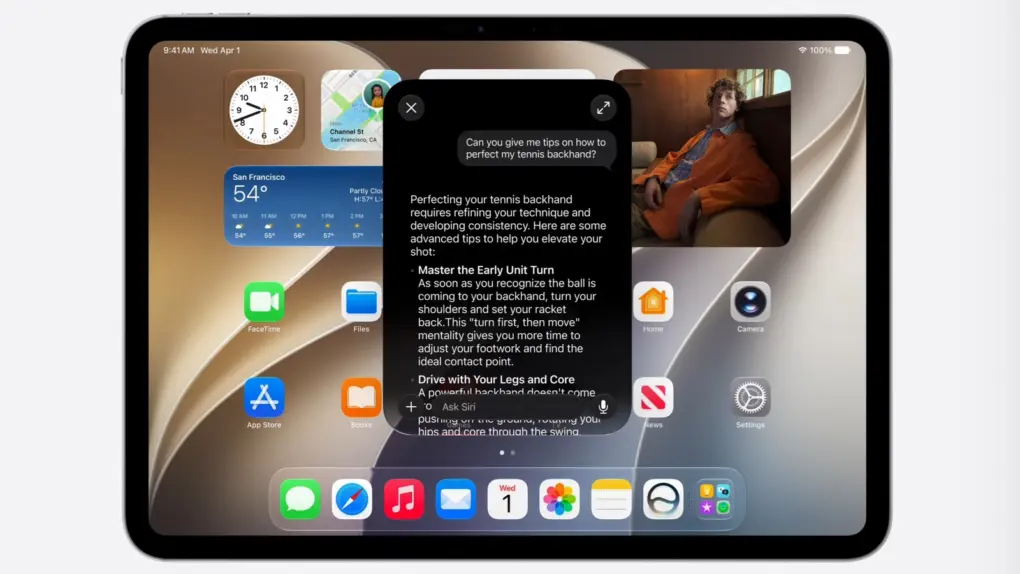
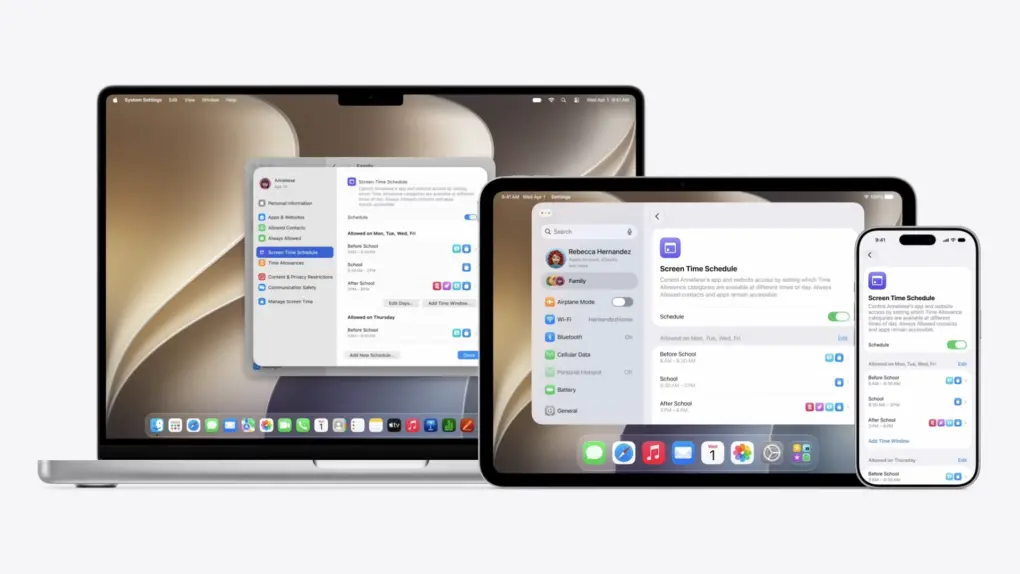
 Refinements to Apple’s divisive Liquid Glass user interface in iOS 27, iPadOS 27 and macOS 27 address many of the quirks that made some people despise the glossy new UI over the past year.
Apple straightforwardly addressed users’ concerns during Monday’s WWDC26 keynote. And Shubham Kedia, Apple’s human interface design director, said Apple updated “the foundations of how Liquid Glass is built” for this year’s new operating systems.
“Last year, we introduced our most ambitious cross-platform design update ever with Liquid Glass, which made apps and experiences even more expressive and delightful,” said Kedia. “Like with all major design updates, there’s a natural process where we take a bold leap forward and then we continue to iterate.”
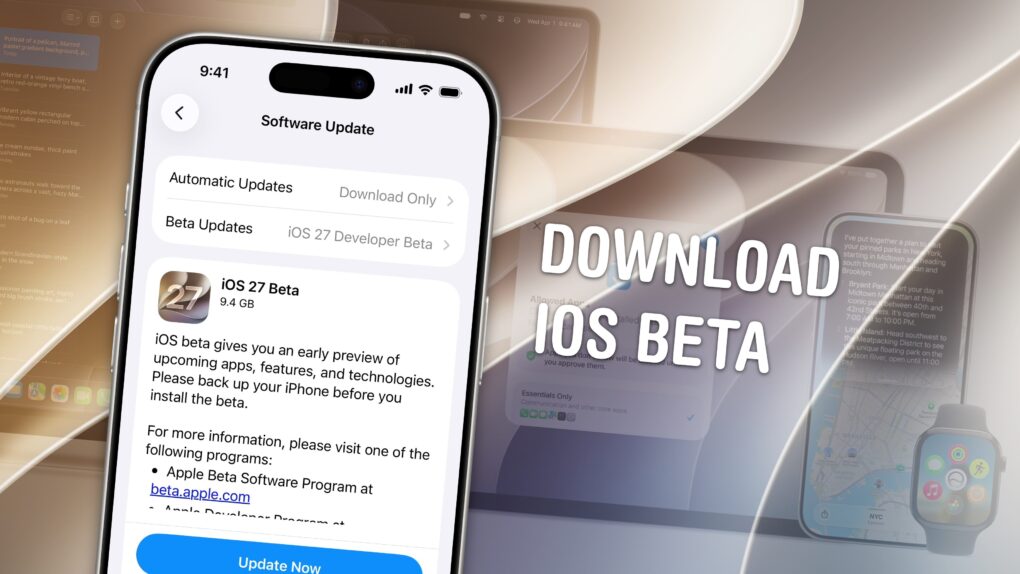
Will the changes to Liquid Glass satisfy users who dislike the current state of affairs? The first developer betas are out, and early reactions seem mostly positive. Here are the biggest changes coming to Apple’s design language this year.

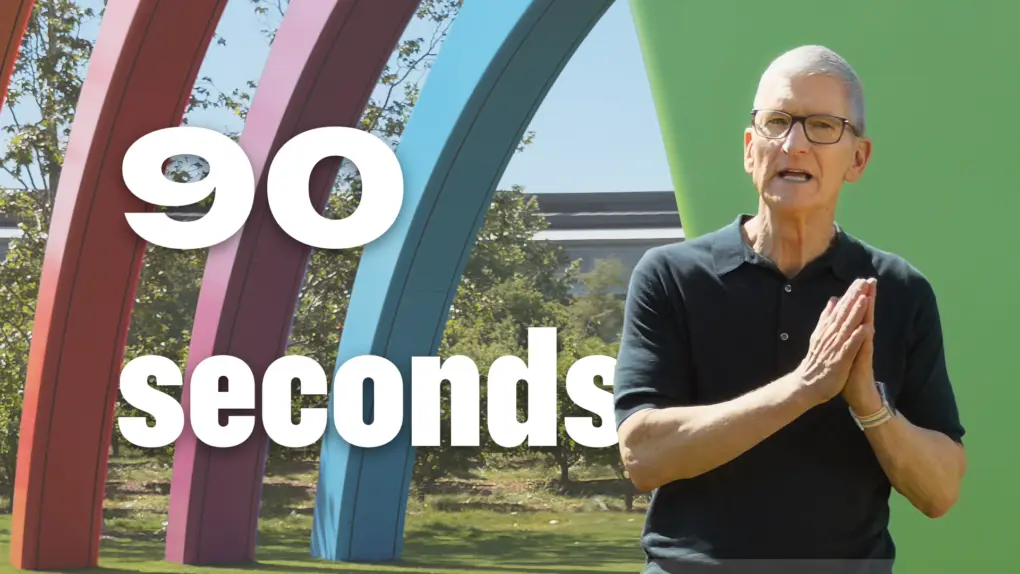

 June 9, 2002: Apple launches its “Switch” advertising campaign, featuring real people talking about their reasons for switching from PCs to Macs. Apple’s biggest marketing effort since the “Think different” ad campaign a few years earlier, one “Switch” ad in particular turns a 15-year-old high-school student named Ellen Feiss into an unlikely star.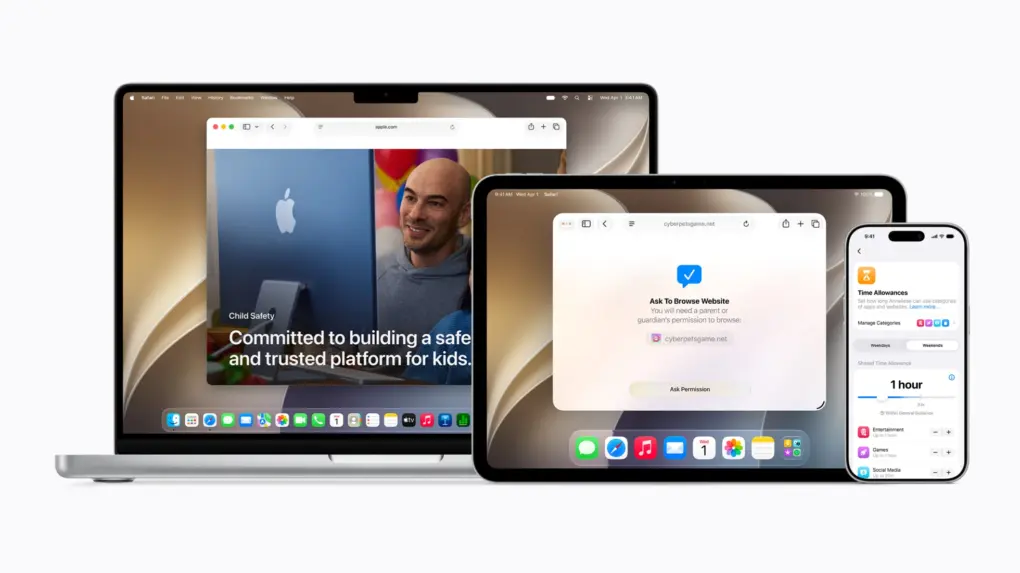
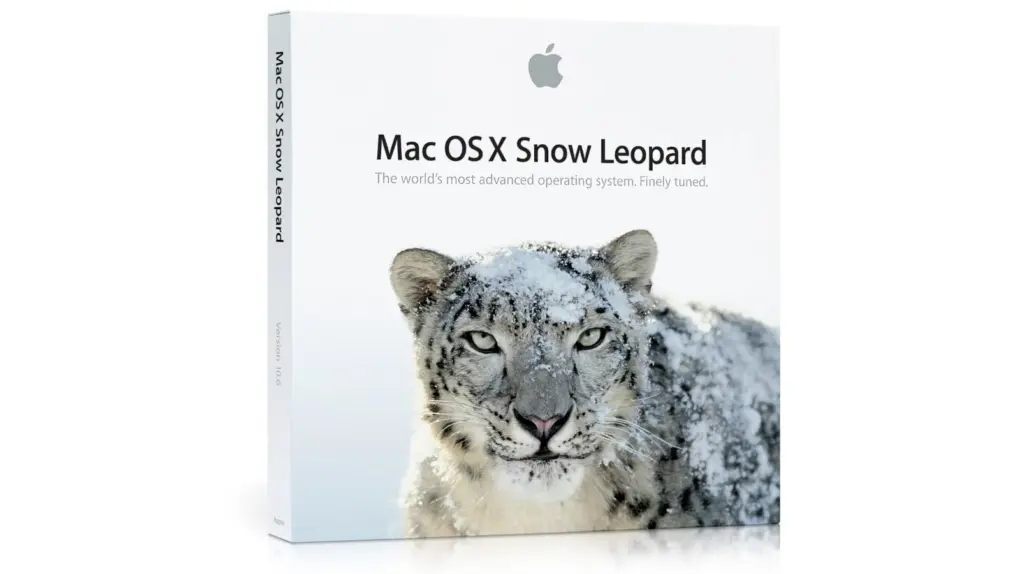
 June 8, 2009: Apple introduces OS X Snow Leopard, a version of its Mac operating system that ranks among the company’s finest desktop updates.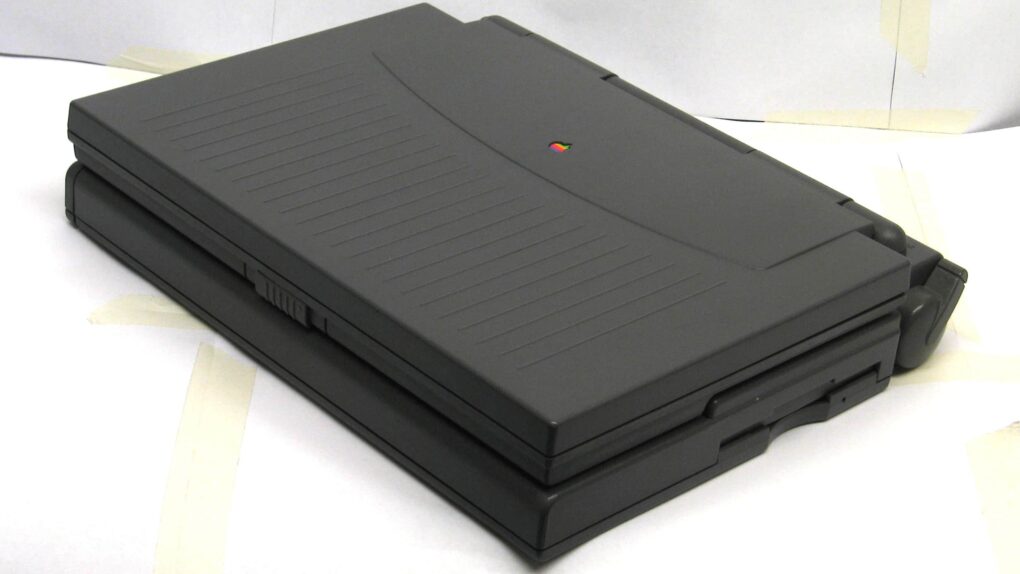
 June 7, 1993: Apple debuts the PowerBook 180c, a solid upgrade that brings a world of dazzling colors to the company’s laptop line.

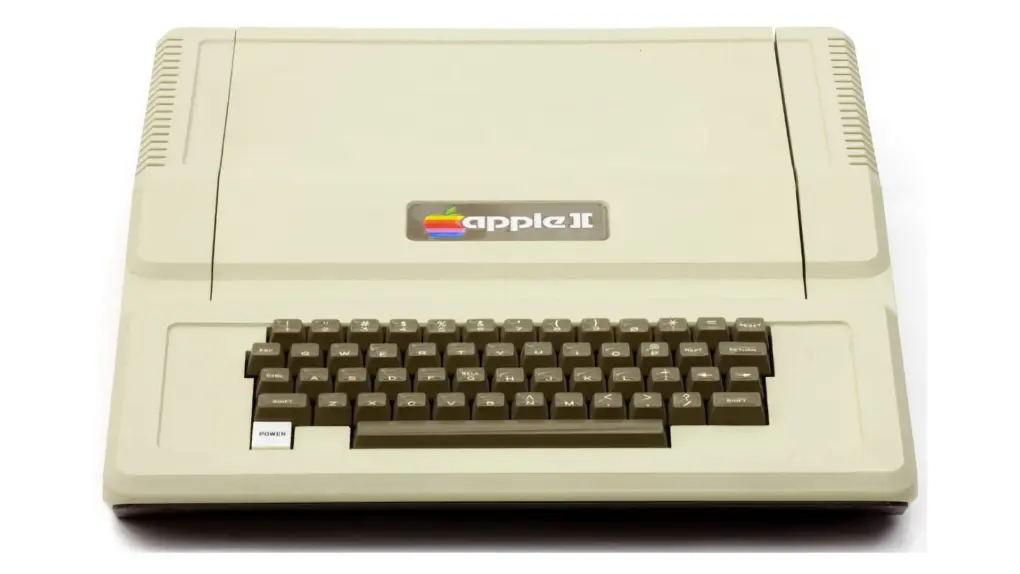
 June 5, 1977: The first
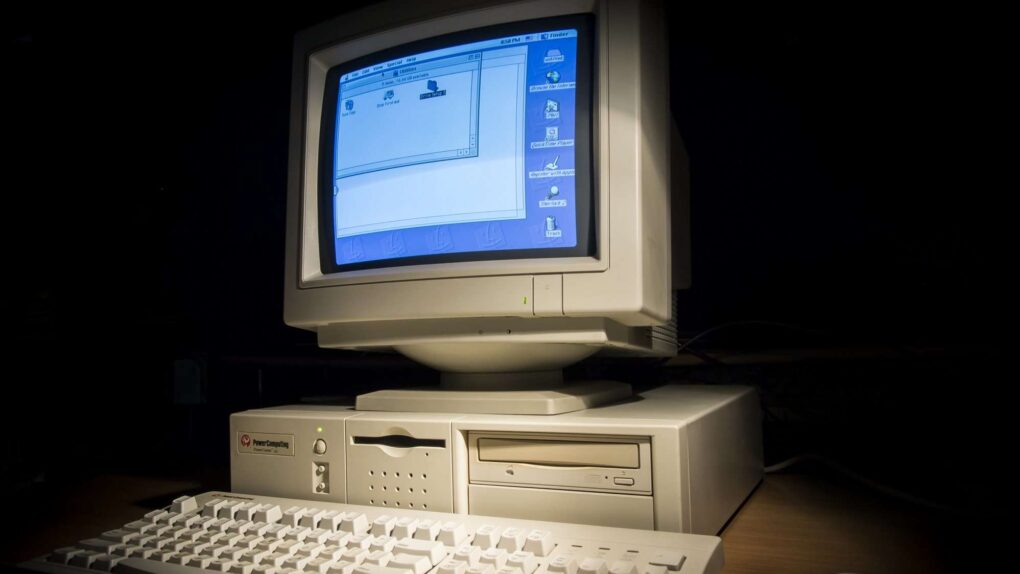
 June 4, 1997: Mac clone-maker Power Computing hits its high point as the company’s top exec reaches an agreement with Apple concerning the forthcoming

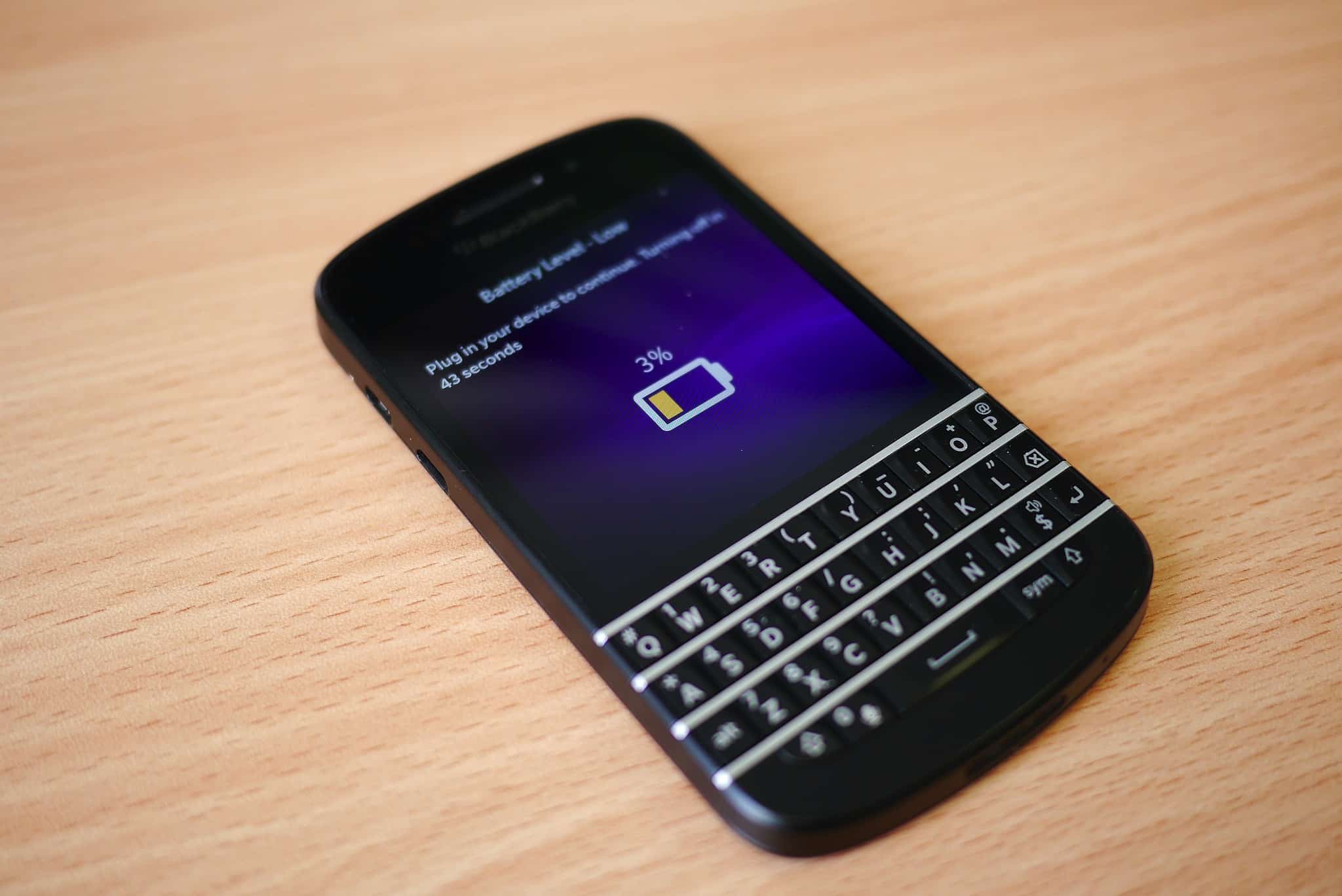
 June 3, 2011: iOS overtakes Research in Motion’s BlackBerry operating system for the first time, with Apple’s mobile operating system inching past BlackBerry OS.