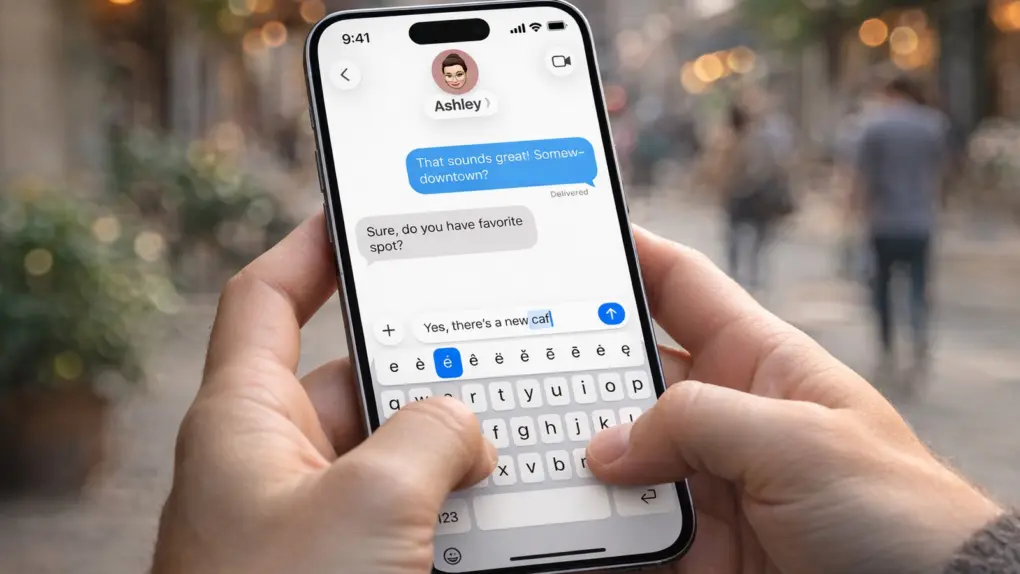
Apple’s iOS 26.4 update includes a small line in its release notes that is drawing outsized attention. It promises “improved keyboard accuracy when typing quickly.”
While that might sound like a routine tweak, it appears to address a typing problem that has frustrated iPhone users for months.
iPhone typing problem draws so much criticism
One doesn’t need to work hard to find complaints on social media about typing problems with iPhone.
“What has happened to the Apple iPhone keyboard, it’s become garbage,” says one X post.
“What the ___ did Apple do to the iPhone keyboard because I genuinely feel like I’m losing my mind typing these days,” says another.
Complaints from iPhone users describe tapping a key, seeing the correct pop-up animation of that letter, but the character never actually appears in the text field. The problem generally crops up when typing quickly.
It’s been frustrating because missed keystrokes disrupt typing rhythm, especially in messaging and social media posts. It’s a persistent problem that erodes confidence in the whole iPhone.
The fix is in iOS 26.4
The release notes for iOS 26.4 just promise “improved keyboard accuracy when typing quickly,” without any additional details. But it certainly seems to be a fix for the iPhone typing problem so many users complained about.
During preliminary tests by Cult of Mac using the iOS 26.4 release candidate, the typing problem did not occur. Which means that iPhone users should circle March 25 on their calendar. That’s the most likely iOS 26.4 release date.
The fix should return typing on an iPhone to normal again.
More complex than you might think
iPhone users might feel less frustrated with the bug if they understand that typing in iOS is no longer a simple “tap equals character” process.
Instead, each keystroke passes through multiple layers, including touch handling, keyboard processing, predictive text and insertion into the app’s text field. If timing slips between those stages — particularly when typing quickly — the result can be exactly what so many iPhone users reported: taps that register visually but don’t go anywhere.

Ed Hardy has been writing full-time about tech for 25 years, and using it for much longer than that. His intro to Apple was a Macintosh SE/30 (which he still has), but now he uses a 13-inch iPad Pro as his primary computer.
That’s because he’s a “tablet first” type of guy. Rather than use a Macbook, he connects a keyboard case to the iPad. And instead of a desktop Mac, he connects his tablet to a 27-inch display and full-size keyboard. (So don’t try to tell him that everyone has to use a Mac to be productive.)
Before coming to Cult of Mac, Ed wrote for NotebookReview, TabletPCReview and Brighthand, as well as other sites.

