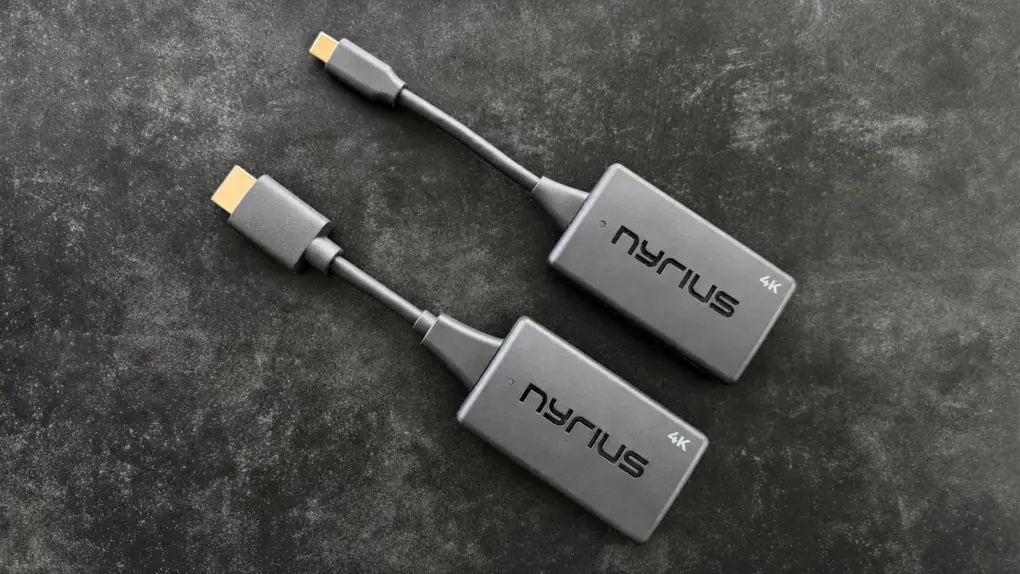
Freeing yourself from HDMI cables doesn’t have to mean giving up 4K. The Nyrius Phoenix Prime 4K30 Wireless HDMI Transmitter and Receiver can take the place of a clumsy cable, and it’s small enough to carry on a business trip or holidays.
Even better, the adapter establishes its own direct wireless connection so it doesn’t need access to a Wi-Fi network. And there’s no software driver needed.
One version plugs into an HDMI port on the source device, but Mac, iPad and iPhone users will likely prefer the USB-C version.
I tested the wireless HDMI video adapter with my TV and a 4K monitor, and it came through brilliantly.
Nyrius Phoenix Prime 4K30 Wireless HDMI Transmitter and Receiver review
You’re in your living room, your MacBook is next to you and your TV is way over there. You could string an HDMI cable between them, but that’s clutter. Plus, there’s the very real possibility that someone will accidentally walk into the cable and yank your precious computer to the ground.
Or you have a beautiful setup and don’t want to muck it up with an ugly HDMI cable.
Or perhaps you need to make presentations for prospective customers, and want a clean, professional-looking booth with no visible cables. Not having to travel with a bulky HDMI cable would be a plus.
The Nyrius Phoenix Prime 4K30 Wireless HDMI Transmitter and Receiver is ready to take on any of these scenarios.
Stream your favorite movies, TV shows, or sports wirelessly from any USB-C source to a TV or projector without requiring inconvenient cables, apps, drivers and Wi-Fi.
- 4K video without a bulky cable
- Wireless but no Wi-Fi needed
- 30 frames per sec. and 90 ms of latency

Table of contents: Nyrius Phoenix Prime 4K30 review
- Much more portable than an HDMI cable
- Simple setup
- 4K@30 performance
- Works for me
- For gamers? Maybe.
- Range exceeds HDMI
- Nyrius Phoenix Prime 4K30 review: Final thoughts
- Pricing
Much more portable than an HDMI cable
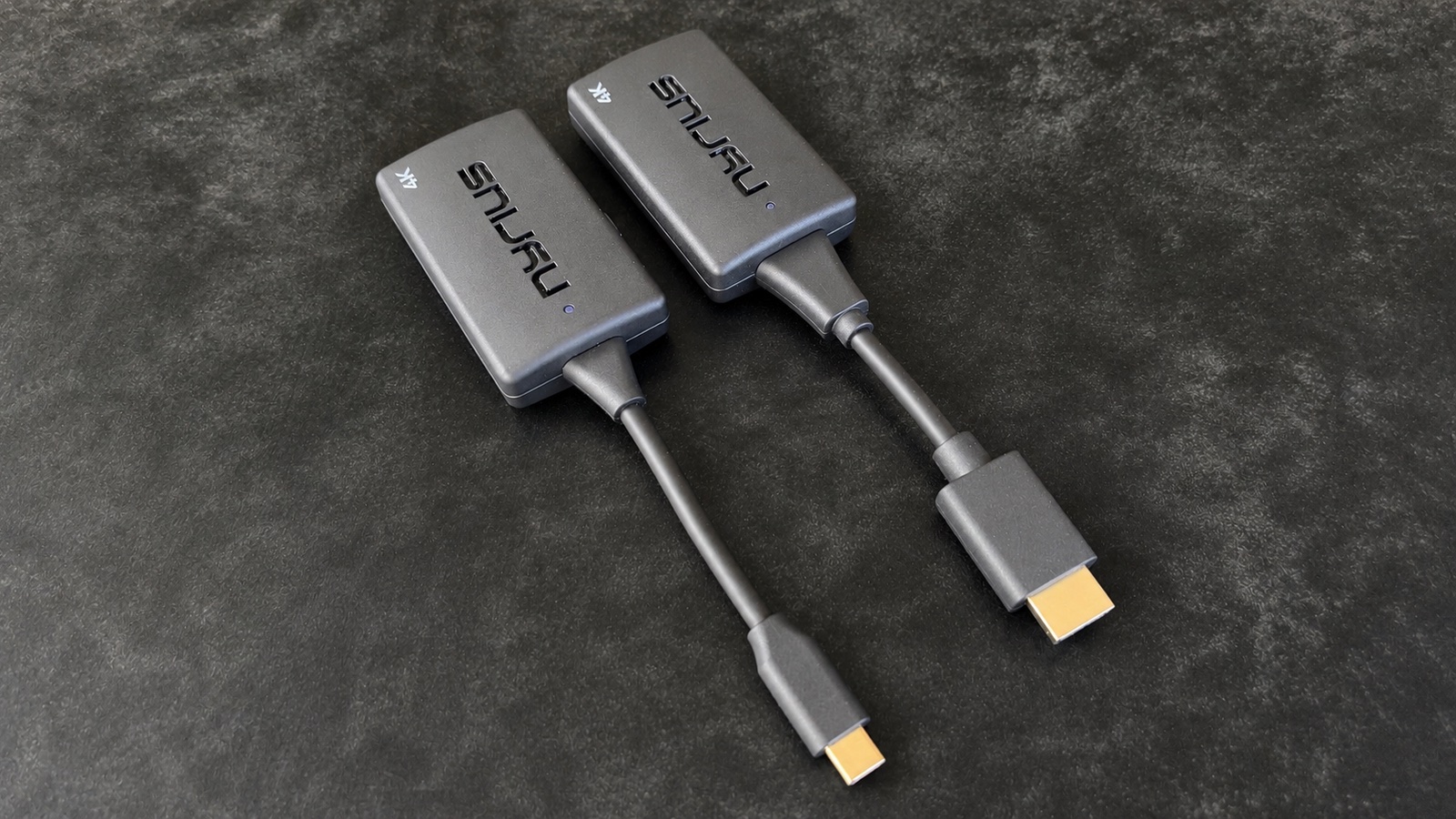
Photo: Ed Hardy/Cult of Mac
The Phoenix Prime 4K30 consists of two relatively compact units: an HDMI transmitter that connects to your video source and an HDMI receiver that plugs into your television or projector.
Each of these measures 6.7 inches by 1.6 inches by 0.7 inches, including the short cable integrated into the design. Each weighs a slight 1.4 ounces.
Together, they go easily into a laptop bag, backpack or purse. That makes them far more portable than an HDMI cable of any useful length.
Simple setup
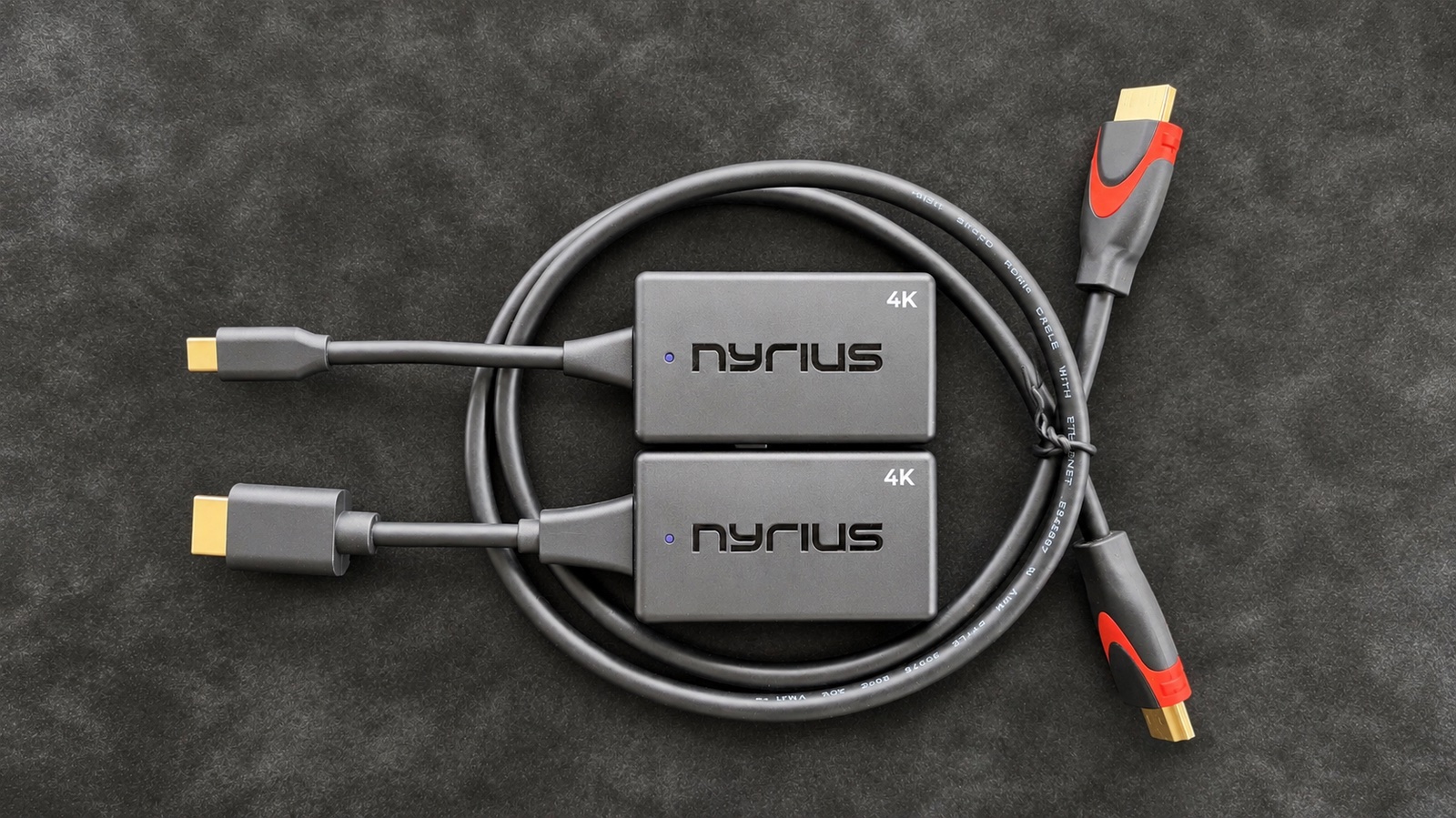
Photo: Ed Hardy/Cult of Mac
Setting up the wireless video transmitter and receiver is about as easy as connecting an HDMI cable. Simply plug the appropriate dongle into your computer and the other into a TV or monitor.
The only wrinkle is that the adapters with HDMI connectors also need a USB connection to power the device. That shouldn’t be a problem — the TV and monitor I tested this accessory with both had the necessary port. The transmitter that uses USB-C doesn’t need a second connection, of course.
There’s no software to install. Any device that can use an HDMI cable can use this wireless adapter.
And no Wi-Fi network needed — the two dongles wirelessly communicate directly. The two components connect automatically and begin streaming video in just a couple of seconds.
As for the USB-C version, it works with Mac, iPad and even iPhone.
4K@30 performance
I’ve been a fan of wireless adapters for years, including earlier models made by Nyrius. But the portable ones I tested topped out at 1080p, and the 4K one I reviewed this spring wasn’t portable.
The new Phoenix Prime 4K30 transmits video at a full 3,840 by 2,160 pixels. And it’s very portable.
The maximum refresh rate is 30 frames per second. Most films and TV shows are 24 fps, so if you’re primarily planning to use the wireless adapter for that, no problem.
But some sports broadcasts are 60 fps, and gamers are surely aware that 30 fps is considered low for AAA games, which can hit 120 fps.
Works for me
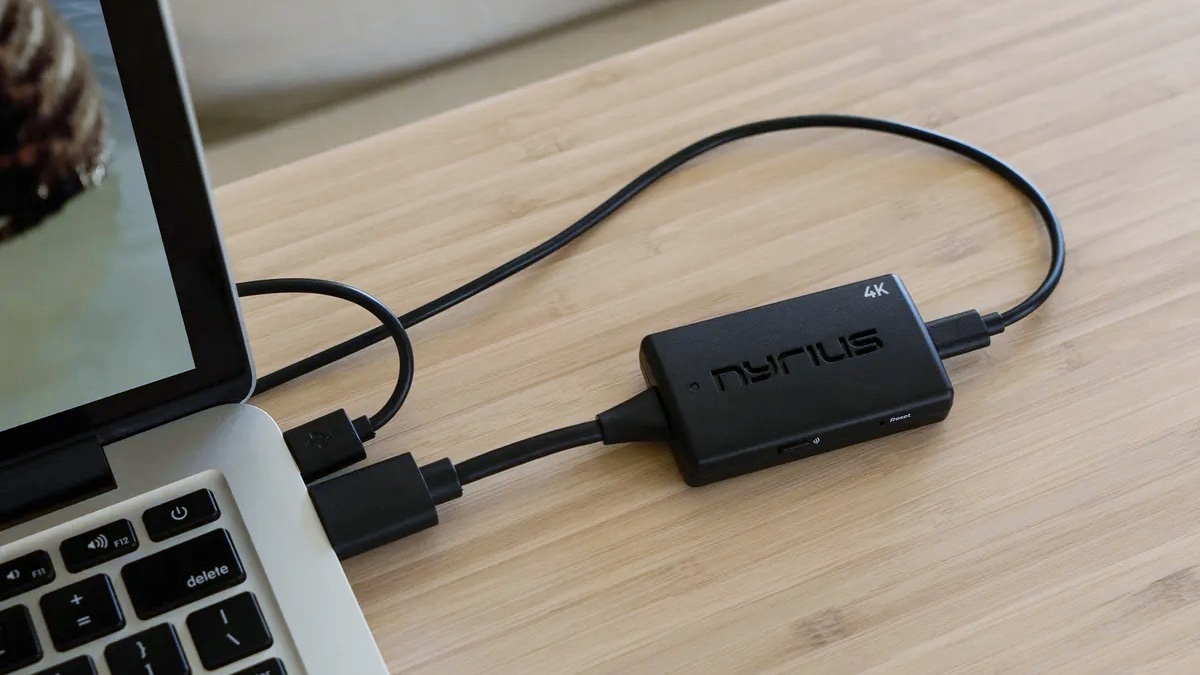
Photo: Nyrius
During my testing of the Nyrius Phoenix Prime 4K30, I was completely satisfied with watching 4K video. There was no skipping or graininess of the picture.
I also included the wireless video transmitter and receiver as part of my work setup for days, and I generally forgot it was there — I didn’t notice a difference in my monitor versus the usual HDMI cable.
That said, my job involves working with text and images, not video. The only time video quality matters is when I’m watching TV. I don’t do video production, but if you do, sticking with an HDMI cable so you can surpass 30 fps seems the wiser option.
As another part of the testing, I connected the Phoenix Prime 4K30 to my iPhone 17 and a large screen, and was soon watching TV shows from my streaming services. The same goes for iPad and Mac, too, but I want to highlight that your phone and the wireless adapter can be a very mobile entertainment center while traveling.
For gamers? Maybe.
I used the wireless adapter for gaming too, and never ran into dropped frames or other problems. But be aware that I’m not a very demanding gamer. I love RPGs, but 30 fps is fine for me. If you love the high refresh rate of your FPS, you won’t be happy.
But more importantly, the Phoenix Prime 4K30 introduces 90ms of latency — that’s roughly a tenth of a second of delay because it must transmit, receive and process compressed video over a wireless connection. For comparison, an HDMI cable’s latency is measured in nanoseconds.
This delay is unlikely to bother someone watching a movie, but it could be more noticeable when gaming. It didn’t really bother me, but I absolutely noticed the slight lag.
Range exceeds HDMI
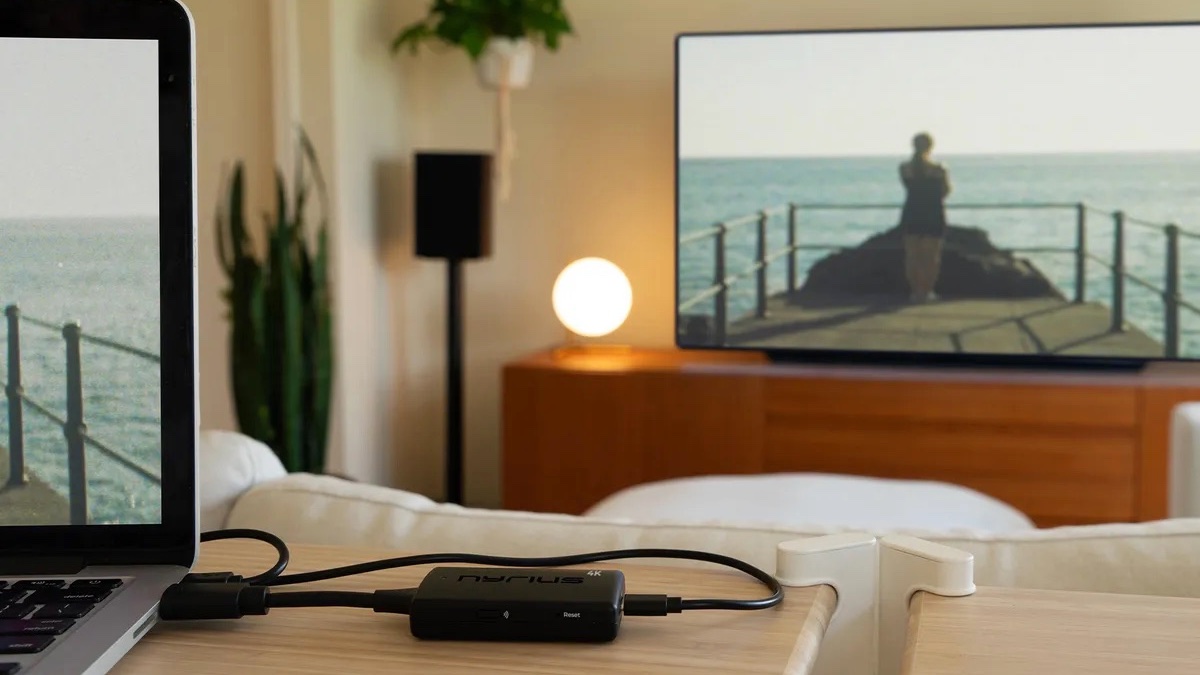
Photo: Nyrius
You might not realize this, but typical HDMI 2.1 (4K@120) cables are only reliable at up to 6 to 10 feet. This wireless adapter can beat that.
Nyrius says the Phoenix Prime 4K30 Wireless HDMI Transmitter and Receiver can connect at up to 50 feet through walls, ceilings and floors. And up to 150 feet in clear line of sight without obstacles.
Based on my testing, that’s overly optimistic, but I get an absolutely solid connection up to about 20 to 25 feet. That’s as far as I can test before the signal has to go through walls and the connection starts dropping frames. To be clear, that’s with the signal passing through my monitor, which some other wireless video adapters struggle with — not this one.
You can get HDMI cables that work over longer distances if you need them — and are willing to pay for them — but you won’t tuck one of those away in your laptop bag the way you will this wireless option.
Nyrius Phoenix Prime 4K30 Wireless HDMI Transmitter and Receiver review: Final thoughts
HDMI cables offer speed and reliability. Connect your Mac to a screen with one, and you know the connection is solid and fast. Too bad cables are bulky and ugly.
This new wireless video adapter from Nyrius is neither one, and it can do the same job as a cable. And at 4K!
The 30 fps limitation is problematic for some users, but not when watching movies or TV shows, most of which use a slower refresh rate.
★★★★☆
Pricing
The Nyrius Phoenix Prime 4K30 Wireless HDMI Transmitter and Receiver is competitively priced, given its high-end feature set.
Stream your favorite movies, TV shows, or sports wirelessly from any USB-C source to a TV or projector without requiring inconvenient cables, apps, drivers and Wi-Fi.
- 4K video without a bulky cable
- Wireless but no Wi-Fi needed
- 30 frames per sec. and 90 ms of latency
Nyrius provided Cult of Mac with a review unit for this article. See our reviews policy, and check out more in-depth reviews of Apple-related items.

Ed Hardy has been writing full-time about tech for 26 years, and using it for much longer than that. His intro to Apple was a Macintosh SE/30 (which he still has), but now he uses a 13-inch iPad Pro as his primary computer.
That’s because he’s a “tablet first” type of guy. Rather than use a Macbook, he connects a keyboard case to the iPad. And instead of a desktop Mac, he connects his tablet to a 27-inch display and full-size keyboard. (So don’t try to tell him that everyone has to use a Mac to be productive.)
Before coming to Cult of Mac, Ed wrote for NotebookReview, TabletPCReview and Brighthand, as well as other sites.